1
Chapter 5
Raritan Serial Console
The standalone Raritan Serial Console (RSC) is used to make direct
connections to a serial target without going through the device. The user
specifies the device address and the port number (target), and is then
connected.
In This Chapter
RSC System Requirements...................................................................152
Installing RSC on Windows ...................................................................157
Installing RSC for Sun Solaris and Linux ..............................................159
Opening RSC from a Remote Console ................................................160
Raritan Serial Console Interface ...........................................................162
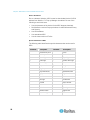
RSC System Requirements
The following requirements must be met to support the Raritan Serial
Console:
•
The RSC will function with JRE version 1.4.2_05 or later (except for
JRE version 1.5.0_02). However, for optimum performance, Raritan
recommends using JRE 1.5.0 (except for version 1.5.0_02).
•
Your system may require configuration adjustments depending on
the operating system and browser. The JRE provides configuration
instructions with the JRE download. Browse to the page at
http://www.java.com/en/download/help/testvm.xml
(http://www.java.com/en/download/help/testvm.xml \o
http://www.java.com/en/download/help/testvm.xml) to determine the
JRE version currently installed on your system. If you do not have a
compatible version of the JRE, go to http://www.java.com
(http://www.java.com) and click the Download Now button.
Note: Raritan does not support JRE version 1.5.0_02 for use with the
RSC.
•
Minimum 1 GHz PC with 512 MB RAM.
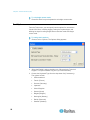
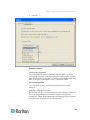
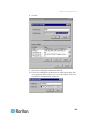
Ensure that Java can be started from the command line. To do this,
environment variables must be configured. Make a note of the exact path
where Java was installed. (The path information will be used later.)
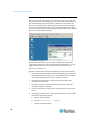
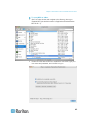
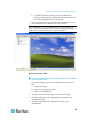
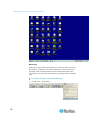
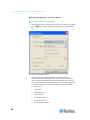
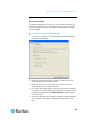
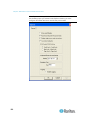
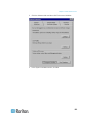
Setting Windows OS Variables
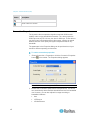
1. Choose Start > Control Panel > System.
152