1
Chapter 3: Multi-Platform Client and Raritan Remote Client
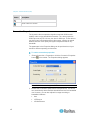
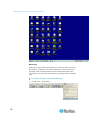
Note: Some Sun background screens, such as screens with very dark
borders, may not center precisely on certain Sun servers. Use a different
background or place a lighter colored icon in the upper left corner of the
page.
Video Settings - Generation 2 Devices
To configure Generation 1 devices:
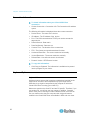
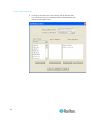
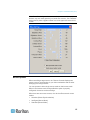
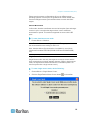
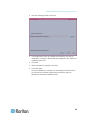
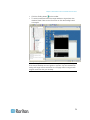
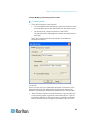
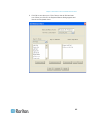
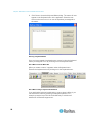
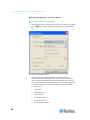
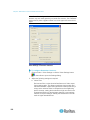
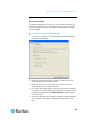
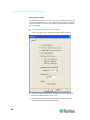
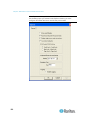
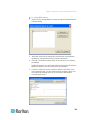
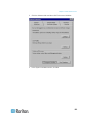
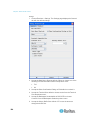
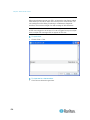
1. Choose Video > Video Settings or click the Video Settings button
in the toolbar to open the Settings dialog.
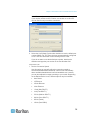
2. Adjust the following settings as required:
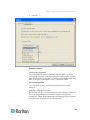
a. Noise Filter
Devices can filter out the electrical interference of video output
from graphics cards. This feature optimizes picture quality and
reduces bandwidth. Higher settings transmit variant pixels only if
a large color variation exists in comparison to the neighboring
pixels. However, setting the threshold too high can result in the
unintentional filtering of desired page changes. Lower settings
transmit most pixel changes. Setting this threshold too low can
result in higher bandwidth use.
116