1
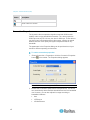
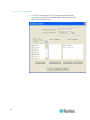
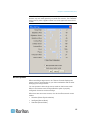
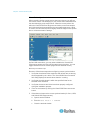
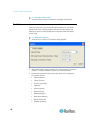
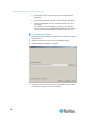
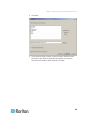
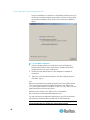
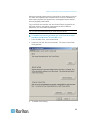
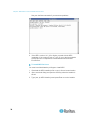
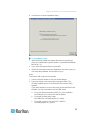
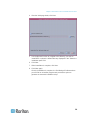
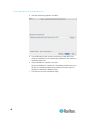
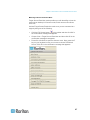
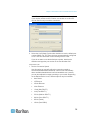
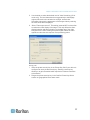
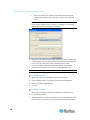
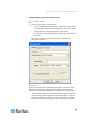
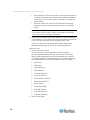
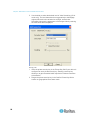
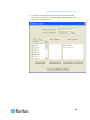
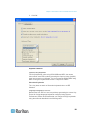
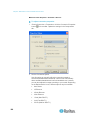
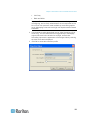
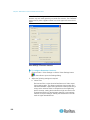
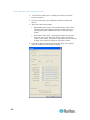
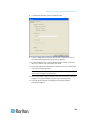
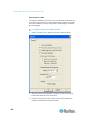
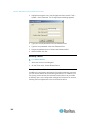
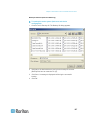
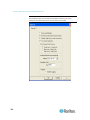
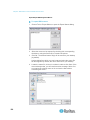
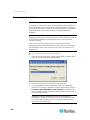
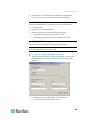
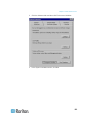
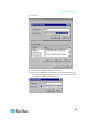
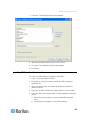
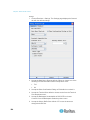
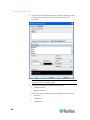
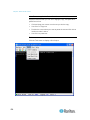
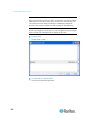
Chapter 5: Raritan Serial Console 5. Click the GUI Font Properties tab and accept the default of Lucida Console or choose a font from the scrolling list of GUI Font Properties. Note: For Simplified Chinese characters, Raritan Serial Console supports EUC-CN encoding system. 6. Choose the following from their drop-down menus: Foreground Color Background Color 7. Choose one of the following from the Encoding drop-down menu: 166 US-ASCII ISO-8859-1 ISO-8859-15