1
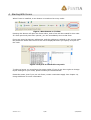
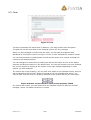
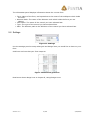
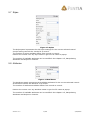
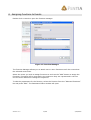
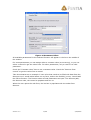
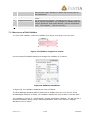
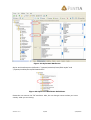
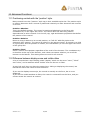
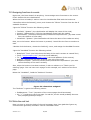
Figure 25 SessionSave attached to OnSave
The SessionSave function saves the values of all controls in session variables. This data
can later be retrieved by SessionRead() or by a special syntax in SendMail() and
SaveToDatabase().
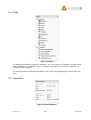
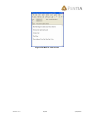
The last sub form is a “thank you for entering data” form, that does nothing but telling
the user that the wizard is finished, and ensuring that the OnSave() event is called on
the second sub form.
10.2.1 Retrieving the session variables with SendMail
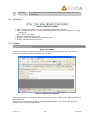
If you use SendMail() or SaveToDatebase() functions, you can retrieve the session
variables by adding a “session:” in front of the control ID.
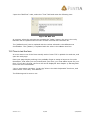
Take this example: In the first subform, I have a field called Field1. This field is saved to
a session variable called Field1. To retrieve the value, write the following in the mail body
or header field:
{session:Field1}
This string will be replaced with the value of the session variable. The syntax is case
sensitive, so be careful that you write “session” in all small caps, and the session variable
correct.
Version: 3.0
21/28
2/24/2005