1
9 Forms Settings
This chapter applies to website administrators or the person responsible of setting up the
forms module.
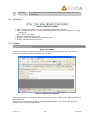
All Forms settings are located under /system/modules/forms.
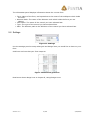
9.1 Defining Design Lines
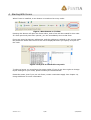
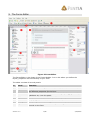
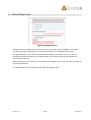
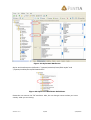
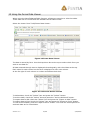
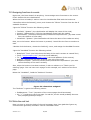
You define design lines under /system/modules/forms/editor settings/design lines:
Figure 20 Design Lines
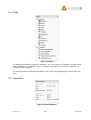
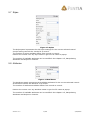
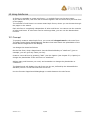
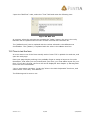
Add new design line settings under “Design Lines”. Add the horizontal and vertical lines
under your design line setting.
9.2 Manipulating Attributes and Styles on Controls
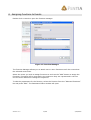
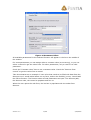
The standard package includes the most common style and attributes settings for each
control. But if you wish, you can add or remove any attribute or setting you may wish.
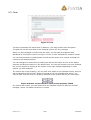
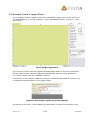
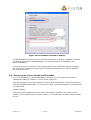
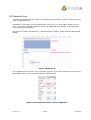
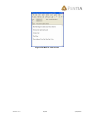
All controls are defined under “/system/modules/forms/field definitions”. Choose a
control and go to the “editable properties” page to manipulate the attributes and styles:
Version: 3.0
17/28
2/24/2005