1
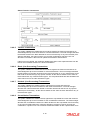
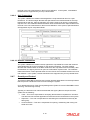
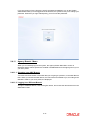
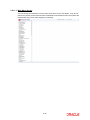
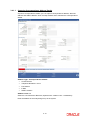
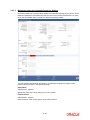
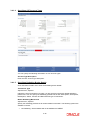
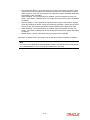
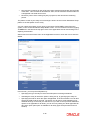
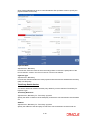
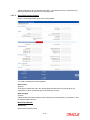
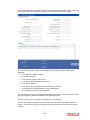
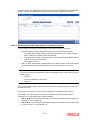
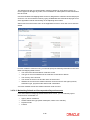
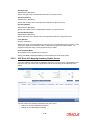
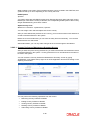
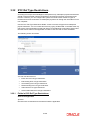
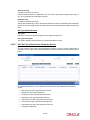
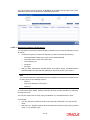
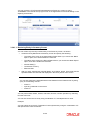
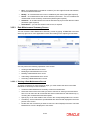
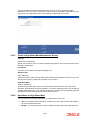
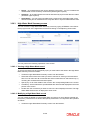
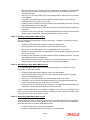
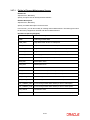
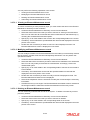
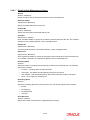
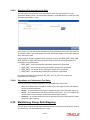
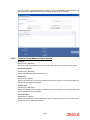
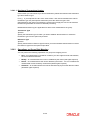
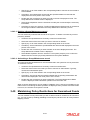
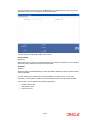
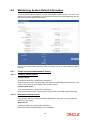
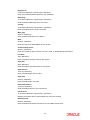
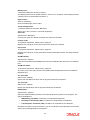
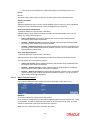
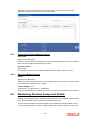
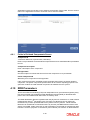
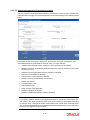
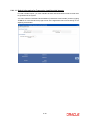
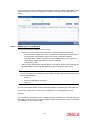
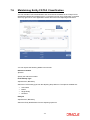
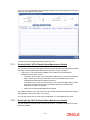
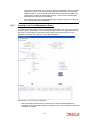
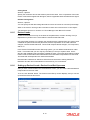
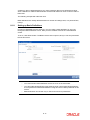
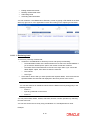
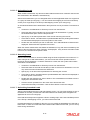
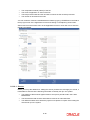
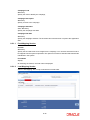
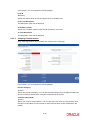
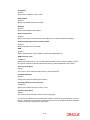
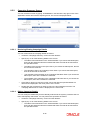
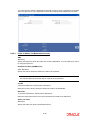
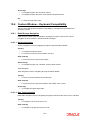
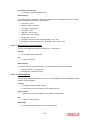
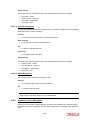
8.1.16.2 Setting up Trailing Fee A trailing fee / management fee is usually computed as a percentage of the holdings of the investor, based on the method of computation specified for the fee. The fee can be set up to apply to the holdings of an investor in: Any individual funds Funds belonging to a load group Funds part of a product or policy / plan portfolio. To set up the trailing fee in the Periodic Load Setup screen, proceed as follows: 8.1.17 To set up the trailing fee for a fund, choose the Fund option in the Fund/Product section in the top right portion of the screen. To set up the trailing fee for a product, choose the Product option. To set up the fee for a load group, select the Group option. To set up the trailing fee for a fund, choose the Fund option in the Fund/Product section in the top right portion of the screen. To set up the trailing fee for a product, choose the Product option. To set up the fee for a load group, select the Group option. Select the ID of the fund, product or group for which you are setting up the trailing fee in the Fund / Product / Group ID field. Any loads that have already been mapped to the selected fund, product or group are displayed with the details in the grid portion in the middle of the screen. Specify the dates that form the period in respect of which the computation of the load must be arrived at, in the Rule Effective Date From and To fields. For funds, specify the load details in the Load and Load Details sections in the lowest part of the screen, and save the record. For products, specify the load details in the Load and Load Details sections. Also, specify the underlying funds or groups for which the load must be applied, and then save the record. Fields in Periodic Load Maintenance Screen 8.1.17.1 Periodic Load Section Fund/Product/Group Mandatory You can use this field to indicate whether the periodic fee is being set up to be applicable for a fund, a product or a group. ISIN Code Specify the ISIN Code for the periodic fee. Fund ID / Product ID / Group ID Alphanumeric, Mandatory Select the fund, product or group that the trailing fee must be associated with, from the dropdown list. When you have selected the fund, product or group, all periodic loads that are already associated to the selected fund, product or group are displayed in the grid portion of the screen. Product Description Display only The system displays description for the specified product based on the details maintained for at ‘Product Fund Maintenance’ level. 8-29