1
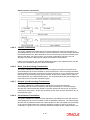
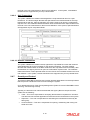
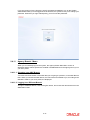
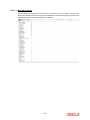
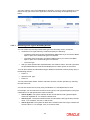
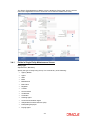
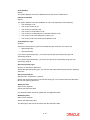
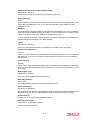
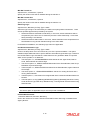
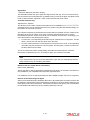
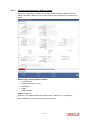
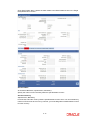
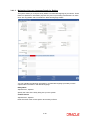
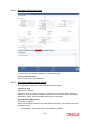
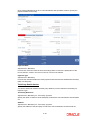
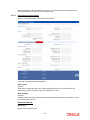
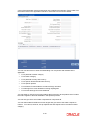
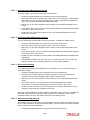
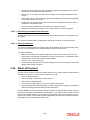
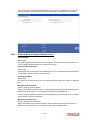
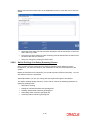
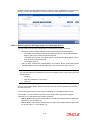
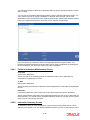
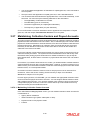
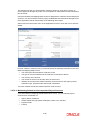
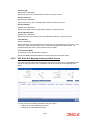
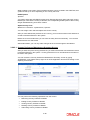
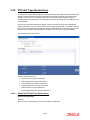
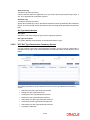
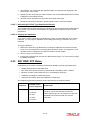
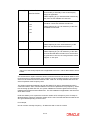
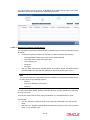
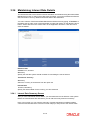
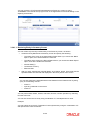
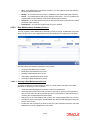
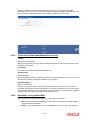
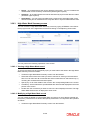
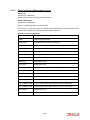
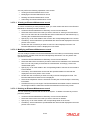
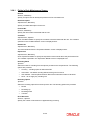
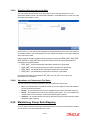
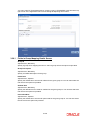
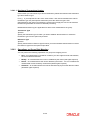
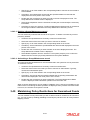
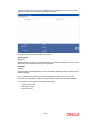
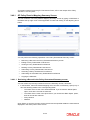
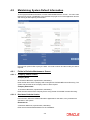
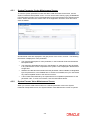
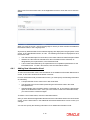
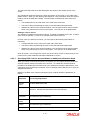
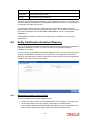
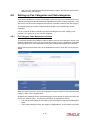
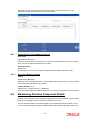
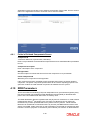
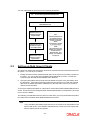
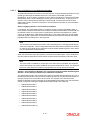
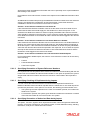
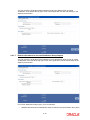
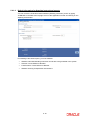
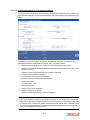
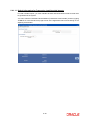
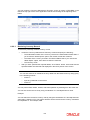
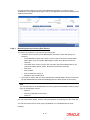
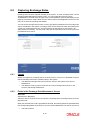
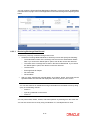
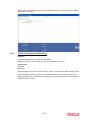
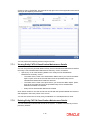
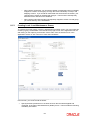
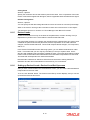
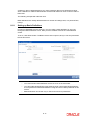
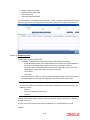
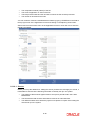
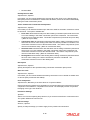
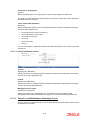
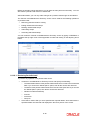
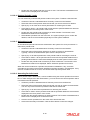
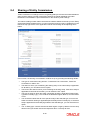
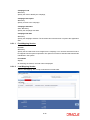
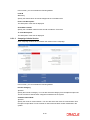
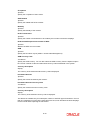
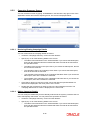
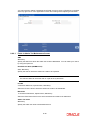
Select ‘New’ from the Actions menu in the Application tool bar or click new icon to enter the details. When you open the screen, choose the language for which you want to define the additional information heads, in the Language field. All previously defined heads for the selected language are displayed in the grid portion of the screen, in the Label Details section, as a list. The following information is displayed for each information head: 4.4.1 The code and description for each label, in the Label Code and Label Description fields. Whether the valid value list maintained for the information head is restricted, as designated by the implementers, in the Restriction field. A list of valid values defined by the implementers as acceptable specifications for the information head. To view a list of these, click the Valid Values button. Adding New Information Head To add a new information head, click the Add link in the Additional Information Maintenance screen. A new row is inserted at the bottom of the list. For each information head you add in this manner, you must specify the following information as mandatory: A unique identifier for the value in the Label Code field. The descriptive text for the label representing the information head in the Label Description field. Indicate whether the information head is a restricted one, by choosing the appropriate option in the Restriction field. Once you have chosen to restrict an information head, you cannot make it unrestricted again. To define a set of valid values, click the Valid Values button. After you have defined the applicable valid values for the information head in the List of Values screen, click the Save button in the Additional Information Maintenance screen to save your changes. You can also specify the following information for an additional information head: 4-12