1
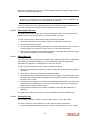
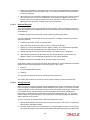
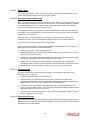
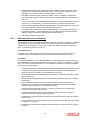
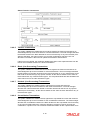
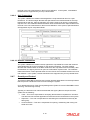
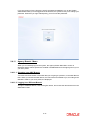
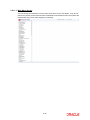
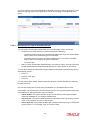
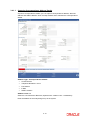
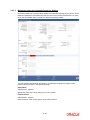
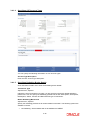
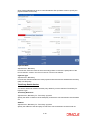
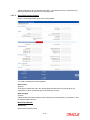
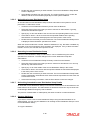
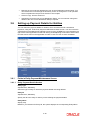
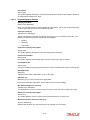
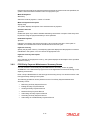
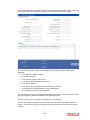
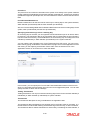
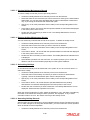
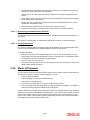
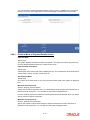
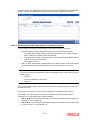
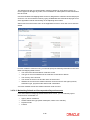
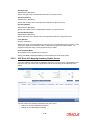
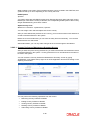
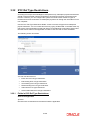
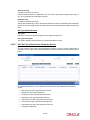
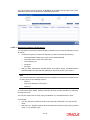
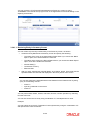
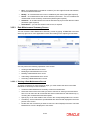
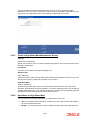
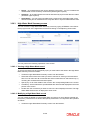
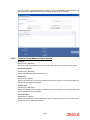
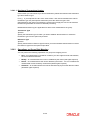
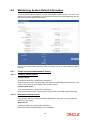
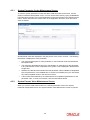
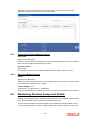
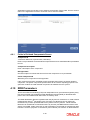
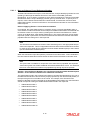
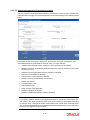
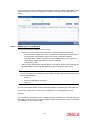
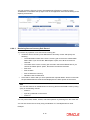
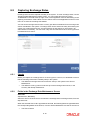
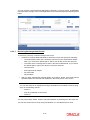
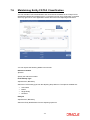
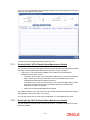
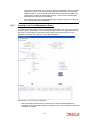
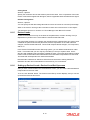
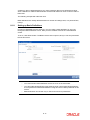
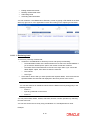
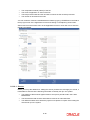
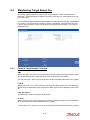
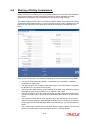
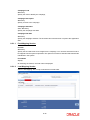
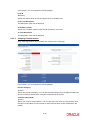
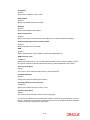
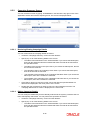
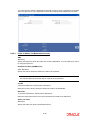
You can invoke the ‘Source Currency Pair Maintenance Summary’ screen by typing ‘UTSSORCE’ in the field at the top right corner of the Application tool bar and clicking on the adjoining arrow button. 6.4.4.1 Retrieving Source Currency Pair Record To perform any operation on a source and currency pair: Invoke the Source Currency Pair Maintenance Summary screen and specify the following : – The authorization status of the source currency pair record in the Authorization Status field. If you choose the “Blank Space” option, then all the records are retrieved. – The status of the source currency pair records in the Record Status field. If you choose the “Blank Space” option, then all the records are retrieved. – Source ID – Source Name – Source Reference Currency – Quotation Units for Reference Click ‘Search’ button after you have specified the required details. All the records with the specified details are retrieved and displayed in the lower portion of the screen. Note You can also retrieve an individual source currency pair from the Detail screen by doing query in the following manner: – Press F7 – Input any parameter in the screen – Press F8 You can perform Edit, Delete, Amend, Authorize operation by selecting from the Action list. You can also search the record by using combination of % and alphanumeric value. Example 6-15