1
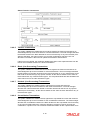
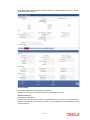
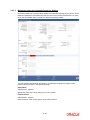
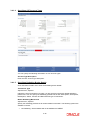
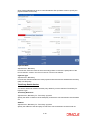
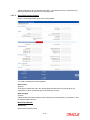
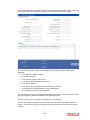
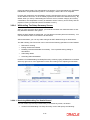
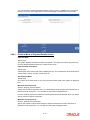
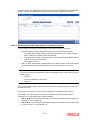
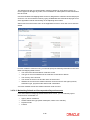
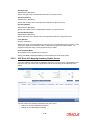
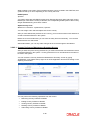
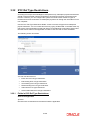
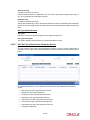
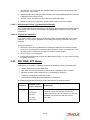
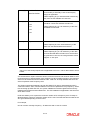
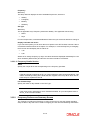
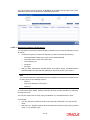
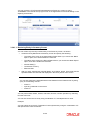
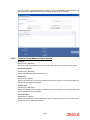
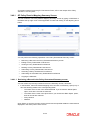
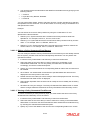
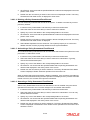
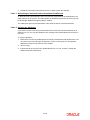
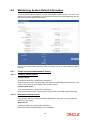
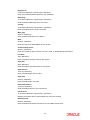
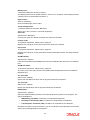
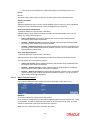
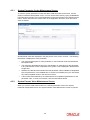
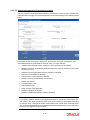
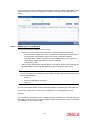
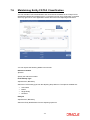
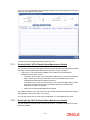
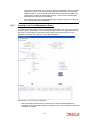
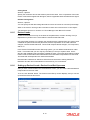
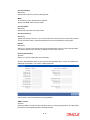
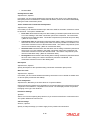
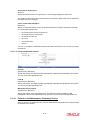
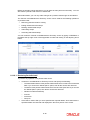
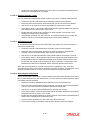
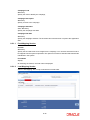
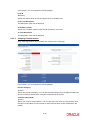
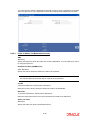
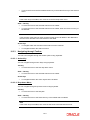
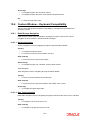
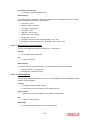
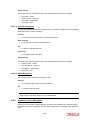
Click ‘Payment Details’ tab in the ‘Income Distribution Set Up Detail’ screen to specify the
payment details for the entity.
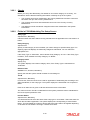
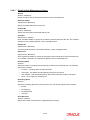
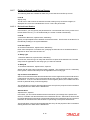
Payment Mode
Alphanumeric, Mandatory
From the list, select the mode in which the entity prefers to receive the paid portion of the
income earned – either in the form of a check or an account transfer.
Payment Type
Alphanumeric, Mandatory
From the list, indicate whether the check payment instrument must be addressed to the entity
(self) or a third party.
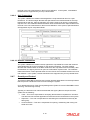
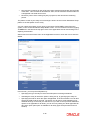
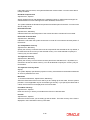
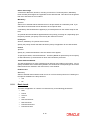
Third Party Details Section
You will be allowed to maintain the third party details if you have selected ‘Third Party’ for
Payment Type.
Third Party Reference
Alphanumeric, Mandatory for ‘Third Party’ payment
Specify the name or reference of the third party for which the check instrument must be made
out.
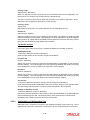
Address
Alphanumeric, Mandatory for ‘Third Party’ payment
Specify the address of the third party for which the check instrument must be made out.
3-30