1
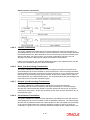
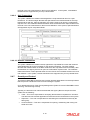
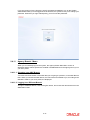
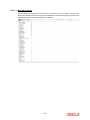
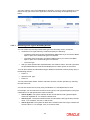
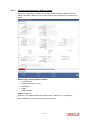
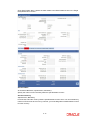
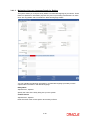
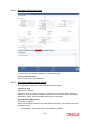
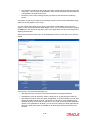
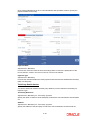
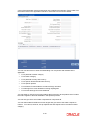
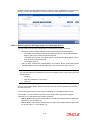
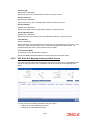
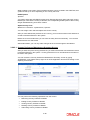
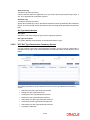
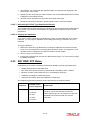
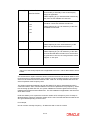
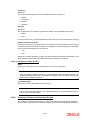
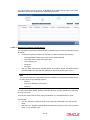
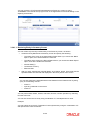
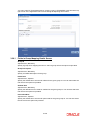
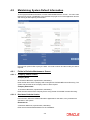
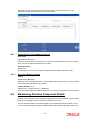
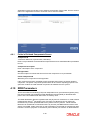
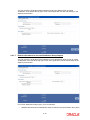
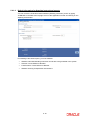
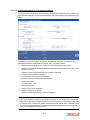
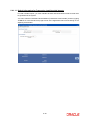
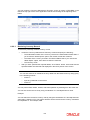
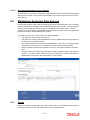
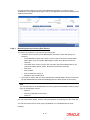
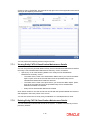
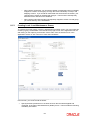
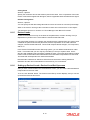
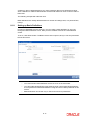
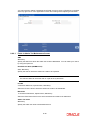
Note You can also retrieve an individual currency cutoff record from the Detail screen by doing query in the following manner:– Press F7 – Input any parameter in the screen – Press F8 You can perform Edit, Delete, Amend, Authorize operation by selecting from the Action list. You can also search the record by using combination of % and alphanumeric value. You can search the record for Currency Code by using the combination of % and alphanumeric value. Search by Z%:- System will fetch all the records whose Currency Code starts from Alphabet ‘Z’. For example, ZAR 6.6.4.2 Editing Currency Cutoff Time You can modify the cutoff time for a currency that you have already entered into the system, provided it has not been authorized. You can perform this operation as follows: 6.6.4.3 Invoke the Currency Cutoff Summary screen from the Browser. Select the authorization status of the currency cutoff records that you want to retrieve for modification in the Authorization Status field. You can only modify the currency cutoff that is unauthorized. Accordingly, choose the Unauthorized option from the drop down list. Specify any or all of the search parameters for retrieving the records. Click ‘Search’ button. All unauthorized records with the specified details are retrieved and displayed in the lower portion of the screen. Double click the record that you want to modify. The Currency Cutoff Detail screen is displayed. Select Unlock Operation from Action list to modify the record. Modify the necessary information. Click Save to save the changes. The Currency Cutoff Detail screen is closed and the changes made are reflected in the Currency Cutoff Summary screen. Viewing Currency Cutoff Times To view the currency cutoff times that you have previously entered: 6.6.4.4 Invoke the Currency Cutoff Summary Screen from the Browser. Select the authorization status of the records that you want to retrieve for viewing in the Authorization Status field. You can also view all records that are either unauthorized or authorized only, by choosing the Unauthorized/ Authorized option. Specify any or all of the search parameters for retrieving the records. Click ‘Search’ button. All the records with the specified details are retrieved and displayed in the lower portion of the screen. Double click the record that you want to view. The Currency Cutoff screen Detail is displayed in view mode. Deleting Currency Cutoff Time Record You can delete only unauthorized records in the system. To delete a currency cutoff time record: 6-26