1
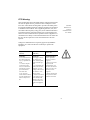
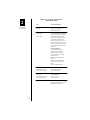
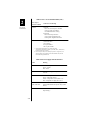
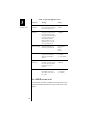
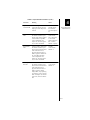
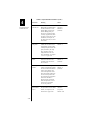
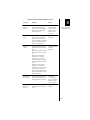
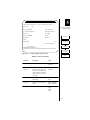
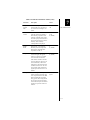
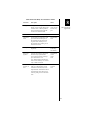
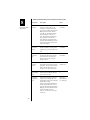
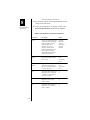
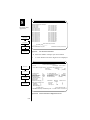
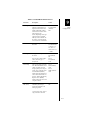
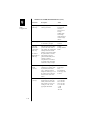
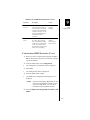
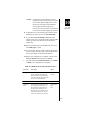
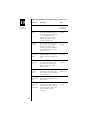
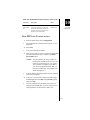
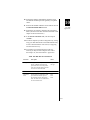
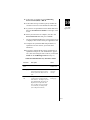
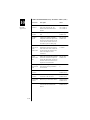
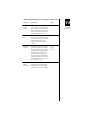
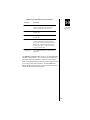
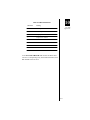
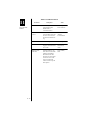
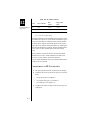
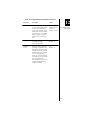
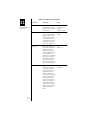
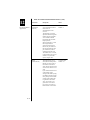
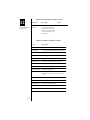
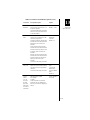
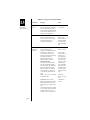
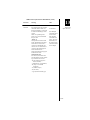
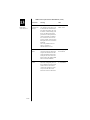
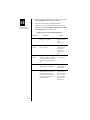
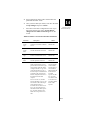
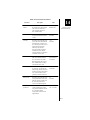
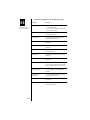
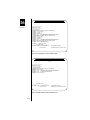
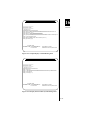
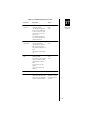
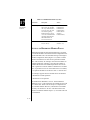
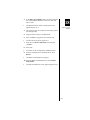
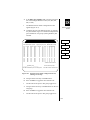
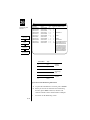
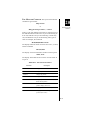
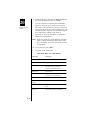
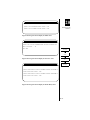
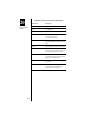
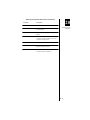
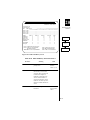
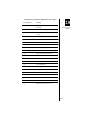
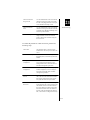
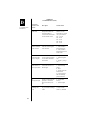
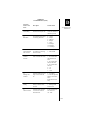
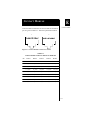
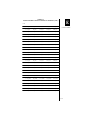
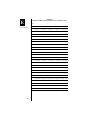
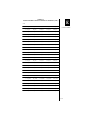
Table 20-24 “Port Down” Diagnostic Codes (cont.)
Port Types/Code
Meaning
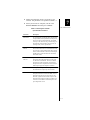
130
User disconnected call (using X.28 Clear
command)
131
User reset call (using X.28 Reset command)
132
Distant device sent X.29 Invitation to Clear
message
133
Distant device sent X.29 Reselect message
134
Reset sent on break (X.3 Parameter 7)
135
Timeout on data inactivity
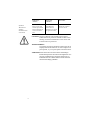
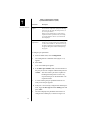
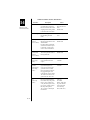
20
Monitoring and
Statistics
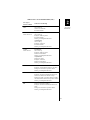
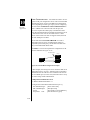
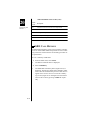
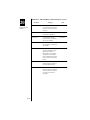
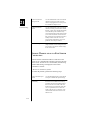
PPP & X.25 & frame relay
144
Data set signals dropped
PPP & X.25
145
Received Disconnect command
146
Received Disconnect mode response
148
Timeout on configuring modem
X.25
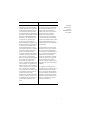
147
N2 retransmissions
152
Link congested
PPP
154
No echo received
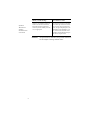
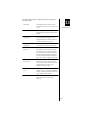
Frame relay
154
No LMI received
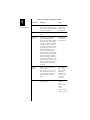
Ethernet
195
Ethernet broadcast not received
20-61