1
10
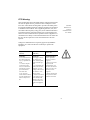
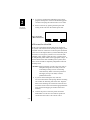
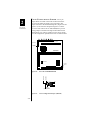
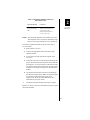
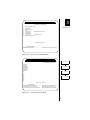
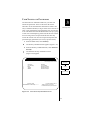
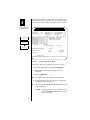
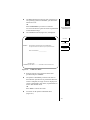
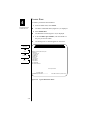
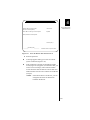
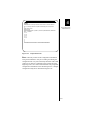
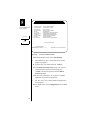
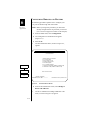
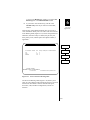
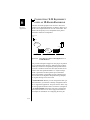
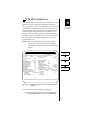
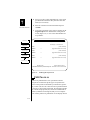
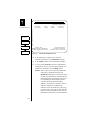
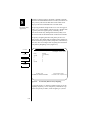
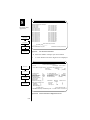
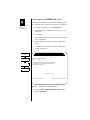
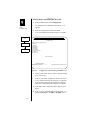
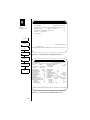
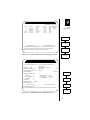
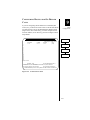
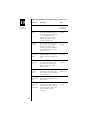
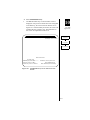
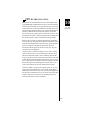
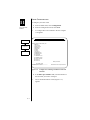
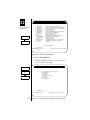
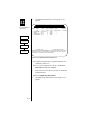
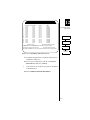
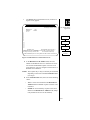
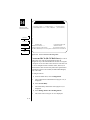
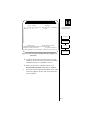
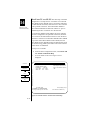
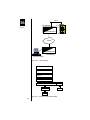
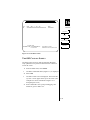
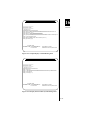
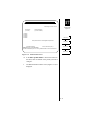
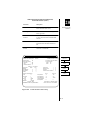
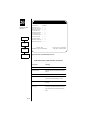
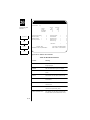
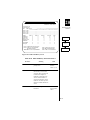
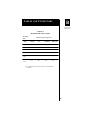
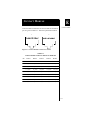
***PPP IP Address Configuration***
Last changed: 6-7-02 11:26:45
The PPP
Application
Base IP Address: 0.0.0.0
Number of Users: 0
(255 Max)
1
Main Menu
Configuration
________[DynaStar_3614]_________
Process selections (Y/N): Y
Use TAB & CURSOR keys to move among fields. Press ESC to abort command & exit
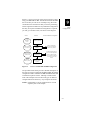
Router
IP Addresses for
PPP
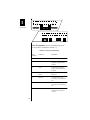
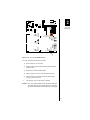
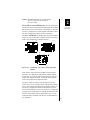
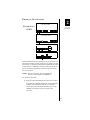
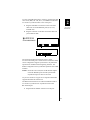
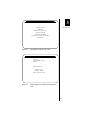
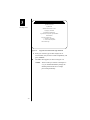
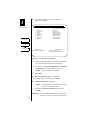
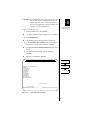
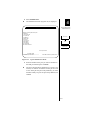
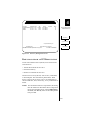
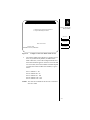
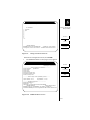
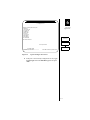
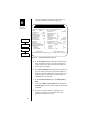
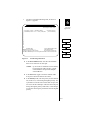
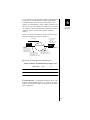
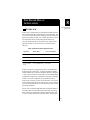
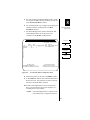
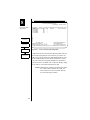
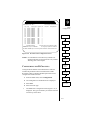
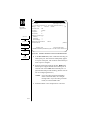
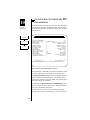
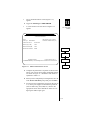
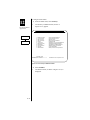
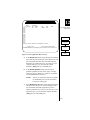
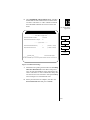
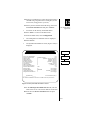
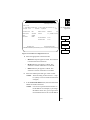
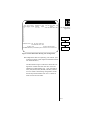
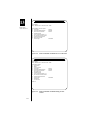
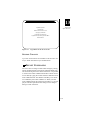
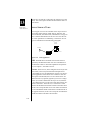
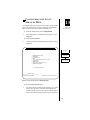
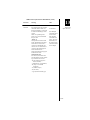
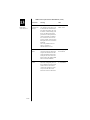
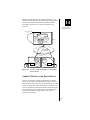
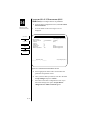
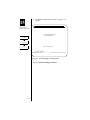
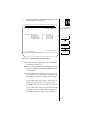
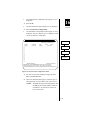
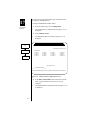
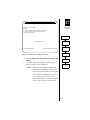
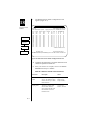
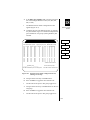
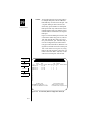
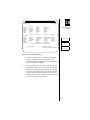
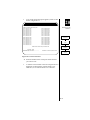
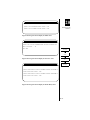
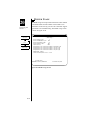
Figure 10-6
PPP IP Address Configuration Screen
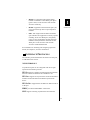
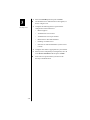
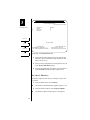
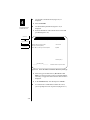
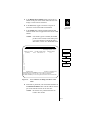
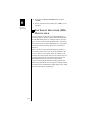
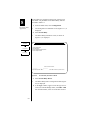
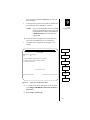
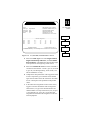
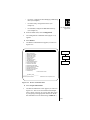
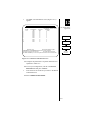
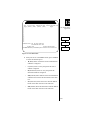
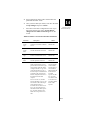
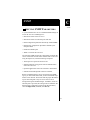
4. Enter the IP address in the Base IP Address field and
enter the number of users allowed to use this address.
If this number is exceeded, additional calls using this
address will be cleared.
5. In the Process selections field, enter Y <return>.
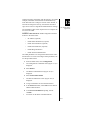
CONFIGURING THE PPP DIAL
DIRECTORY
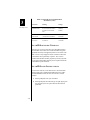
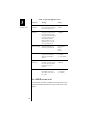
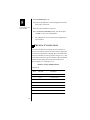
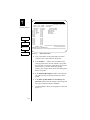
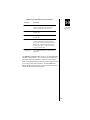
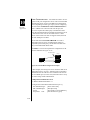
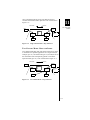
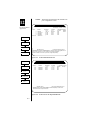
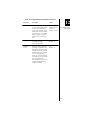
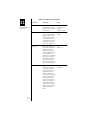
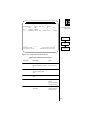
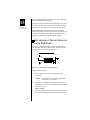
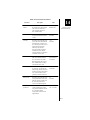
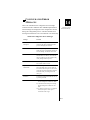
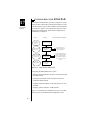
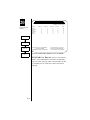
Parameters for dial destinations are configured on the PPP
Dial Directory menu. On this menu, you also assign a location name as an identifier for the destination. This name will
then be displayed on the Dial Directory and Call Control
menus. Before you can configure the dial entries, you must
first have configured a port to handle the PPP protocol, as
explained in the previous section of this chapter.
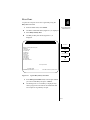
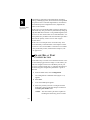
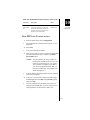
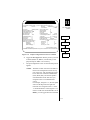
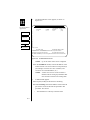
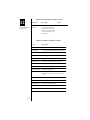
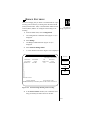
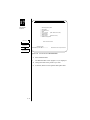
To configure dial directory entries:
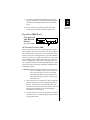
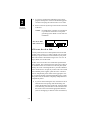
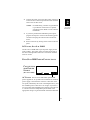
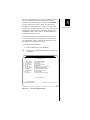
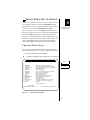
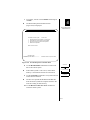
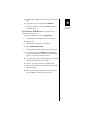
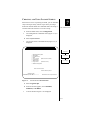
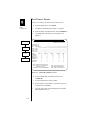
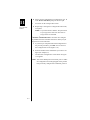
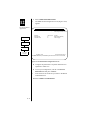
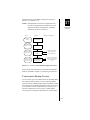
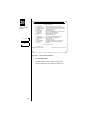
1. From the Main menu, select Configuration.
10-12
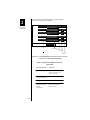
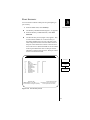
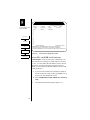
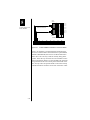
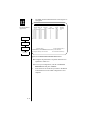
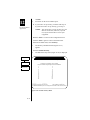
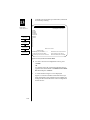
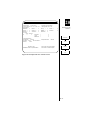
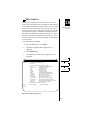
The Configuration Commands menu is displayed.