1
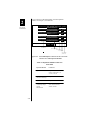
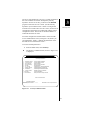
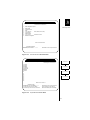
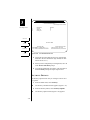
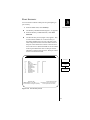
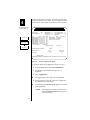
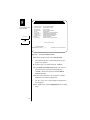
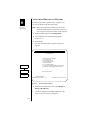
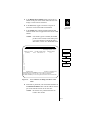
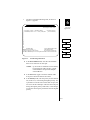
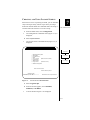
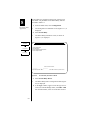
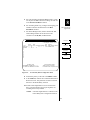
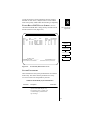
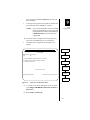
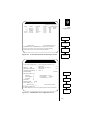
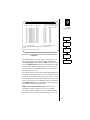
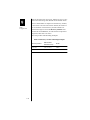
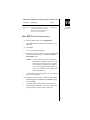
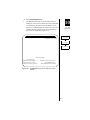
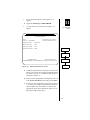
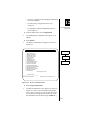
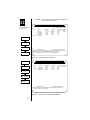
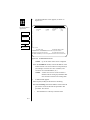
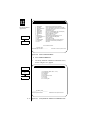
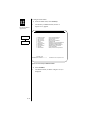
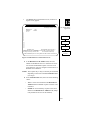
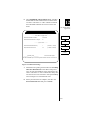
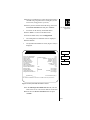
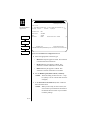
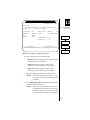
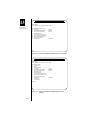
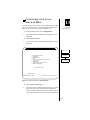
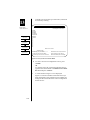
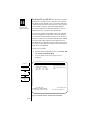
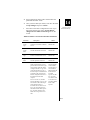
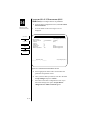
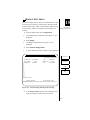
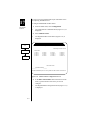
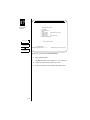
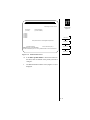
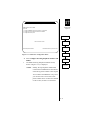
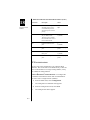
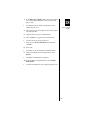
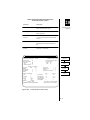
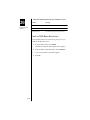
11. When your configuration is complete, enter Y in the
Process selections field and press <return>.
SCADA MULTICAST
19
Utility Features
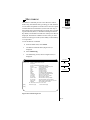
The DYNASTAR has two multicast functions specifically
designed for SCADA applications where a modem multidrop
type of environment is replaced by a digital network
approach. These are the Frame Relay multicast and the
TCP/IP multicast.
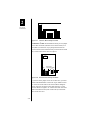
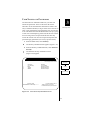
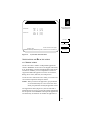
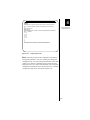
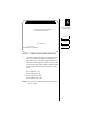
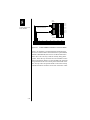
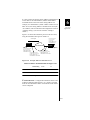
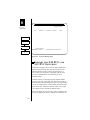
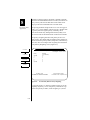
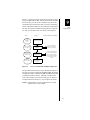
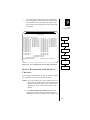
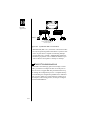
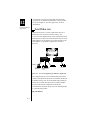
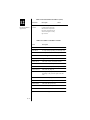
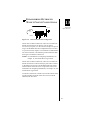
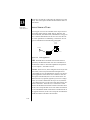
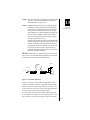
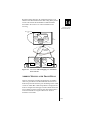
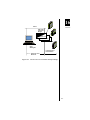
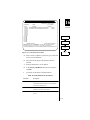
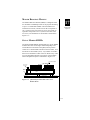
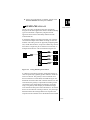
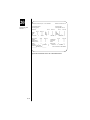
In the analog modem environment, the Host port is directly
connected to multiple remote IEDs via analog circuits and
modems. The analog circuits are physically bridged together
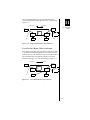
and, via RS-485 interfaces, can provide a multi-drop environment where a single host port is fanned out concurrently to
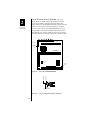
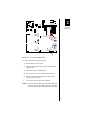
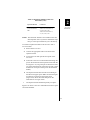
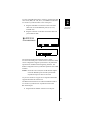
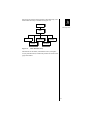
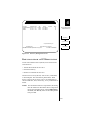
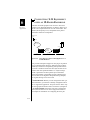
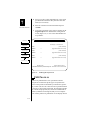
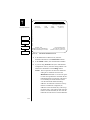
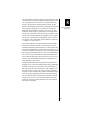
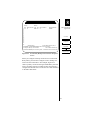
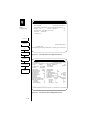
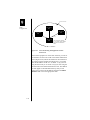
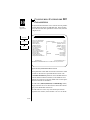
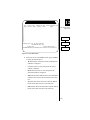
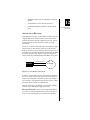
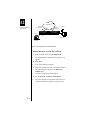
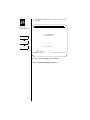
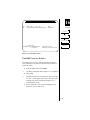
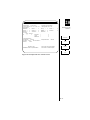
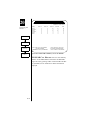
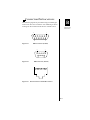
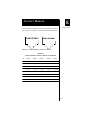
multiple remote devices. This is illustrated in Figure 19-5.
Modem
IED
Modem
Modem
Server
Modem
Modem
IED
IED
IED
Punchdown block
Figure 19-5
Analog Multi-Drop Environment
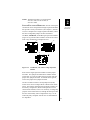
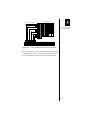
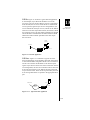
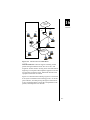
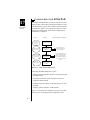
In a digital or networking approach, the bridged analog circuits are replaced by a gateway product that has a serial connection to the host. The gateway is then connected over a
WAN connection to remote IEDs, each IED having its own
dedicated connection rather than a shared connection. In this
environment, the gateway is responsible for making virtual
connections to the remote IEDs (for example, over frame
relay). The gateway must multiply or multicast messages
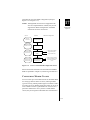
received from the host port to each remote device. All remote
devices receive the host’s message; however, only the single
IED that matches the message address will respond. This
response must be routed back over the multicast network and
19-9