1
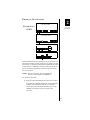
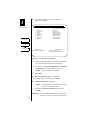
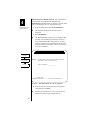
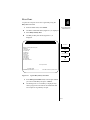
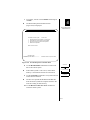
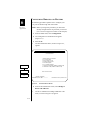
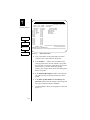
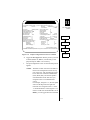
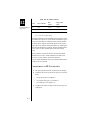
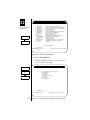
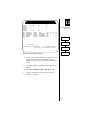
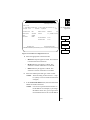
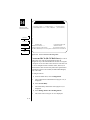
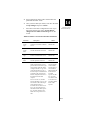
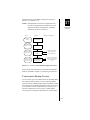
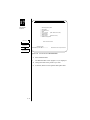
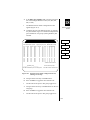
11. When you have completed your changes, move the
cursor to the Process Selections field. Enter Y and
press <return>.
17
EPOS PAD
Software
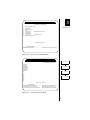
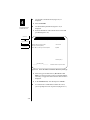
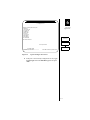
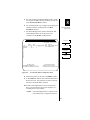
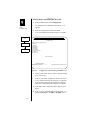
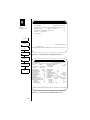
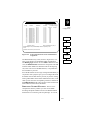
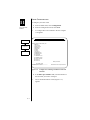
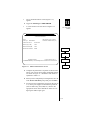
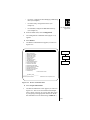
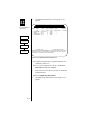
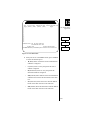
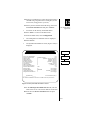
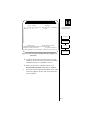
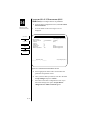
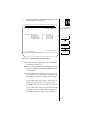
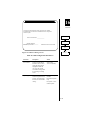
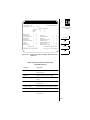
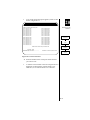
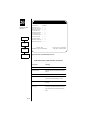
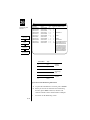
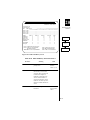
You are returned to the ISDN Incoming Telephone
Numbers menu.
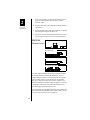
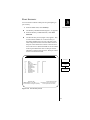
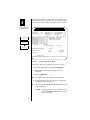
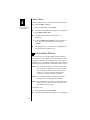
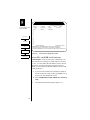
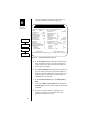
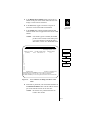
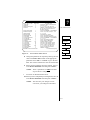
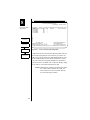
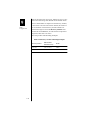
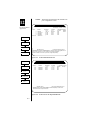
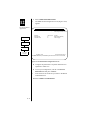
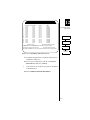
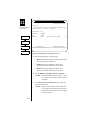
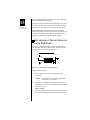
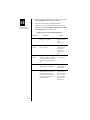
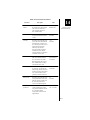
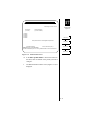
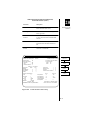
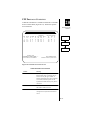
12. Move the cursor to the Class field and toggle to select
the modem class that will be associated with this
incoming phone number. (By default, Class1 is
assigned.)
1
NOTE:
If NONE is selected in the Class field, no
modem is assigned. NONE is intended for
use with digitally-based calls and is not
currently implemented.
NOTE:
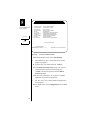
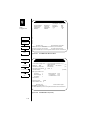
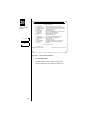
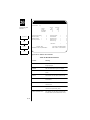
You can view (but not change) a Modem
class configuration from this screen by
entering <CTRL-B>. Press <esc> to return
to the ISDN Incoming Telephone Numbers
screen.
NOTE:
The SPID field does not apply to EPOSPAD configuration.
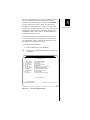
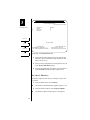
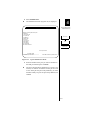
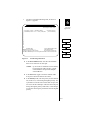
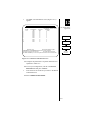
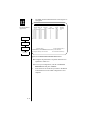
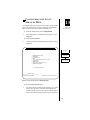
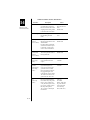
13. When you have configured all phone numbers
required, enter Y at Process Incoming Numbers and
press <return>.
17-20
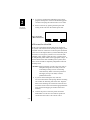
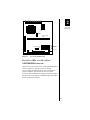
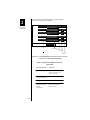
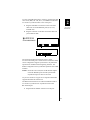
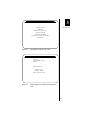
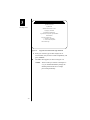
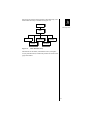
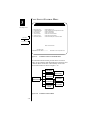
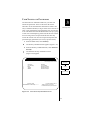
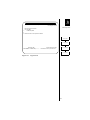
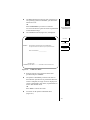
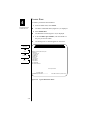
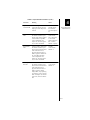
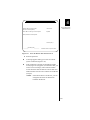
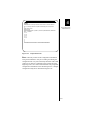
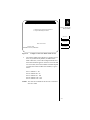
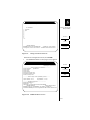
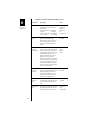
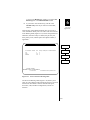
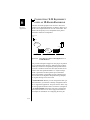
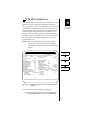
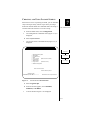
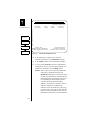
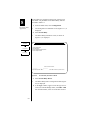
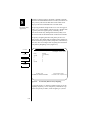
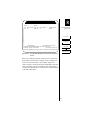
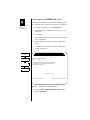
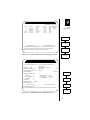
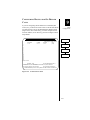
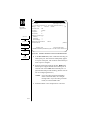
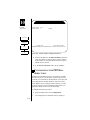
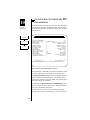
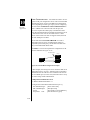
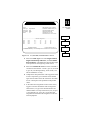
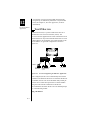
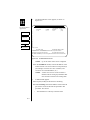
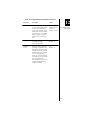
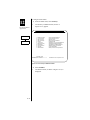
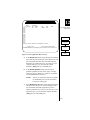
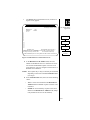
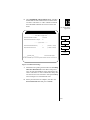
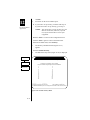
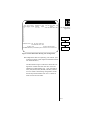
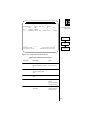
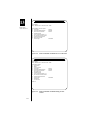
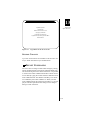
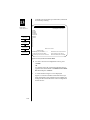
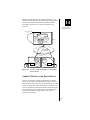
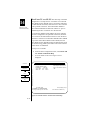
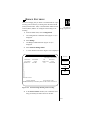
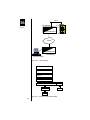
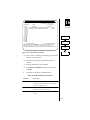
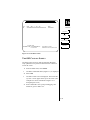
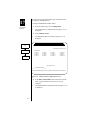
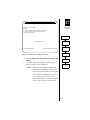
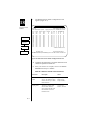
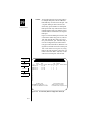
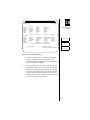
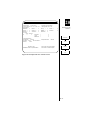
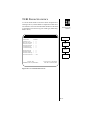
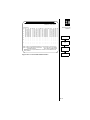
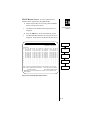
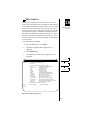
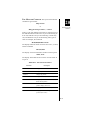
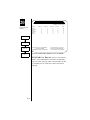
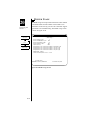
A message screen (Figure 17-14) is displayed, reminding you that each new phone number must be assigned
to a B-channel port.