1
Step 2 Three main categories
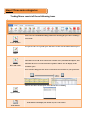
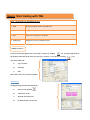
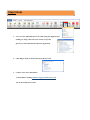
Trading Menu consist of these following Icons
Icon Trade Modules Icon to access to individual trading window for checking the price list or making a
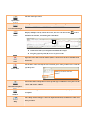
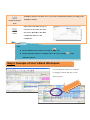
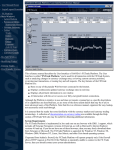
stock trade To open an order of a specific price that is not on the current bid/ask market price Order Price and Trade Open Position Click this icon to add “Price and Trade” window onto your Blank Workplace, this
will allow the user to search the name of product and for it to be display in the
watch list space
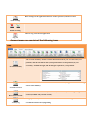
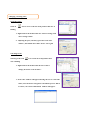
User can also change the List View to Grid View in accordance to your preference
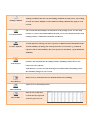
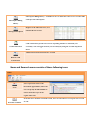
Click to view the Current Open order that the user is holding Trade Blotter will display the details of your recent trades.
Trade Blotter