1
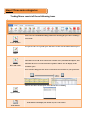
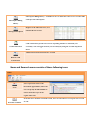
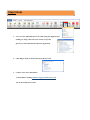
Basic settings on the application interface such as password, and alert sound
Trade Settings
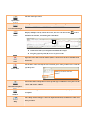
Icon to enable trade or disable trade
Enable Trading
Click to Log out from the application
Log out
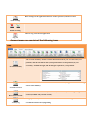
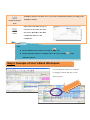
Account menu are consists of the following icons
Icon Account Summary The Account Summary module contains information about your Account value; Net
positions, and the unrealized value (total profit and loss on all positions) of your
account(s), Available margin, and the margin required for your positions.
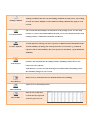
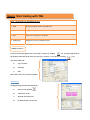
Reset Trial Account View the overview account of the user such as cash balance, margin available for trading,
and account summary.
User can use this button to reset your account; it will restart your trading strategies from
scratch (available only on trial version).
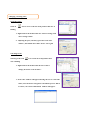
Activity log Bring up the history of events that have occurred in relation to trading such as the time
of confirmed Orders in buying/selling Account Overview