1
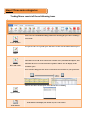
Step 4 Start trading with TNS
Stock – Stock Order are divided into 4 types
1) Limit
Wait to buy/sell the product at specific prices
2) Market
Buying/selling at the market price
3) Stop
Place order on price above the market
4) Trilling Stop
Selling the products by trilling the profit
Sell/Buy Products
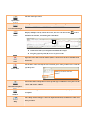
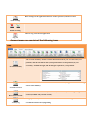
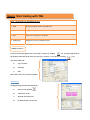
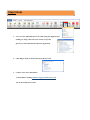
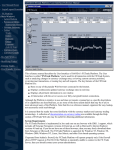
Client can trade through the“Price and Trade” window by clicking
the icon then right click on
the product name that client wants to trade select “Orders”, or by directly selecting
The client will be ask
a)
Type of Order
b)
Duration
c)
Price
Place Order after all area has been filled
Alternatives:
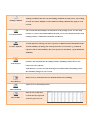
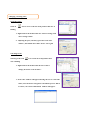
Trading through Stock Trade Module by
a)
Select Trade Modules
b)
Click Stock Trade
c)
Buy/Sell at market price
d)
Or limit the price to buy/sell
icon