1
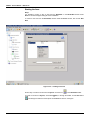
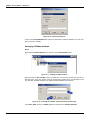
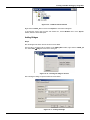
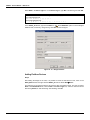
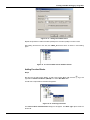
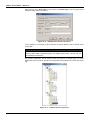
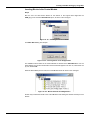
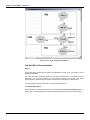
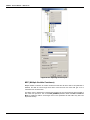
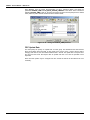
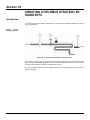
DFI302 – User’s Manual – AUG/14 - D Starting the Area Step 1 It is possible to create, or edit, an area from the Studio302. In the Studio302 interface select Areas. A window will appear listing all areas of database. To create a new area from the Studio302, left-click inside the Areas window, then choose New Area. Figure 16. 2 – Creating a new area Another way to create a new area is from Syscon. Click the icon in the Studio302 toolbar. To create a new area on Syscon, choose File New, or through the toolbar, choose New button . The dialog box shows the areas options. Select Area as shown in next figure: 16.2