1
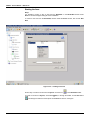
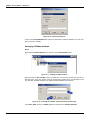
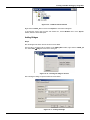
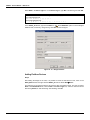
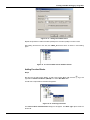
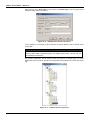
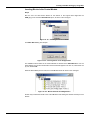
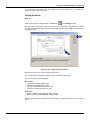
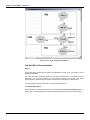
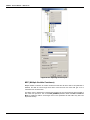
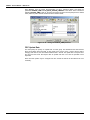
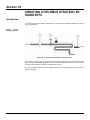
Creating a Fieldbus Strategy by using DF51 Figure 16. 3 – Options to create Syscon areas After choosing the area type, it opens a window to the user give a name to the new area. Figure 16. 4 – New area name Type the name for the area in the Area Name box, and click Ok. For this example, it chooses Proj_DF51 name. A new window will appear. This window has: Application – Logical Plant. To insert control strategies into this part. Fieldbus Networks – Physical Plant. To add devices and function blocks to the area into this part. Figure 16. 5 – Area divisions Physical Plant Project Step 2 , to select the Server. In the main window, PROJ_DF51, right-click the Fieldbus Networks icon, Choose Communication Settings option, or through the toolbar, choose CommunicationSettings. The communication settings dialog box will open: 16.3