1
7 FUNCTION
MELSEC-Q
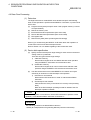
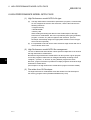
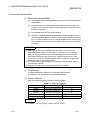
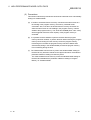
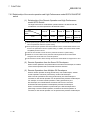
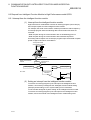
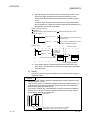
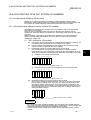
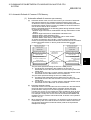
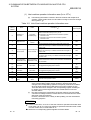
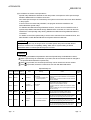
POINT
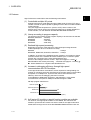
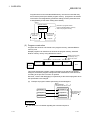
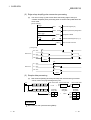
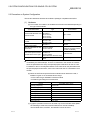
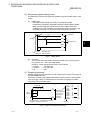
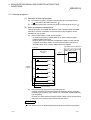
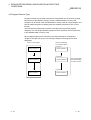
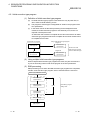
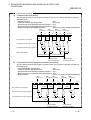
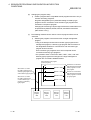
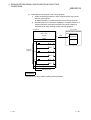
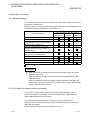
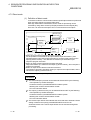
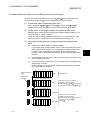
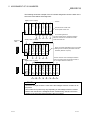
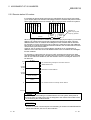
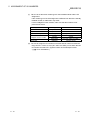
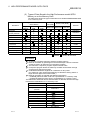
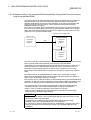
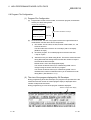
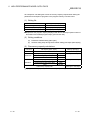
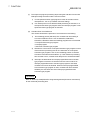
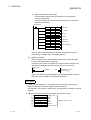
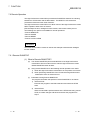
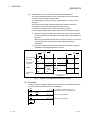
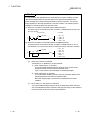
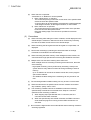
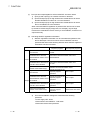
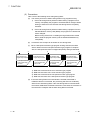
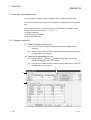
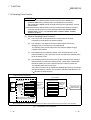
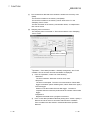
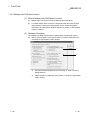
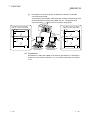
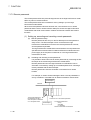
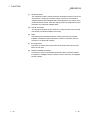
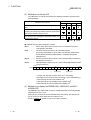
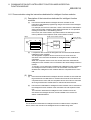
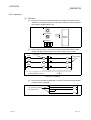
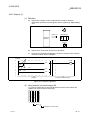
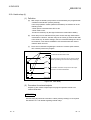
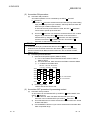
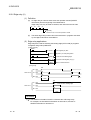
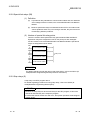
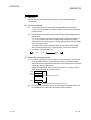
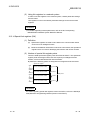
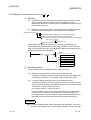
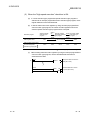
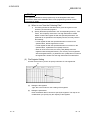
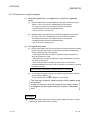
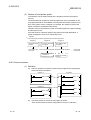
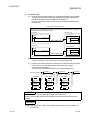
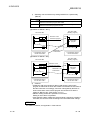
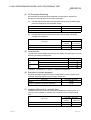
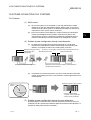
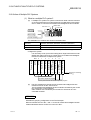
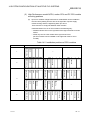
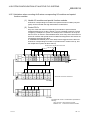
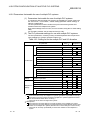
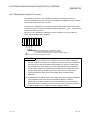
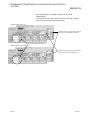
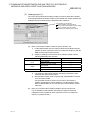
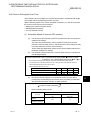
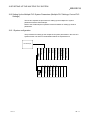
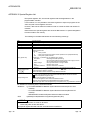
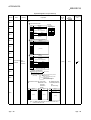
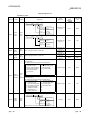
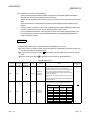
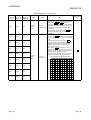
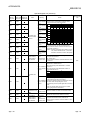
When "Step no.[100]=< >, Word Device [D1]=[K5]" is specified as the detailed
condition in the following circuit, a monitor execution condition is established at the
leading edge of the 100th step where D1=5.
X0
100th step
M0
Y20
INC D1
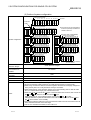
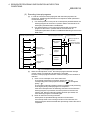
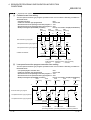
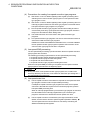
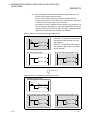
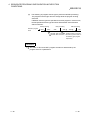
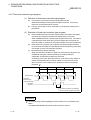
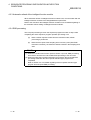
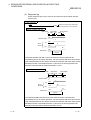
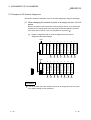
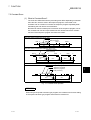
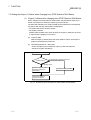
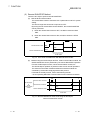
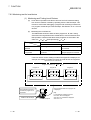
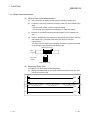
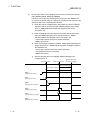
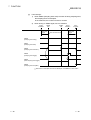
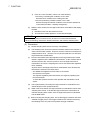
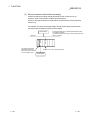
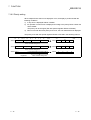
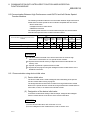
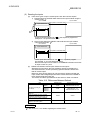
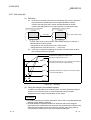
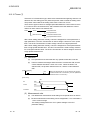
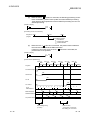
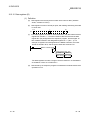
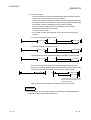
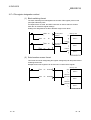
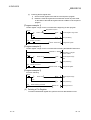
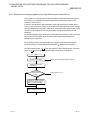
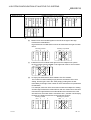
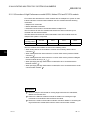
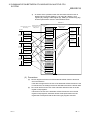
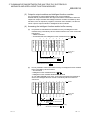
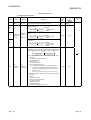
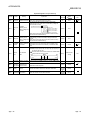
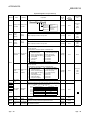
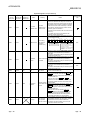
The monitor interval of the GX Developer depends on the processing speed of the
GX Developer. When a monitor condition is established during the monitor interval
of the GX Developer, the monitor will be executed, even if a monitor condition is
established at a shorter interval than the monitor interval .
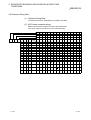
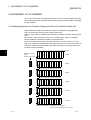
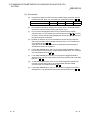
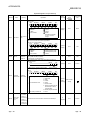
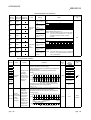
100
Step No.
100
100
100
M0
X0
D1 = 5
Monitor timing
(QCPU)
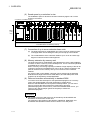
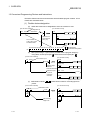
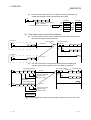
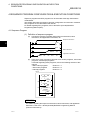
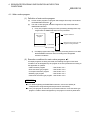
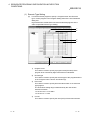
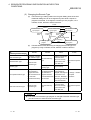
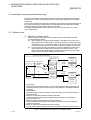
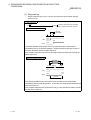
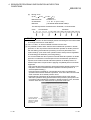
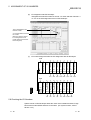
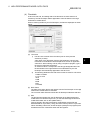
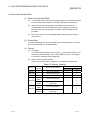
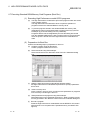
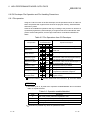
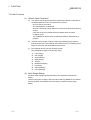
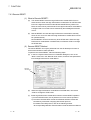
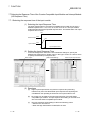
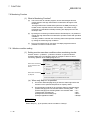
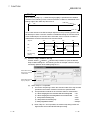
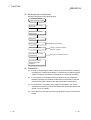
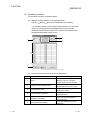
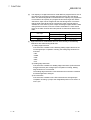
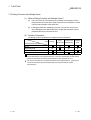
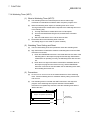
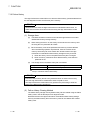
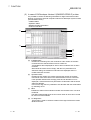
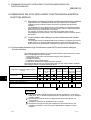
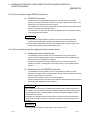
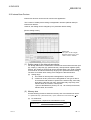
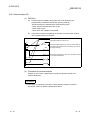
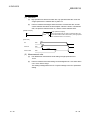
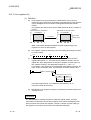
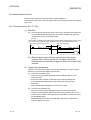
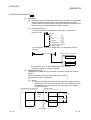
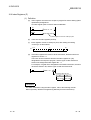
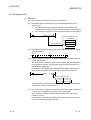
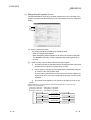
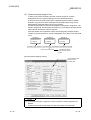
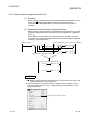
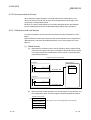
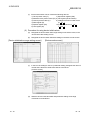
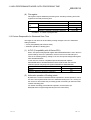
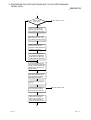
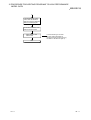
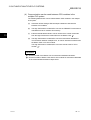
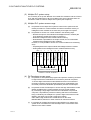
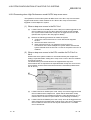
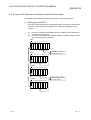
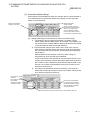
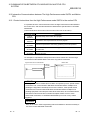
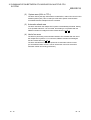
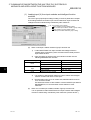
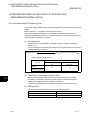
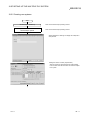
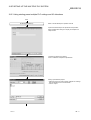
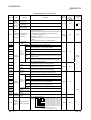
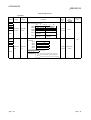
(2) Monitor Stop Condition Set Up
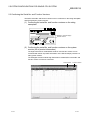
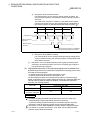
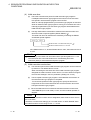
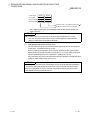
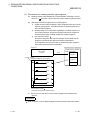
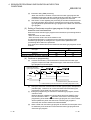
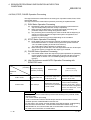
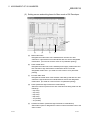
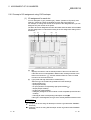
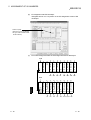
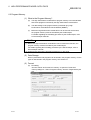
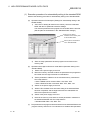
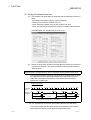
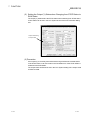
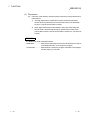
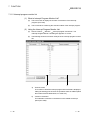
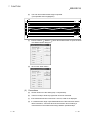
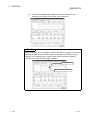
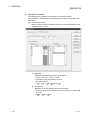
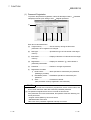
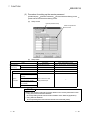
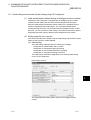
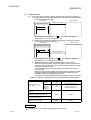
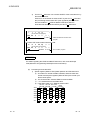
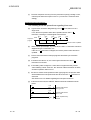
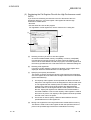
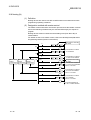
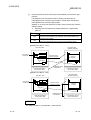
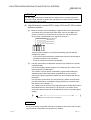
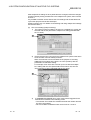
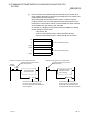
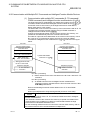
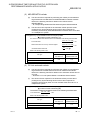
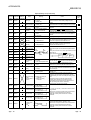
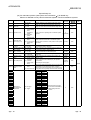
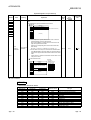
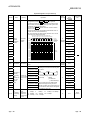
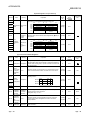
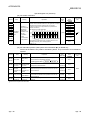
Choose "Online" "Monitor" "Monitor stop condition" to open the Monitor
Stop Condition dialog box. The following shows an example in which to stop a
monitoring operation at the leading edge of Y71.
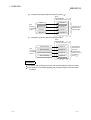
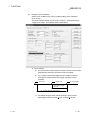
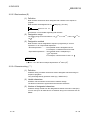
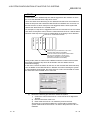
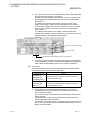
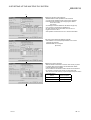
Select when monitor
stop by the contents
of the device
Select when monitor
stop by Step No.
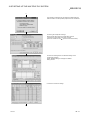
(a)
7 - 27
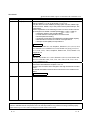
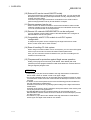
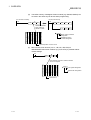
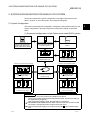
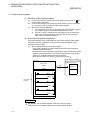
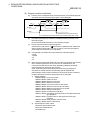
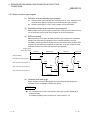
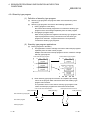
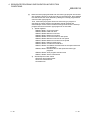
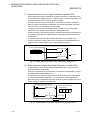
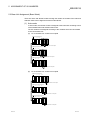
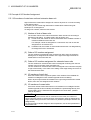
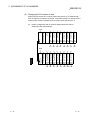
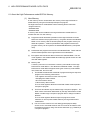
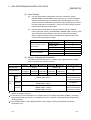
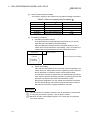
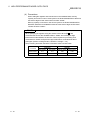
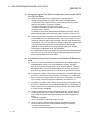
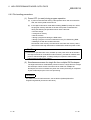
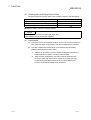
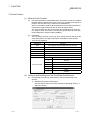
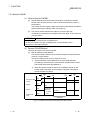
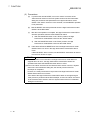
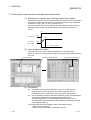
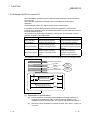
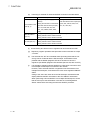
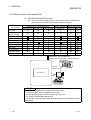
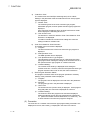
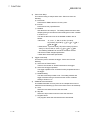
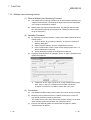
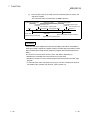
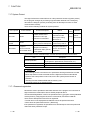
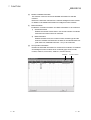
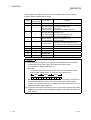
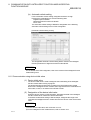
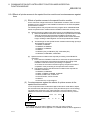
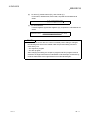
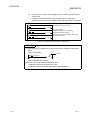
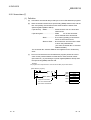
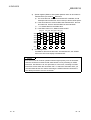
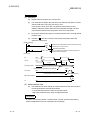
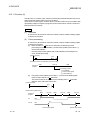
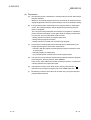
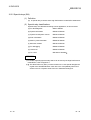
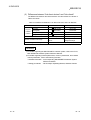
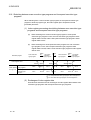
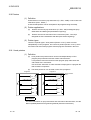
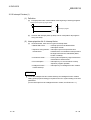
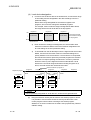
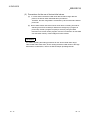
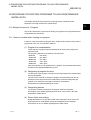
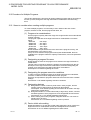
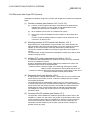
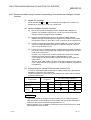
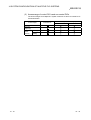
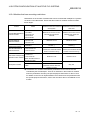
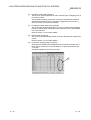
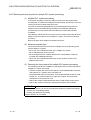
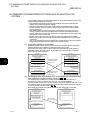
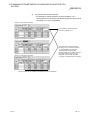
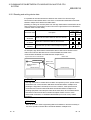
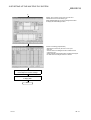
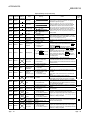
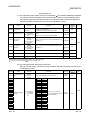
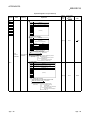
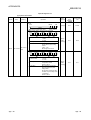
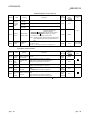
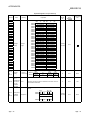
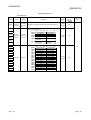
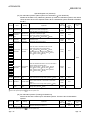
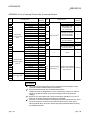
When "Step no." is specified:
1) The monitor stop timing is when the execution state of the step number
specified in the monitor condition becomes the specified state.
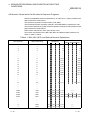
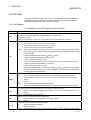
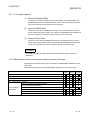
2)
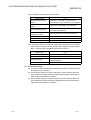
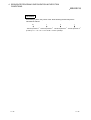
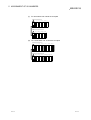
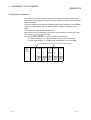
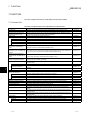
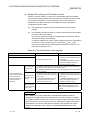
The specification method for the execution status is shown below:
a) When changing from non-execution state to executing state : <-P->
b) When changing from executing state to non-execution state : <-F->
c) Always when executing only
: <ON>
d) Always when not executing only
: <OFF>
e) Always regardless of status
: <Always>
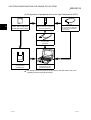
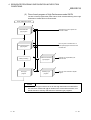
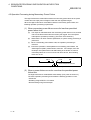
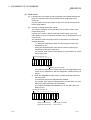
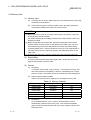
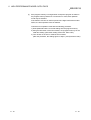
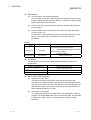
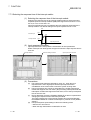
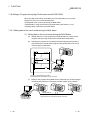
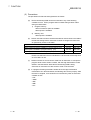
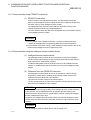
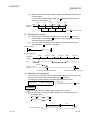
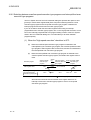
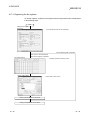
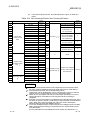
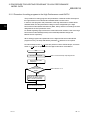
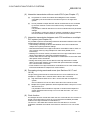
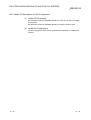
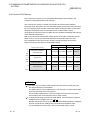
3)
When "Step no." is not specified, the monitor stop timing is after the
High Performance model QCPU END processing.
7 - 27