1
5 ASSIGNMENT OF I/O NUMBERS
MELSEC-Q
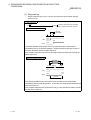
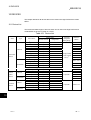
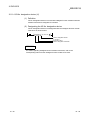
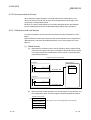
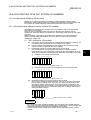
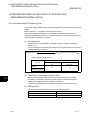
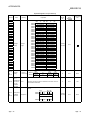
5.5 Concept of I/O Number Assignment
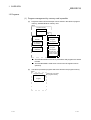
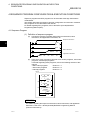
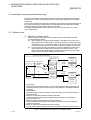
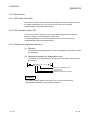
5.5.1 I/O numbers of main base unit and extension base unit.
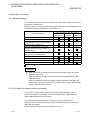
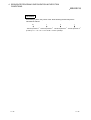
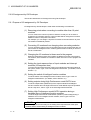
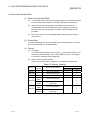
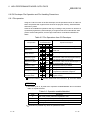
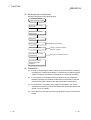
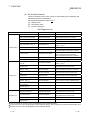
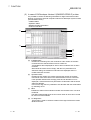
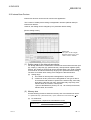
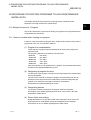
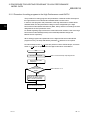
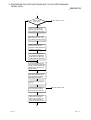
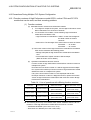
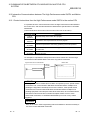
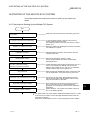
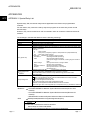
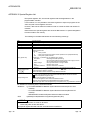
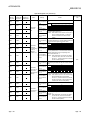
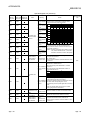
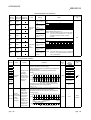
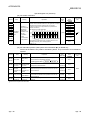
High Performance model QCPU assigns I/O numbers at power-on or reset according
to the following items.
As a result, you can control High Performance model QCPU without using GX
Developer for I/O assignment.
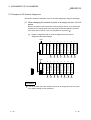
To assign I/O numbers, follow the items below:
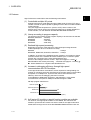
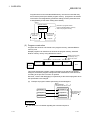
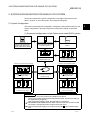
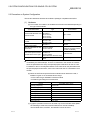
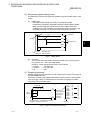
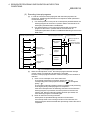
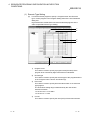
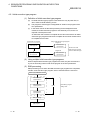
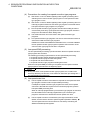
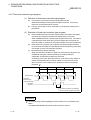
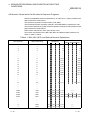
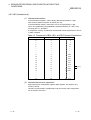
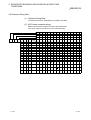
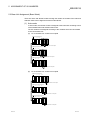
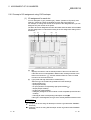
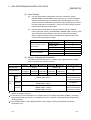
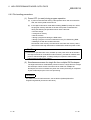
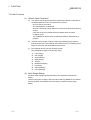
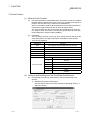
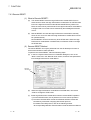
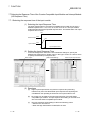
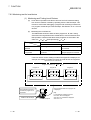
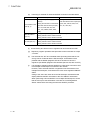
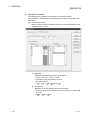
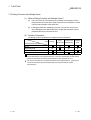
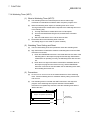
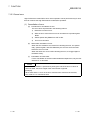
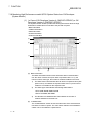
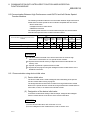
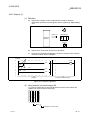
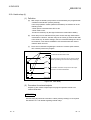
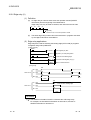
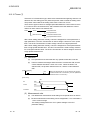
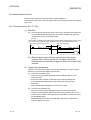
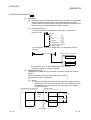
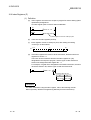
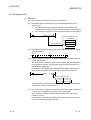
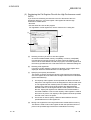
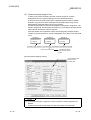
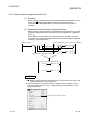
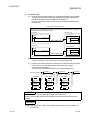
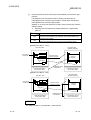
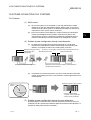
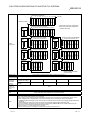
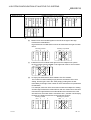
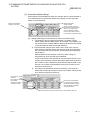
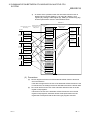
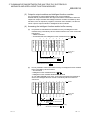
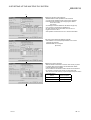
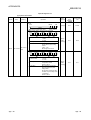
(1) Number of slots of base units
The number of slots of the main and extension base units are set according to
the Base mode setting. (For Base mode, refer to Section 5.3.)
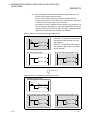
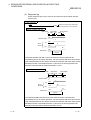
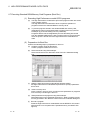
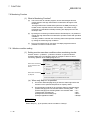
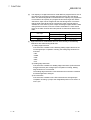
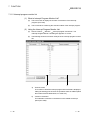
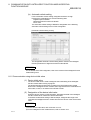
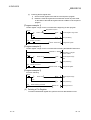
(a) In Auto mode, the number of slots is determined as the available number of
modules installed to each base unit.
For example, 5 slots are assigned for a 5-slot base unit, and 12 slots are
assigned for a 12-slot base unit.
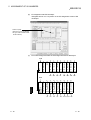
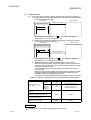
(b)
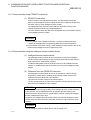
In Detail mode, the number of slots is determined as the one designated by
I/O assignment of PLC Parameter.
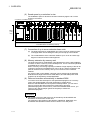
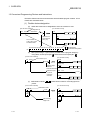
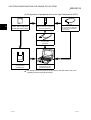
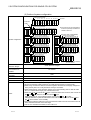
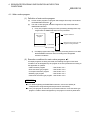
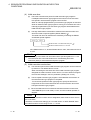
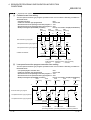
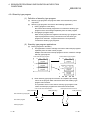
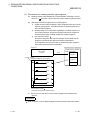
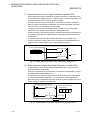
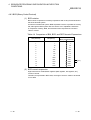
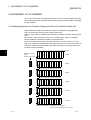
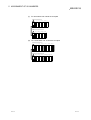
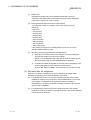
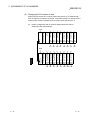
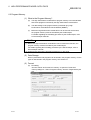
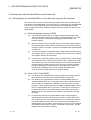
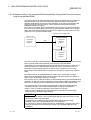
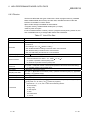
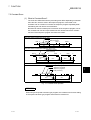
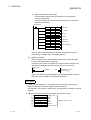
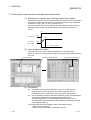
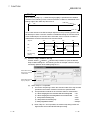
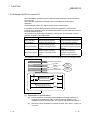
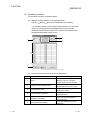
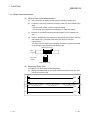
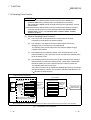
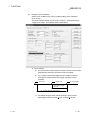
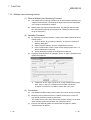
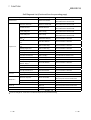
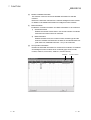
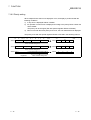
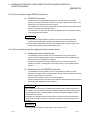
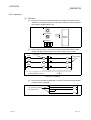
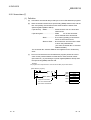
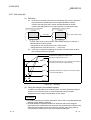
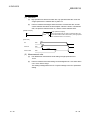
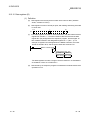
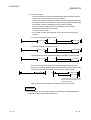
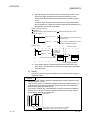
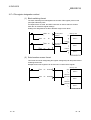
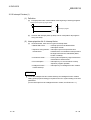
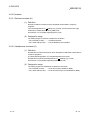
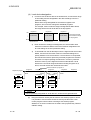
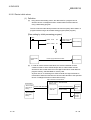
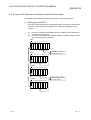
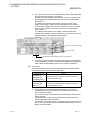
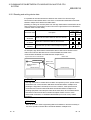
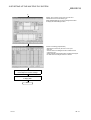
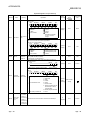
(2) Order of I/O number assignment
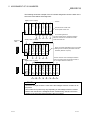
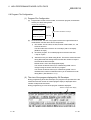
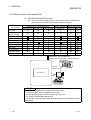
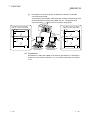
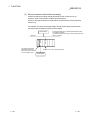
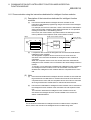
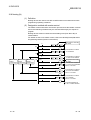
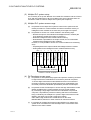
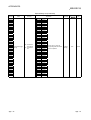
The I/O numbers are assigned to the modules from left to right consecutively,
starting from 0H assigned to the module on the right of the High Performance
model QCPU in the main base unit.
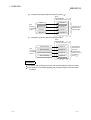
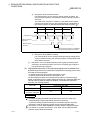
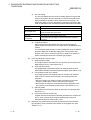
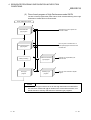
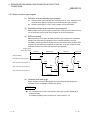
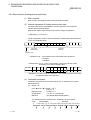
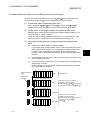
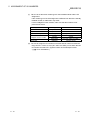
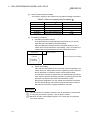
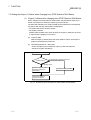
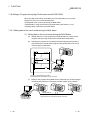
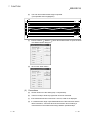
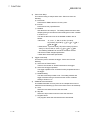
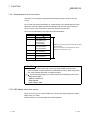
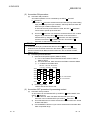
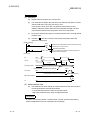
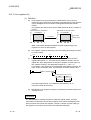
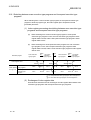
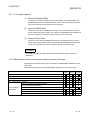
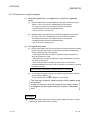
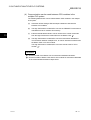
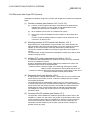
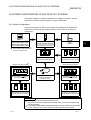
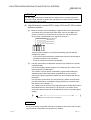
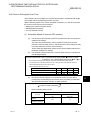
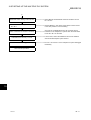
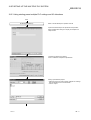
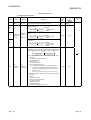
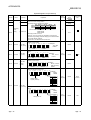
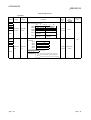
(3) Order of I/O number assignment for extension base units
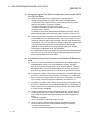
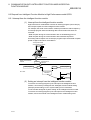
The I/O numbers for extension base units are assigned continuing from the last
number of the I/O number of the main base unit.
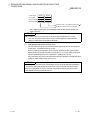
The I/O numbers for extension base units are assigned to the units from left (I/00)
to right consecutively, in the order of the setting of the stage setting connectors of
the extension base units.
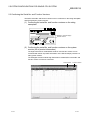
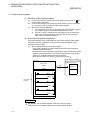
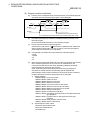
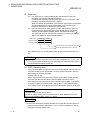
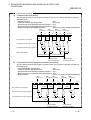
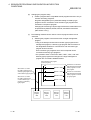
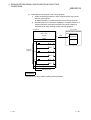
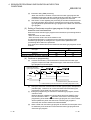
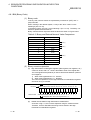
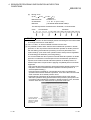
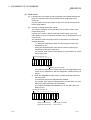
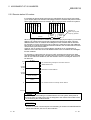
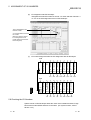
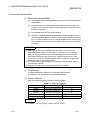
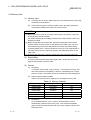
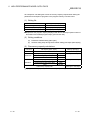
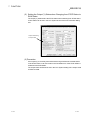
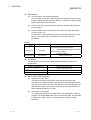
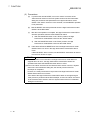
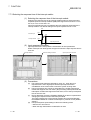
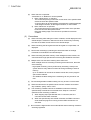
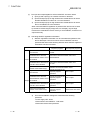
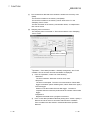
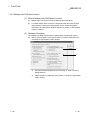
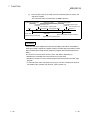
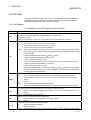
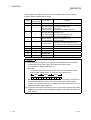
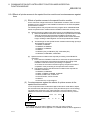
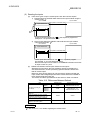
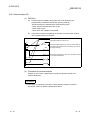
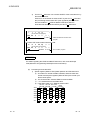
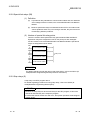
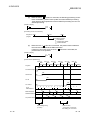
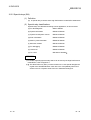
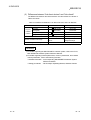
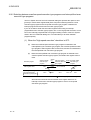
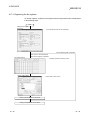
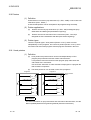
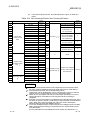
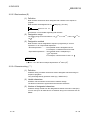
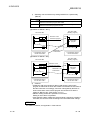
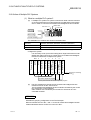
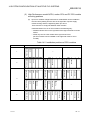
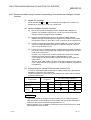
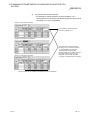
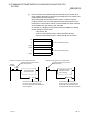
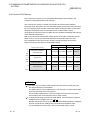
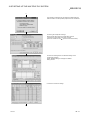
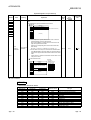
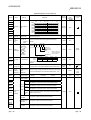
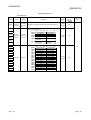
(4) I/O numbers of each slot
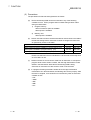
Each slot of base units occupies the points of I/O numbers of the installed I/O
modules or intelligent function modules (special function modules).
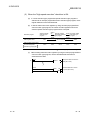
When 32-point input module is installed on the right of High Performance model
QCPU, X0 to X1F are assigned as I/O numbers.
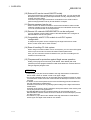
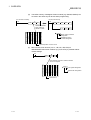
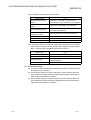
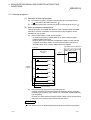
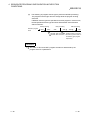
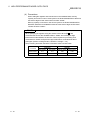
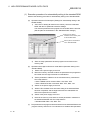
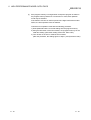
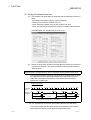
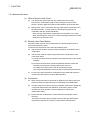
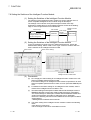
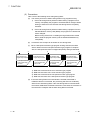
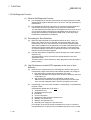
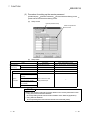
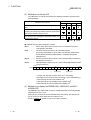
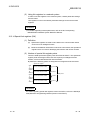
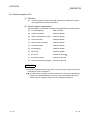
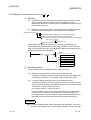
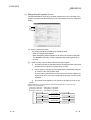
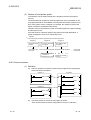
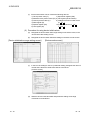
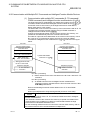
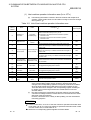
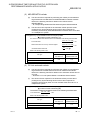
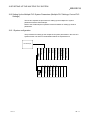
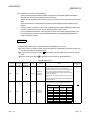
(5) I/O numbers of vacant slots
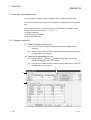
If the base unit has vacant slots where no I/O modules or no intelligent function
modules (special function modules) are installed, the points designated by PLC
system setting of PLC Parameter are assigned to the vacant slots. (Default
value is 16 points.)
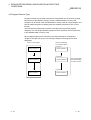
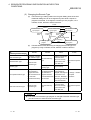
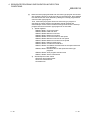
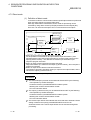
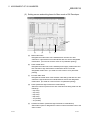
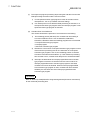
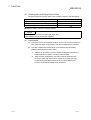
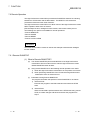
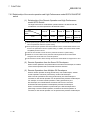
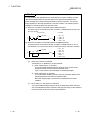
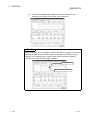
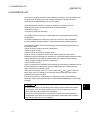
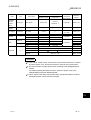
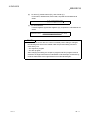
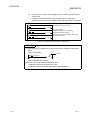
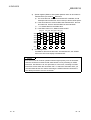
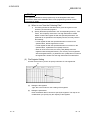
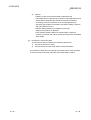
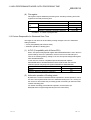
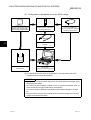
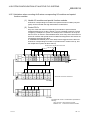
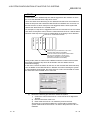
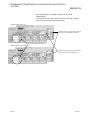
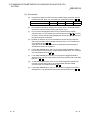
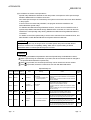
POINT
When the assignment of base units is conducted in Auto mode, the number of
empty extension stages is not assured even if the extension stage is skipped at the
stage number setting connector of the base unit. (Smaller input/output numbers are
assigned first.)
To reverse empty extension stages for future expansion, use the PLC parameter to
set the base unit.
5-8
5-8