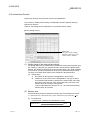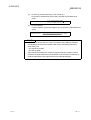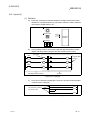
1
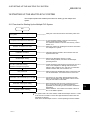
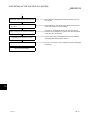
14 SYSTEM CONFIGURATION OF MULTIPLE PLC SYSTEMS
MELSEC-Q
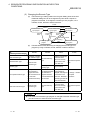
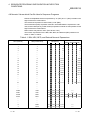
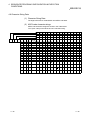
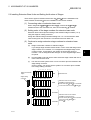
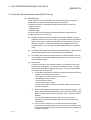
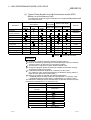
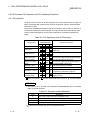
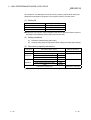
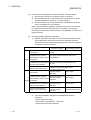
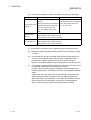
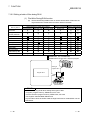
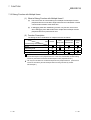
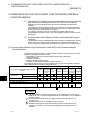
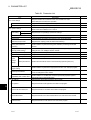
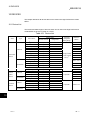
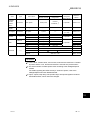
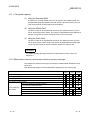
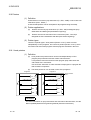
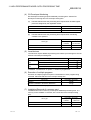
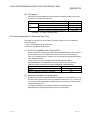
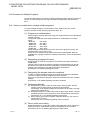
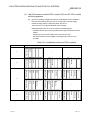
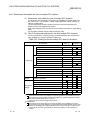
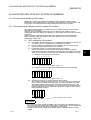
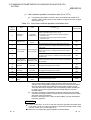
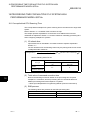
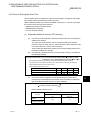
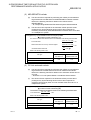
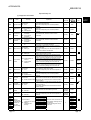
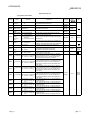
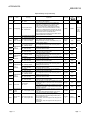
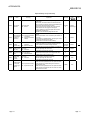
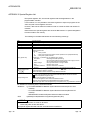
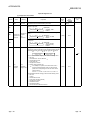
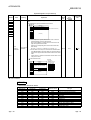
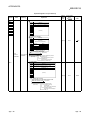
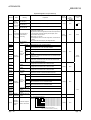
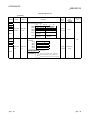
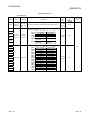
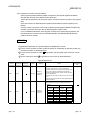
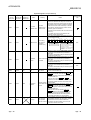
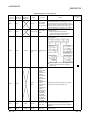
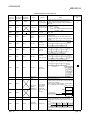
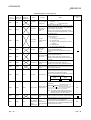
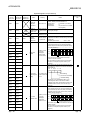
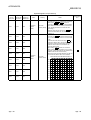
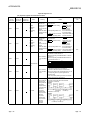
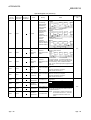
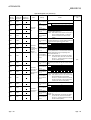
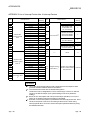
14.2.4 Modules that have mounting restrictions
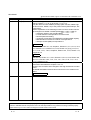
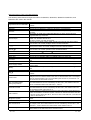
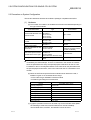
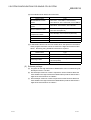
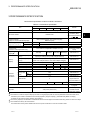
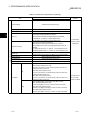
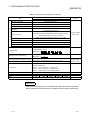
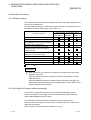
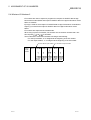
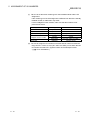
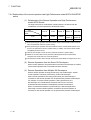
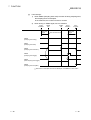
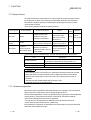
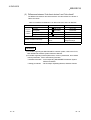
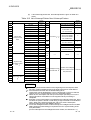
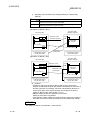
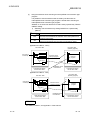
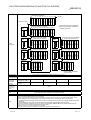
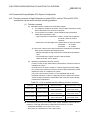
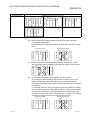
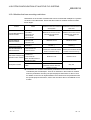
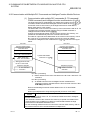
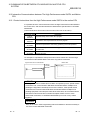
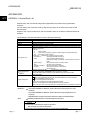
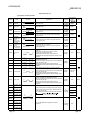
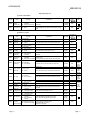
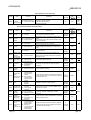
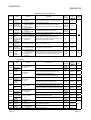
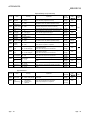
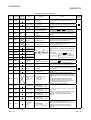
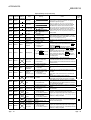
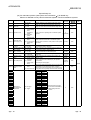
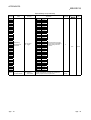
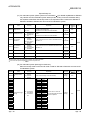
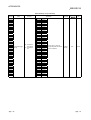
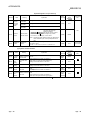
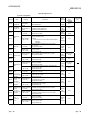
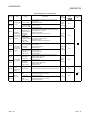
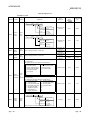
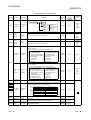
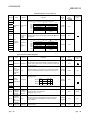
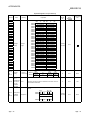
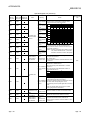
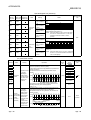
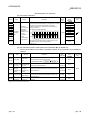
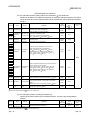
Restrictions on the number of modules that can be mounted with multiple PLC systems
are shown in the table below. Ensure that the number of modules mounted is within
these ranges.
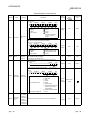
Product
Model
• QJ71LP21
• QJ71BR11
Q series MELSECNET/H
• QJ71LP21-25
network modules
• QJ71LP21G
• QJ71LP21GE
• QJ71E71
Q series Ethernet
• QJ71E71-B2
interface modules
• QJ71E71-100
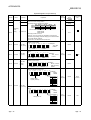
Q series CC-Link system
• QJ61BT11
master/local modules
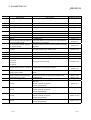
MELSECNET/MINI-S3
data link modules
• A1SJ71PT32-S3
• A1SJ71T32-S3
• A1SD51S
• A1SD21-S1
AnS series corresponding
• A1SJ71J92-S3
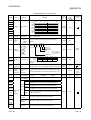
Special function modules
(When the GET and PUT
services are used)
• A1SI61
Interruption modules
• QI60
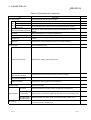
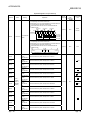
Restriction on the number of
Restriction on the number of
modules that can be mounted on modules that can be mounted on
each CPU
each system
Maximum of four PLC to PLC
networks and remote I/O
networks
Maximum of four PLC to PLC
networks and remote I/O
networks
Maximum of four
Maximum of four
No limit
No limit
No restrictions
No restrictions
(however, the automatic refresh (however, the automatic refresh
function cannot be set up)
function cannot be set up)
Maximum of six
Maximum of six
Only one
Maximum of four
(maximum of three when the
A1SI61 is in use)
Only one
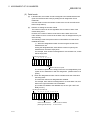
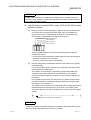
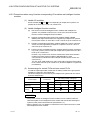
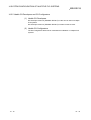
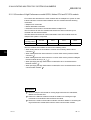
: A maximum of 4 modules if the network parameters for CC-Link are set and
controlled by the GX Developer. There is no restriction in the number of modules
when the parameters are set by the special-purpose instructions for the CC-Link.
For details on the CC-Link System Master Local Unit that can set parameters with
the special-purpose instructions, refer to the munual for the CC-Link Master Local
module.
14 - 11
14 - 11