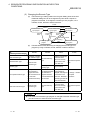
1
7 FUNCTION
MELSEC-Q
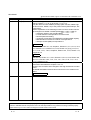
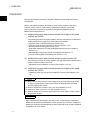
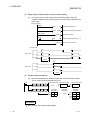
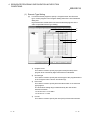
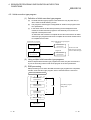
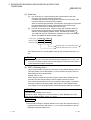
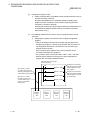
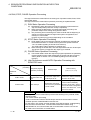
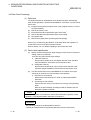
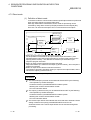
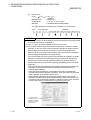
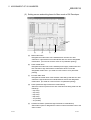
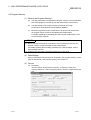
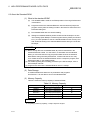
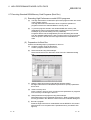
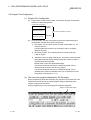
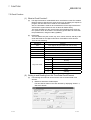
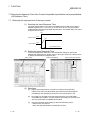
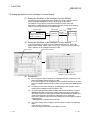
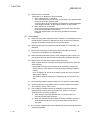
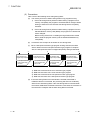
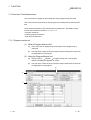
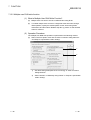
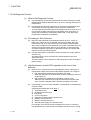
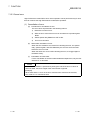
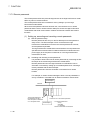
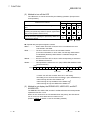
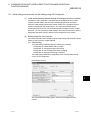
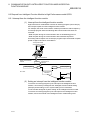
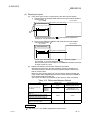
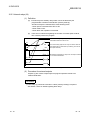
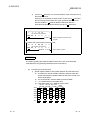
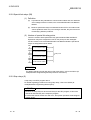
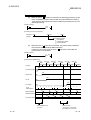
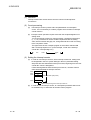
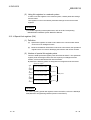
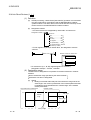
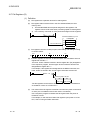
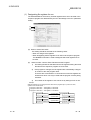
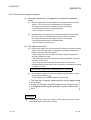
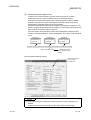
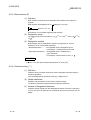
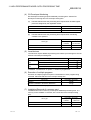
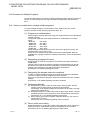
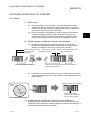
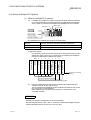
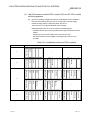
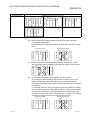
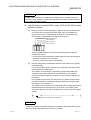
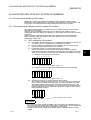
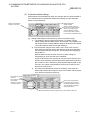
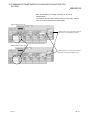
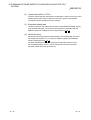
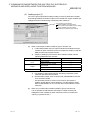
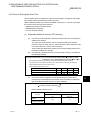
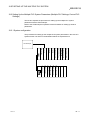
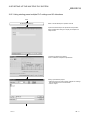
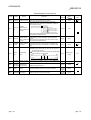
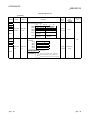
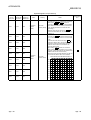
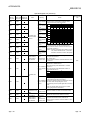
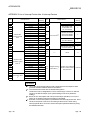
(2) Setting the constant scan time
(a)
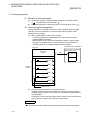
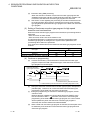
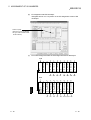
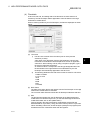
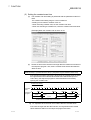
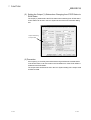
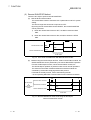
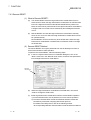
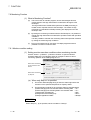
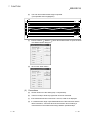
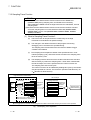
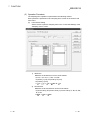
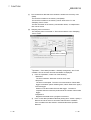
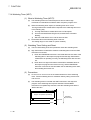
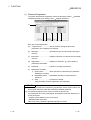
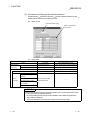
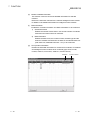
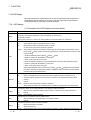
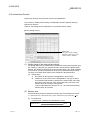
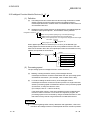
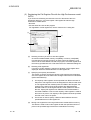
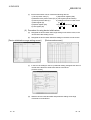
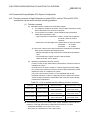
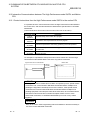
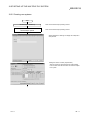
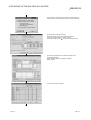
The constant scan time setting is performed with the parameter mode PLC
RAS.
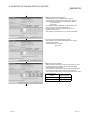
The constant scan setting range is 0.5 ms to 2000 ms.
A setting can be made in modules of 0.5 ms.
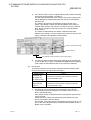
• When executing constant scan, set the constant scan time.
• When not executing a constant scan, leave the constant scan time blank.
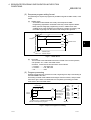
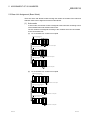
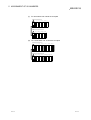
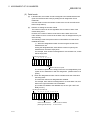
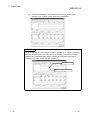
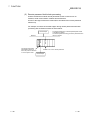
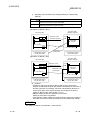
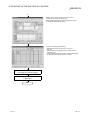
[Example] When the constant scan is set to 10 ms.
(b)
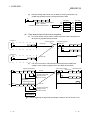
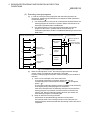
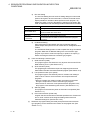
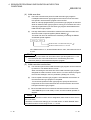
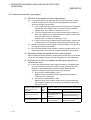
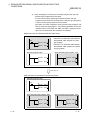
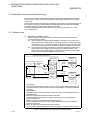
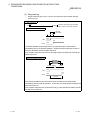
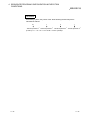
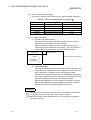
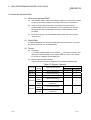
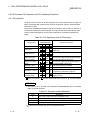
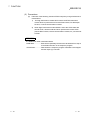
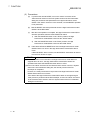
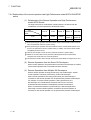
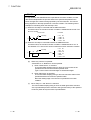
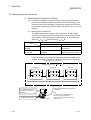
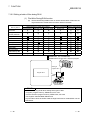
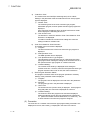
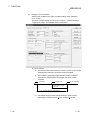
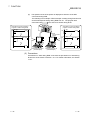
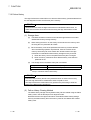
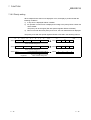
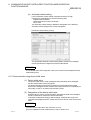
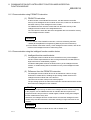
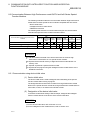
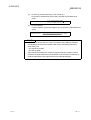
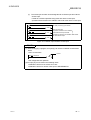
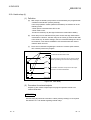
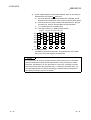
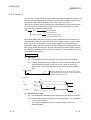
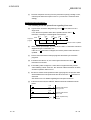
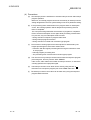
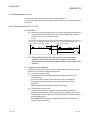
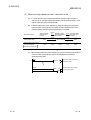
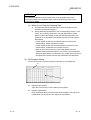
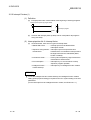
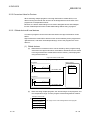
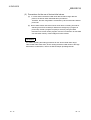
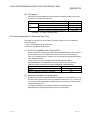
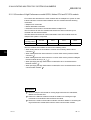
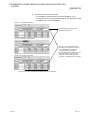
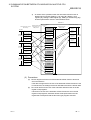
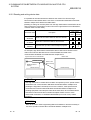
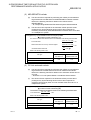
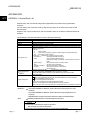
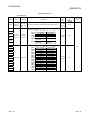
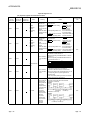
Set the set time of the constant scan larger than the maximum scan time of
the sequence program. Also, set the constant scan set time less than the
WDT set time.
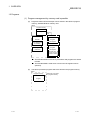
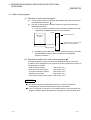
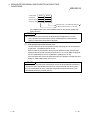
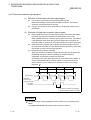
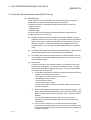
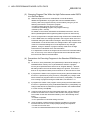
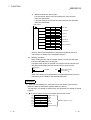
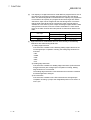
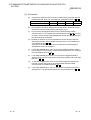
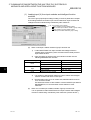
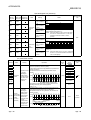
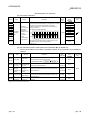
(WDT Set Time) > (Constant Scan Set Time) > (Sequence Program maximum Scan Time)
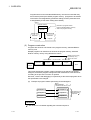
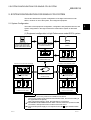
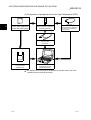
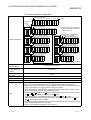
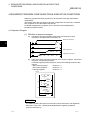
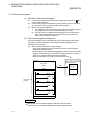
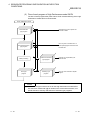
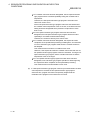
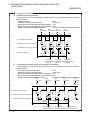
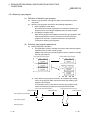
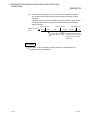
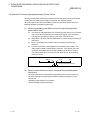
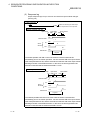
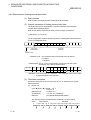
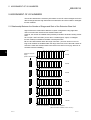
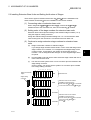
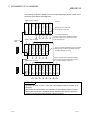
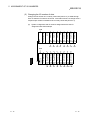
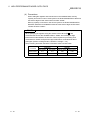
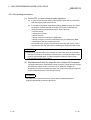
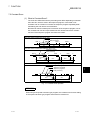
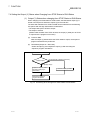
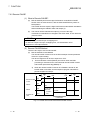
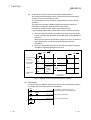
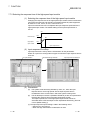
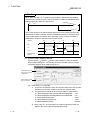
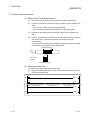
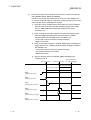
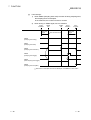
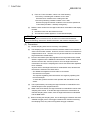
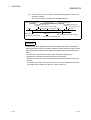
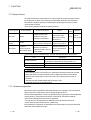
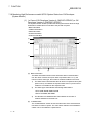
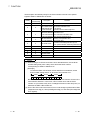
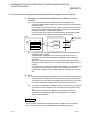
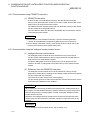
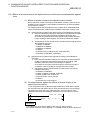
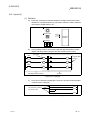
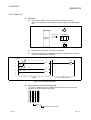
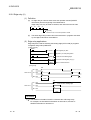
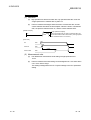
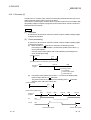
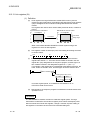
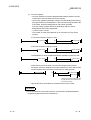
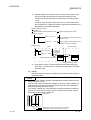
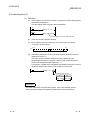
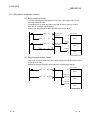
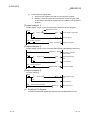
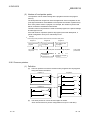
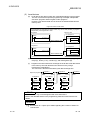
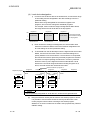
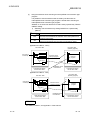
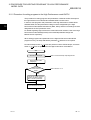
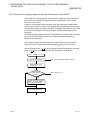
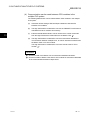
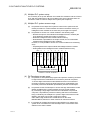
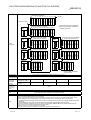
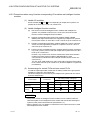
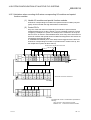
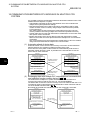
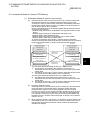
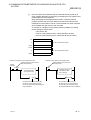
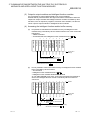
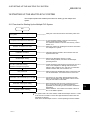
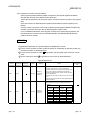
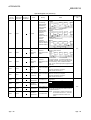
If the sequence program scan time is larger than the constant scan set value,
the High Performance model QCPU detects PRG.TIME OVER (an error
code: 5010), the sequence program is executed with the scan time by
ignoring the constant scan.
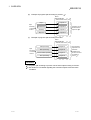
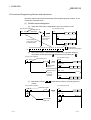
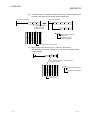
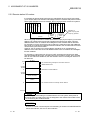
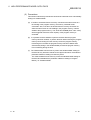
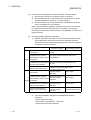
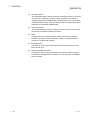
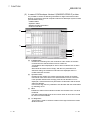
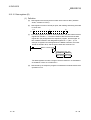
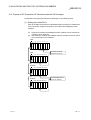
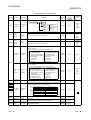
Constant scan setting
0
Constant
scan
0
Sequence
program
1
3
4
END
0
2
3.5ms
4ms
1
2
3
4
5
1
END 0
0.5ms
3
2
4
END 0
3.5ms
5.3ms
3.7ms
1
3
2
4 ms
END 0
3.4ms
0.2ms
0.6ms
4ms
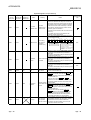
Scan where the constant scan is not normal
Fig. 7.2 Operation when the Scan Time is More than the Constant Scan
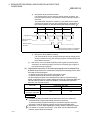
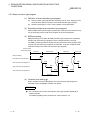
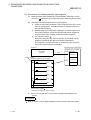
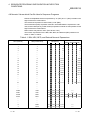
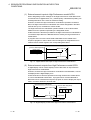
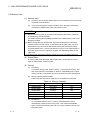
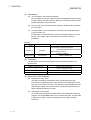
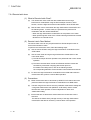
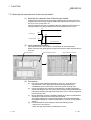
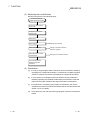
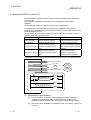
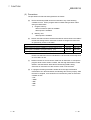
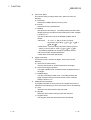
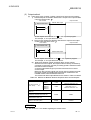
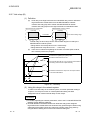
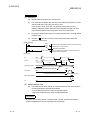
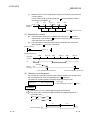
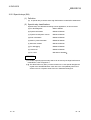
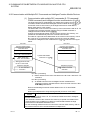
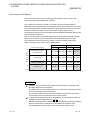
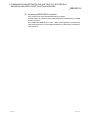
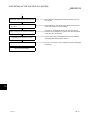
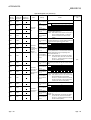
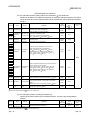
If the value is larger than the WDT set time, the High Performance model
QCPU detects a WDT error and stops the program execution.
7-3
7-3