1
MAESTRO-32® V6 (A65-B32)
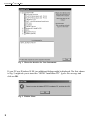
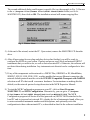
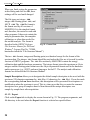
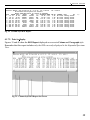
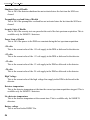
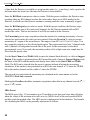
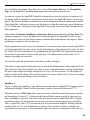
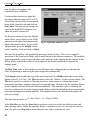
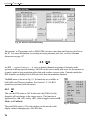
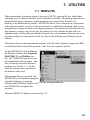
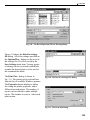
Fig. 119. The Master Library (left) and Library Editing Dialog (right).
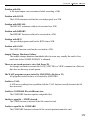
To copy a nuclide from the master library to the working library:
1.
Go to the master library list and click once on the nuclide of interest. This will activate the
gray Insert Copy button at the bottom of the Editing dialog’s nuclide list, and change its
label to Insert plus the name of the nuclide.
2.
Now, in the Editing dialog, locate the nuclide immediately below the desired insertion
position, click on it once, then click on Insert [nuclide name]. This will insert the nuclide
and display its peak list on the right.
3.
Double-clicking on a nuclide in the master library will add it to the working library,
inserting it immediately above the currently highlighted nuclide in the list.
7.2.2. Creating a New Library Manually
Open the control menu and click on New. This will clear the Editing dialog so nuclides can be
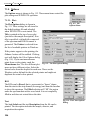
entered manually. Click on the Insert... button to open the Insert Library Nuclide dialog, shown
in Fig. 120. Enter the Nuclide Name and Half Life and click on OK.
150