1
27
5.2
Email Report Server/400
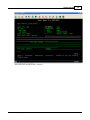
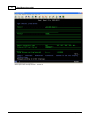
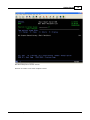
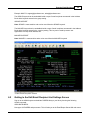
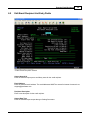
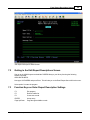
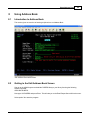
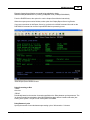
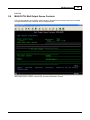
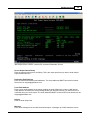
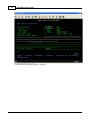
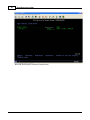
Getting to the Edit Output Queue List Screen
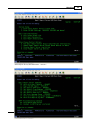
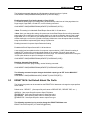
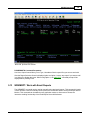
Sign on to the AS/400 system and add the RJSERS library to your library list using the following
AS/400 command: ADDLIBLE RJSERS.
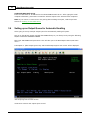
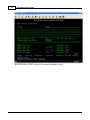
Next type: GO RJSERS and press enter. This will take you to the Email Report Server/400 main menu.
Select option 3 to start the program.
5.3
5.4
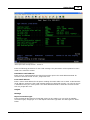
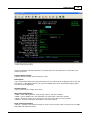
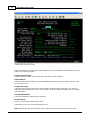
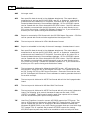
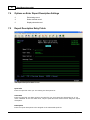
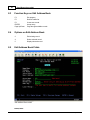
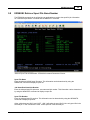
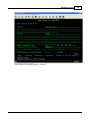
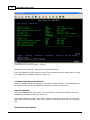
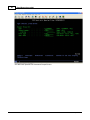
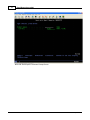
Function Keys on Entering Output Queue Information
F3
Exit program.
F5
F6
Refresh subfile list.
Create new record.
ENTER
Accept entry.
Page Up/Down
Page through available records.
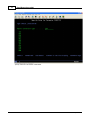
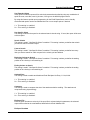
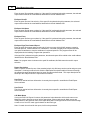
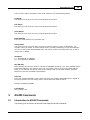
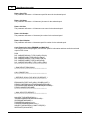
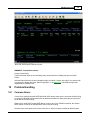
Options on Entering Output Queue Information
2
4
Edit existing record.
Delete selected record.
5
Display selected record.
© 1995-2003 RJS Software Sy stems Inc.