1
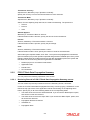
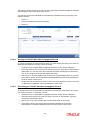
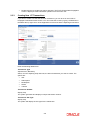
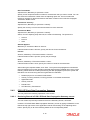
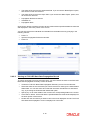
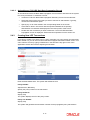
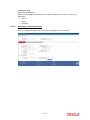
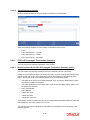
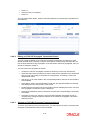
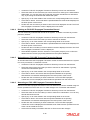
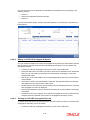
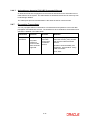
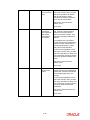
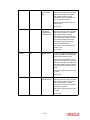
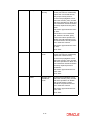
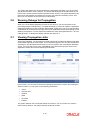
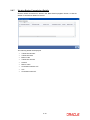
2.3.3 Double click the record that you wish to authorize. The FCIS UT Back Data Propagation screen is displayed. Select Authorize operation from the Action List. Creating New UT Transactions If you wish to create a record that has been missed out, you can do so in the ‘FCIS UT Propagate Transaction Detail’ screen. You can invoke the screen by typing ‘UTDPRTXN' in the field at the top right corner of the Application tool bar and click the adjoining arrow button. Enter the following details here: Transaction Type Alphanumeric; Mandatory Select, from the adjoining drop-down list, the kind of transaction you want to create. The options are: IPO Subscription Redemption Switch Transfer Transaction Number Display Only The system generates and displays a unique transaction number. Transaction Sub Type Display Only The system will display the sub-type for the transaction. 2-6