1
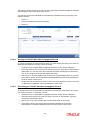
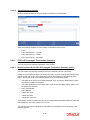
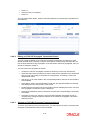
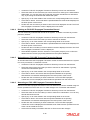
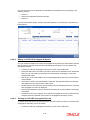
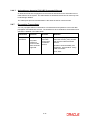
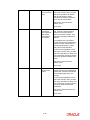
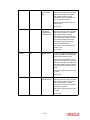
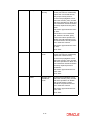
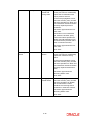
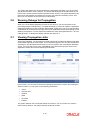
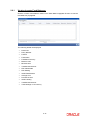
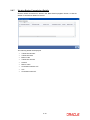
WHT amount if applicable. If SI amount is given, Net annuity amount and WHT amount should not be specified. Net Annuity Amount Numeric; Optional You can enter either SI amount or Net Annuity amount and WHT amount. If Net annuity amount and WHT amount are entered, the system will generate an SI with Net annuity amount and a WHT redemption transaction for the WHT amount. Policy Number Alphanumeric; Optional Enter the policy number for which SI should be generated. Policy Holder Display The system will display the Unitholder of the policy. Policy SI Number Alphanumeric; Mandatory You need to choose the policy SI maintenance for which an adhoc SI to be generated Transaction Currency Alphanumeric; Mandatory Enter the transaction currency for the SI transaction. WHT Amount Numeric; Optional You can enter either SI amount or Net Annuity amount and WHT amount. If Net annuity amount and WHT amount is entered, the system will generate an SI with Net annuity amount and a WHT redemption transaction for the WHT amount. 2.4.6 FCIS LEP Propagate SI Summary You can perform the following operations in this screen: 2.4.6.1 Retrieving Record in FCIS LEP Propagate SI Summary screen You can retrieve a previously entered record in the Summary Screen, as follows: Invoke the ‘FCIS LEP Propagate SI Summary’ screen by typing ‘LESPROSI’ in the field at the top right corner of the Application tool bar and clicking on the adjoining arrow button. Specify any or all of the following details in the corresponding fields: The status of the record in the Authorized field. If you choose the ‘Blank Space’ option, then all the records are retrieved. The status of the record in the Open field. If you choose the ‘Blank Space’ option, then all records are retrieved Propagation Reference Number Transaction Type Transaction Date Policy SI Number Click ‘Search’ button to view the records. All the records with the specified details are retrieved and displayed in the lower portion of the screen. 2-24