1
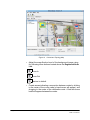
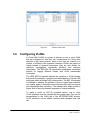
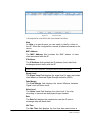
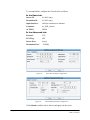
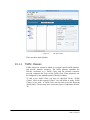
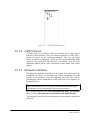
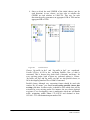
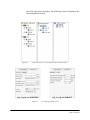
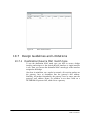
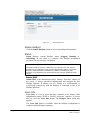
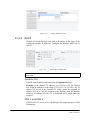
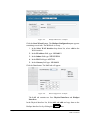
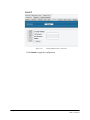
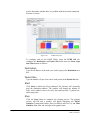
Figure 75.
The QoS window
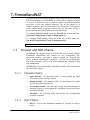
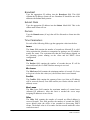
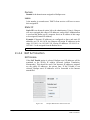
There are three main columns:
10.1.1 Traffic Classes
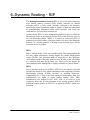
Traffic classes are entities to which we associate specific traffic patterns,
and specific network resources. The traffic patterns constitute the
Matches associated to a Traffic Class, and the network resources
reserved, comprises the Target of the Traffic Class. These properties can
be configured via the rightmost panel of the QoS window.
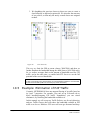
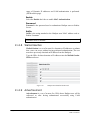
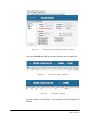
To add a new Traffic Class, you have to right-click on the “Traffic
Classes” label in the respective Panel. You can define as many Traffic
Classes as you wish. A Traffic Class can also form a tree-like hierarchy
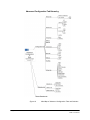
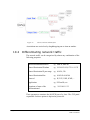
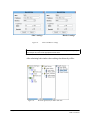
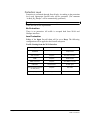
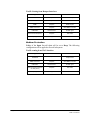
of Subclasses. The tree may have at most two layers of subclasses (Picture
78).
Page 105 of 181
NETKROM OS and NETKROM
NMS User Manual