1
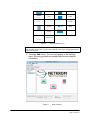
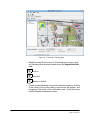
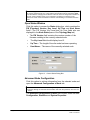
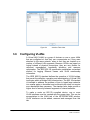
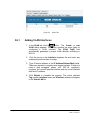
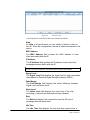
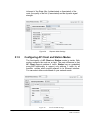
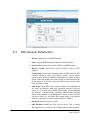
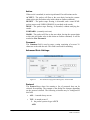
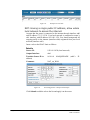
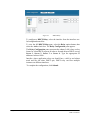
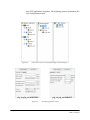
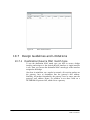
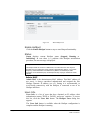
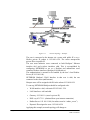
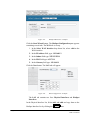
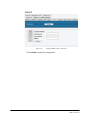
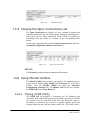
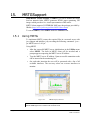
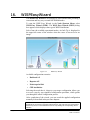
Figure 119.
HotSpot Main Panel – Example
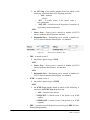
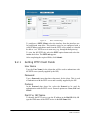
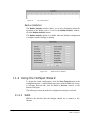
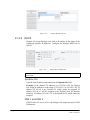
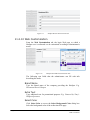
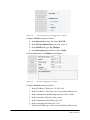
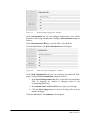
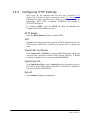
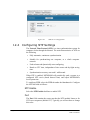
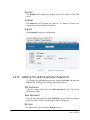
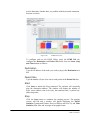
Click the Start Wizard button. The HotSpot Configuration pane appears
containing several tabs. The WAN tab is on top.
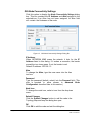
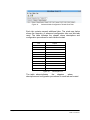
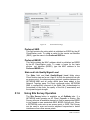
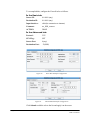
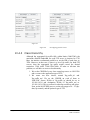
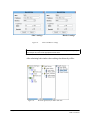
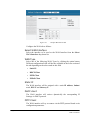
1. In the Select WAN Interface drop down list, select: eth0 as the
WAN interface
2. In the IP Address field, type: 192.168.1.3
3. In the Subnet field type: 255.255.255.0
4. In the DNS field type: 65.173.1.1
5. In the Gateway field type: 192.168.1.1
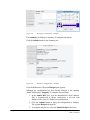
Click the Next button. The LAN tab will appear.
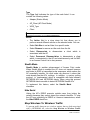
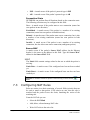
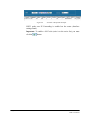
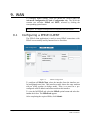
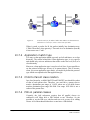
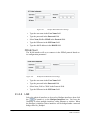
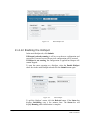
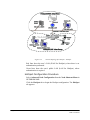
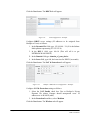
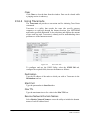
Figure 120.
WAN Configuration – Example
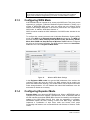
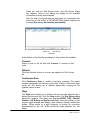
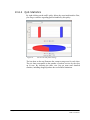
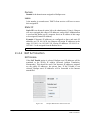
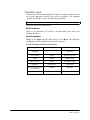
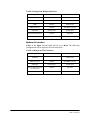
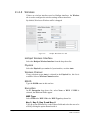
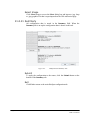
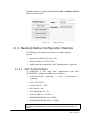
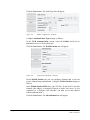
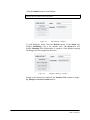
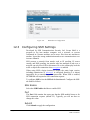
The LAN tab contains two lists: Physical Interfaces and HotSpot
Interfaces
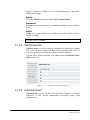
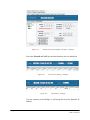
In the Physical Interface list, Select eth1 and ath0 and copy them to the
HotSpot Interface list by clicking the
Page 147 of 181
button.
NETKROM OS and NETKROM
NMS User Manual