1
Chapter : Seavus Project Viewer Task Update
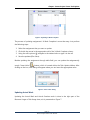
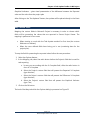
Figure 3. Collaboration option in Tools menu
After you have opened the project file in Collaboration mode, you can create your updates
by using either the Resource/Task Usage views or Gantt Chart.
Updating Assignments
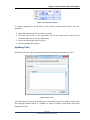
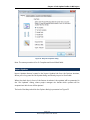
Updating Assignments process is performed on those assignments for which the resources
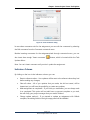
are selected from the dialog box that is presented on Figure 4.
Figure 4. Selecting resources and time range
Page | 5
Seavus Project Viewer User Manual