1
4
SLCS Server Configuration with
YaST2
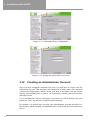
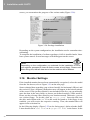
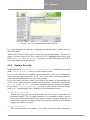
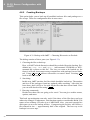
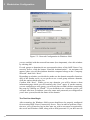
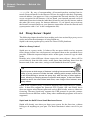
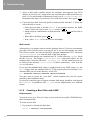
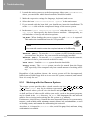
home directory path which can be changed, the user ID, and a list of login shells.
Define additional group affiliations below. If a new user is should access to the
modem, “dialout” and “uucp” (unix to unix copy program) has to be entered.
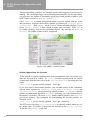
Figure 4.17: Adding new users with YaST2
Adding and Changing Users
After calling up this configuration tool, a screen will open labeled “Managing
users and groups”. You will then be able to change users and groups. Group
administration is under the “Changing and Adding Groups” module and is described there.
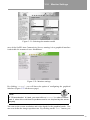
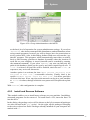
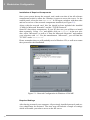
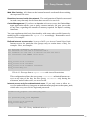
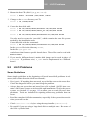
YaST2 provides a list of all users to assist in user administration (see Figure 4.18
on the facing page). To remove a user, simply click on the user in the list, so that
the line is highlighted dark blue then click ‘Delete’. To ‘Add’ a user, proceed as
described in “Adding New Users”. Under ‘Edit’, find the editing options under
‘Details’.
Creating a new group
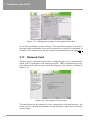
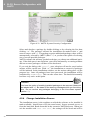
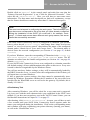
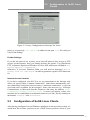
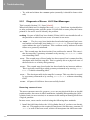
Adding a new group is easy with YaST2 (see Figure 4.19 on page 56). For more
information, read the YaST2 help text. When you specify members of a new
group in the field below, be sure not to add any blank spaces before the commas
separating the user and login names. YaST2 will suggest a group ID, which you
can just accept.
Changing and adding groups
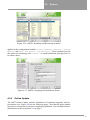
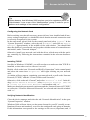
After opening this module, a screen will open: “User and Group Management”.
You will then be presented with the option of either editing users or groups.
54