1
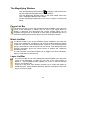
Remove hidden lines
Check this option to remove lines (e.g. In Wire-frame view) that would
normally be hidden by other surfaces.
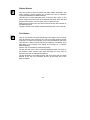
Enable clipping
Enable clipping will turn on any defined cross section. To see the
effects of sectioning as you perform the operation, click the Enable
clipping button.
Show Clip Plane
To see the sectioning planes, click the Show Cross-Section Planes
button. The planes are displayed in pale gray.
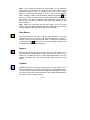
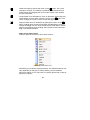
Set Cross-Section
Click the Set Cross-Section button. Place the cursor where you want
to start the cut, and click and hold the left mouse button. Drag the
cursor to create the desired cutting plane, and then release the mouse
button. The part of the image to one side of the cut will disappear.
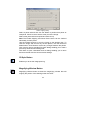
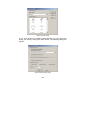
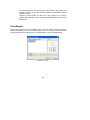
Section Clipping
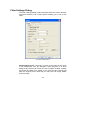
The Section Clipping dialog appears as shown below.
17