1
Check-Out Children
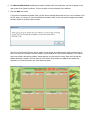
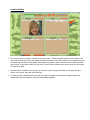
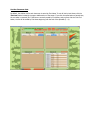
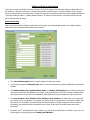
There are two ways to Check-Out children from the main screen, 1) Enter the child’s number into the textbox on
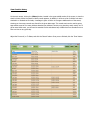
the main screen, and then press the Enter key, OR 2) Find the child in their respective classroom list, and click
the ‘Check-Out’ button next to their name.
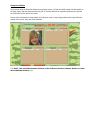
Once a child is Checked-Out of the system, you’ll see their name in large orange letters at the upper-left-hand
section of the screen, along with their classroom.
*** NOTE: This concludes the basic functions of the Children’s Check-In Software. Read-on to learn
about additional features. ***