1
Customizing Chairside
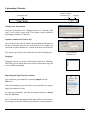
The Education-Maker
Chairside’s Education-Maker will allow you to create your own
custom presentations.
The Education-Maker
(create new education)
Creating Custom Education
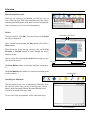
There are two different ways to enter into the Education-Maker:
1) An icon in your row of tools at the top-right.
2) From any education category icon.
Creating A Slide
The Education-Maker Screen
Layers
Text Elements
Frames
Add or Remove
Pages
Thumbnails
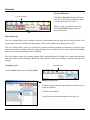
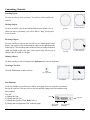
Adding a Shape
You can easily add different kinds of simple shapes using the Shapes menu. Select
the shape you wish to add and it will appear on your page.
Shape Tools
A Circle
A Square
20