1
TrendWorX Logger Configurator
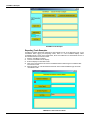
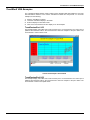
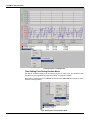
Data Logging Tag Configuration
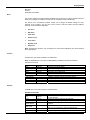
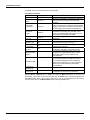
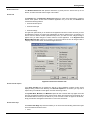
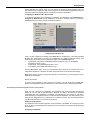
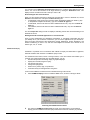
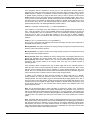
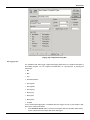
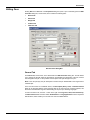
Each group maintains a collection of individual tags. These signals can be OPC signals or
calculated signals. Each signal can be configured with respect to various attributes, such as
deadband and logging.
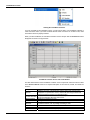
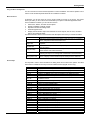
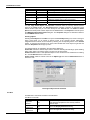
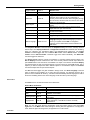
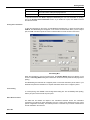
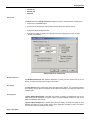
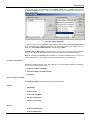
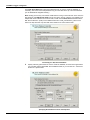
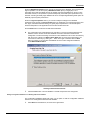
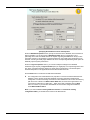
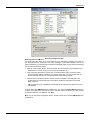
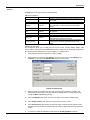
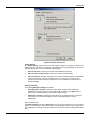
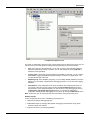
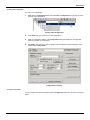
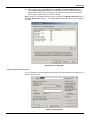
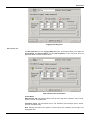
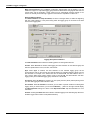
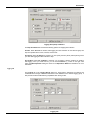
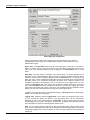
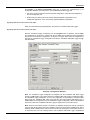
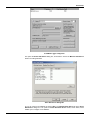
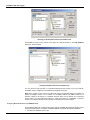
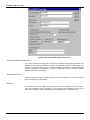
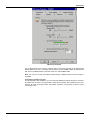
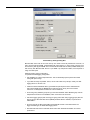
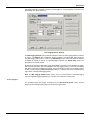
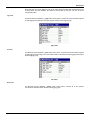
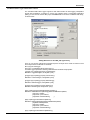
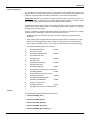
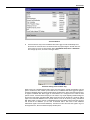
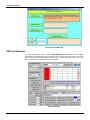
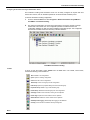
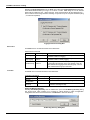
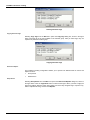
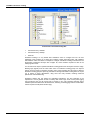
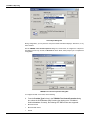
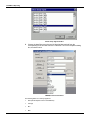
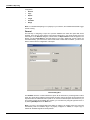
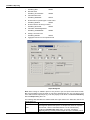
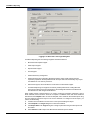
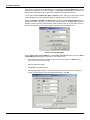
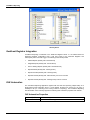
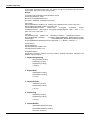
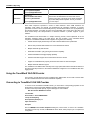
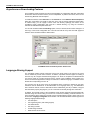
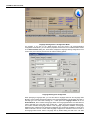
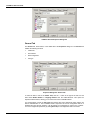
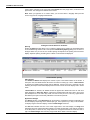
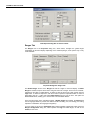
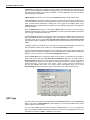
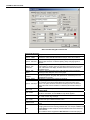
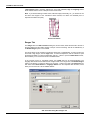
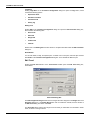
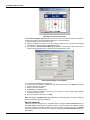
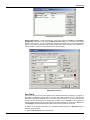
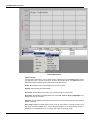
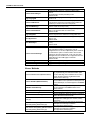
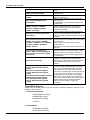
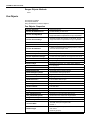
Signal name. The Signal Name field shows the actual signal (tag or point) name or expression.
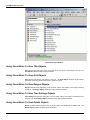
When you click the tag name in the left-hand pane of the TrendWorX Configurator screen, the tag
name or ID, which uniquely identifies the tag, is displayed in the Signal Name field, as shown
above.
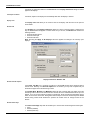
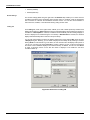
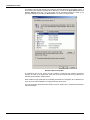
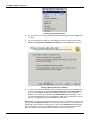
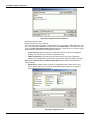
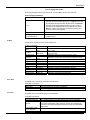
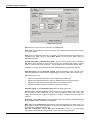
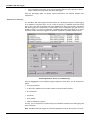
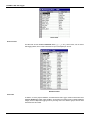
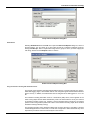
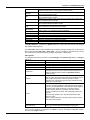
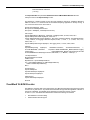
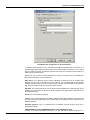
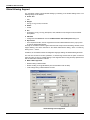
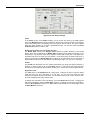
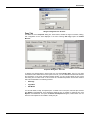
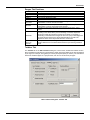
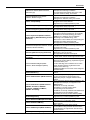
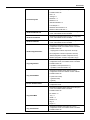
Description. This field contains a description of the actual signal. For Unicode applications, the
description can be language-aliased so that trend clients will use the translated description during
animation (runtime) mode. TrendWorX Reporting uses the Description text on a per-report tag
basis. This option, if used, will label the resulting data columns of the target report using the defined
Description entries in the TrendWorX Configurator. By default, when a signal is inserted in the
TrendWorX Configurator, the Description entry of the signal will be its logging name. You can
override the Description field, which will be used to label the resulting data column in the final
report. If the Description field in the TrendWorX Configurator is left empty, the logging name will be
used to label the resulting data column of the report. The TrendWorX Reporting application will still
display in the tree view or edit dialogs the report tags using their logging names.
In addition, for the Unicode version of TrendWorX Reporting, the Description field can be languagealiased to be used with various languages.
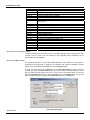
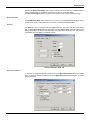
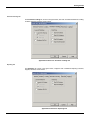
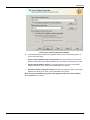
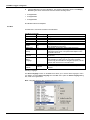
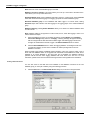
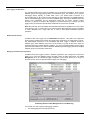
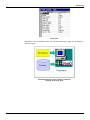
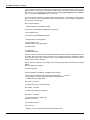
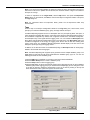
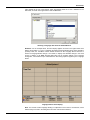
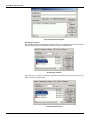
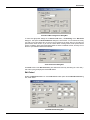
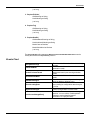
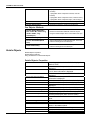
Logging name. Initially the signal’s Logging Name is set to match the actual tag’s (point) name.
You can override this setting and choose a more appropriate name such as “Temperature
Measurement”. This, in turn, will represent the “signal name” by which historian clients will access
the data logged for that signal. If the signal is an expression, its logging name should be replaced
with a description that does not include expression specific syntax.
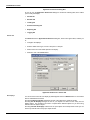
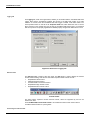
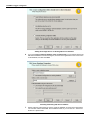
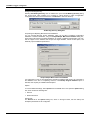
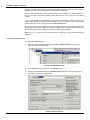
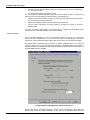
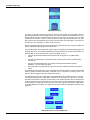
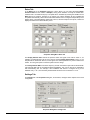
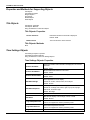
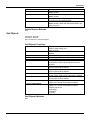
Note: You can configure the same OPC tag for data logging multiple times under the same logging
group in order to log historical information for the tag using various data-logging filters. However, the
corresponding logging names must be different so that the historical replay will clearly identify the
related tags.
2.44