1
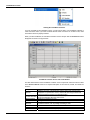
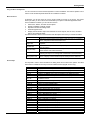
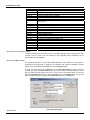
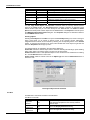
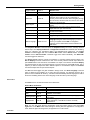
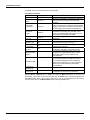
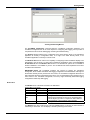
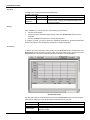
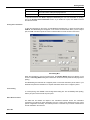
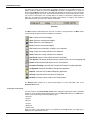
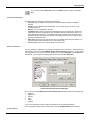
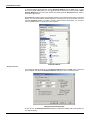
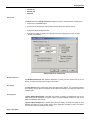
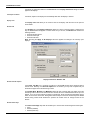
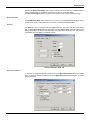
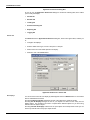
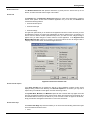
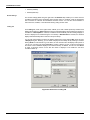
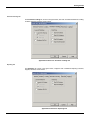
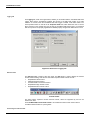
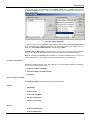
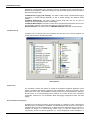
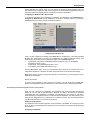
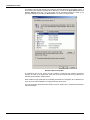
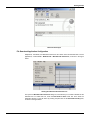
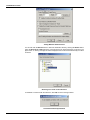
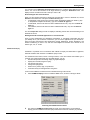
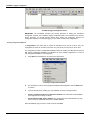
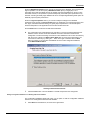
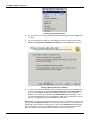
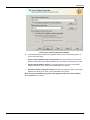
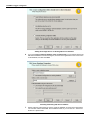
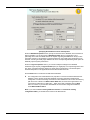
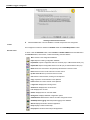
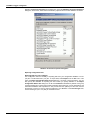
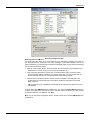
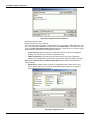
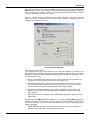
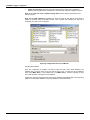
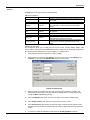
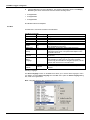
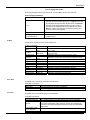
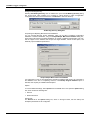
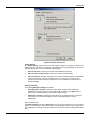
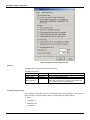
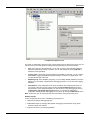
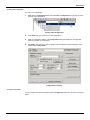
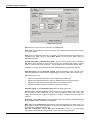
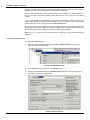
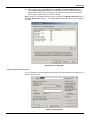
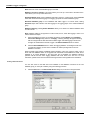
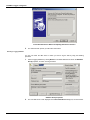
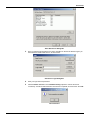
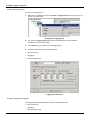
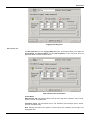
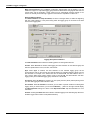
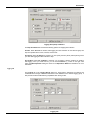
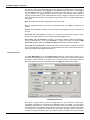
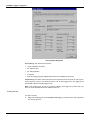
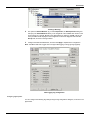
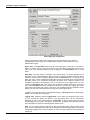
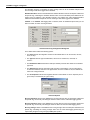
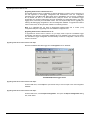
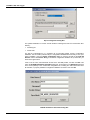
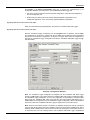
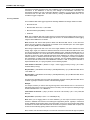
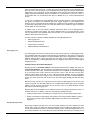
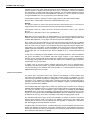
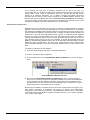
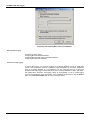
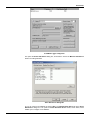
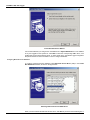
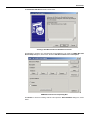
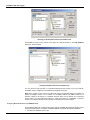
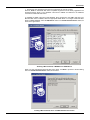
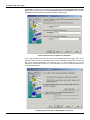
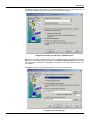
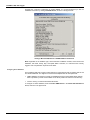
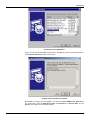
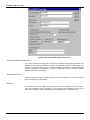
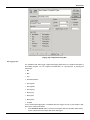
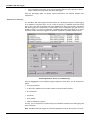
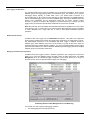
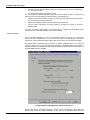
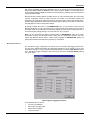
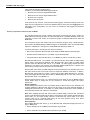
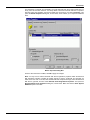
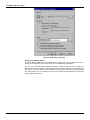
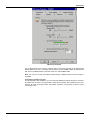
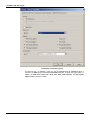
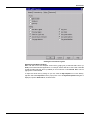
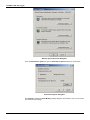
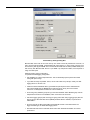
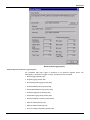
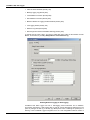
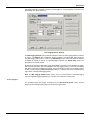
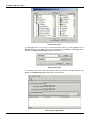
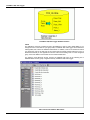
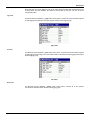
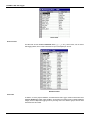
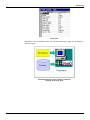
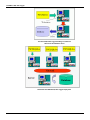
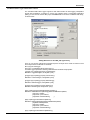
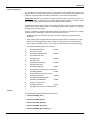
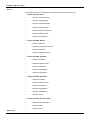
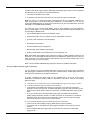
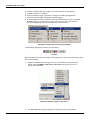
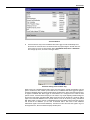
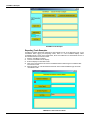
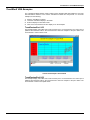
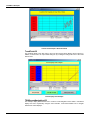
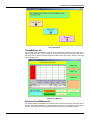
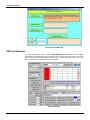
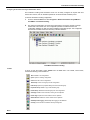
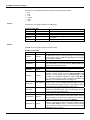
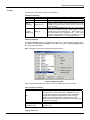
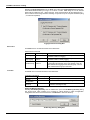
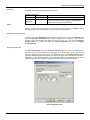
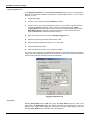
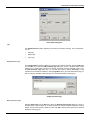
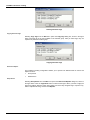
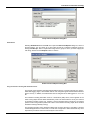
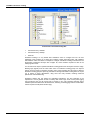
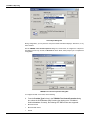
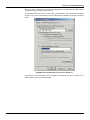
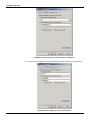
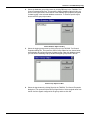
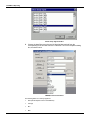
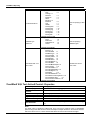
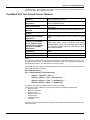
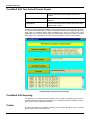
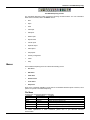
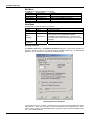
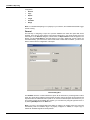
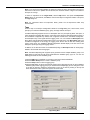
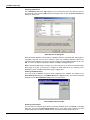
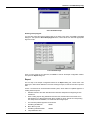
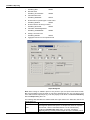
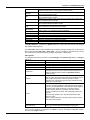
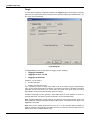
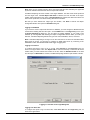
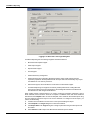
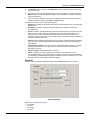
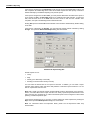
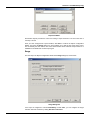
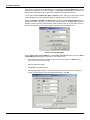
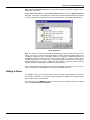
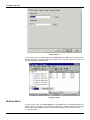
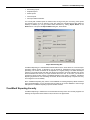
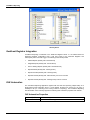
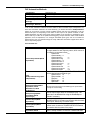
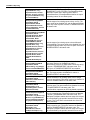
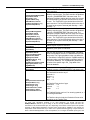
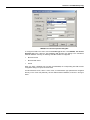
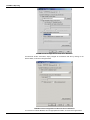
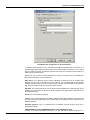
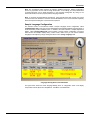
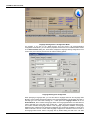
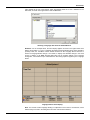
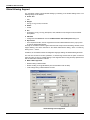
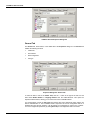
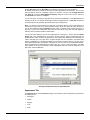
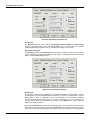
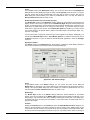
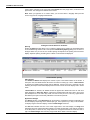
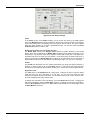
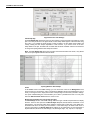
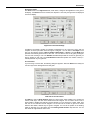
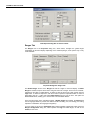
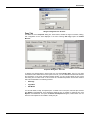
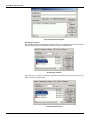
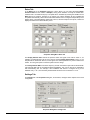
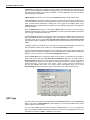
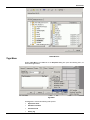
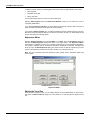
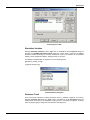
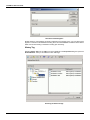
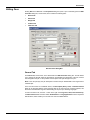
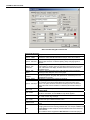
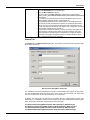
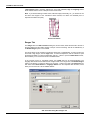
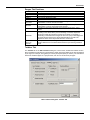
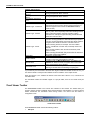
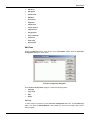
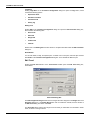
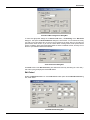
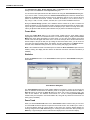
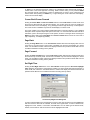
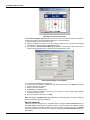
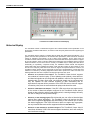
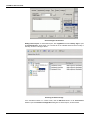
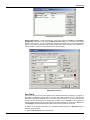
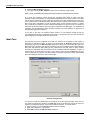
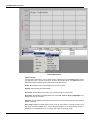
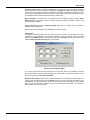
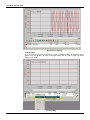
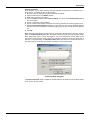
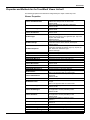
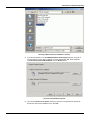
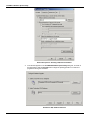
TrendWorX Viewer ActiveX Global Aliasing Support The TrendWorX Viewer supports Global Aliasing by interfacing to the Global Aliasing Server. The following strings can be aliased: Viewer Title o Title Ranges o Hi Tag, Lo Tag, Format, Format XY Details o Format Pen o Point Name, Hi Tag, Low Tag, Description, Units, Details Format, Ranges Format, Persistent Group Name URL Path o Configured in the General tab of the TrendWorX Viewer ActiveX Properties dialog box. Expressions o In the Expression Editor, click the Tags button and select Global Aliases from the pop-up menu to open the Global Alias Browser. Currently the TrendWorX Viewer supports machine-level and process-level aliasing. All fields, which support aliasing, have been interfaced to the Global Alias Browser dialog, which is evoked by clicking on the … button. In addition, the TrendWorX Viewer has integrated Language Aliasing and Global Aliasing browsers. The user first connects a real time, persistent, or historical tag and then has the option to alias the entire pen string or part of it. Global aliasing is also supported also for drag-and-drop operations as well as related OLE automation methods. What is NOT supported: o Runtime editing of aliased fields o Aliases resulting in new global aliases (ie a resolved alias is also an alias) o Local settings saving if Global Aliases are used. Global Aliasing Pen Configuration 7.10