1
Power Plotter / Proof Manual
The JPG format also preserves a rather good quality (even giving some fault on
highly contrasted borders) with the advantage of generating small files that can
easily be moved.
In both cases it is advisable to keep file resolution (for final print size) at a minimum of 60dpi and for photographic images with shades or gradual passages of
colour; a minimum resolution of 100dpi for rendering and also images with very
small details and highly contrasted borders, and finally, at least150 dpi for text on
white background.
When you are working with software producing vector formats (e.g. Corel Draw®,
Adobe® Illustrator®, Macromedia® Freehand®, etc.) or with DTP programs
(Adobe® Pagemaker®, Quark® Express®, etc.) it is preferable to export the file
in EPS or PDF.
These formats preserve vector data as they are and this allows high quality on
text and lines.
To make sure the fonts used are readable, if possible you should export the file
using the “Include Fonts” command or convert the text to curves (which, however,
will generate bigger files).
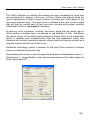
When you work on software that is not able to generate EPS files (e.g. Microsoft® Word®), the best thing to do is to print the document to a file using a Postscript printer.
Instructions for this using the Power Plotter Printer are found below.
CREATING A PS FILE FROM WINDOWS
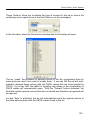
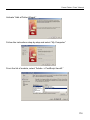
To generate a PostScript file to read with Power Plotter/Proof using any Windows
application, you need to install the Power Plotter Printer using the following
guided procedure:
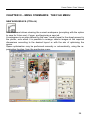
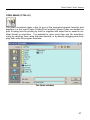
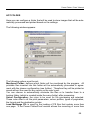
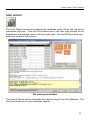
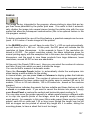
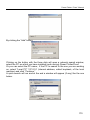
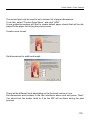
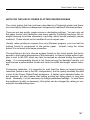
The following icon is displayed on your desktop:
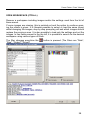
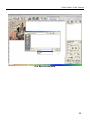
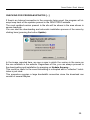
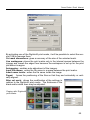
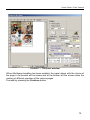
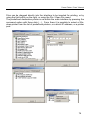
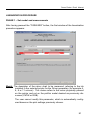
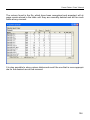
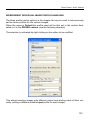
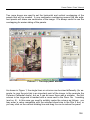
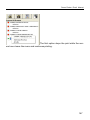
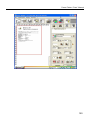
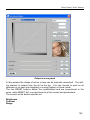
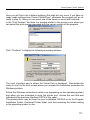
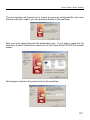
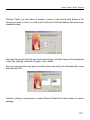
When you start the program, the following interface is displayed:
169