1
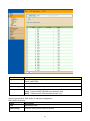
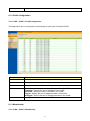
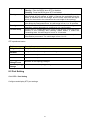
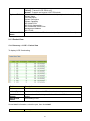
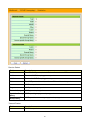
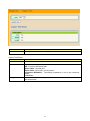
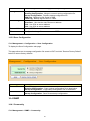
Capabilities
Enabled
Port ID Subtype
Primary enabled functions of the device.
LLDP Status
LLDP Tx and Rx abilities.
Type of the port identifier that is shown.
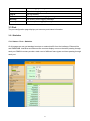
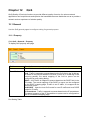
Click “detail” button on the page to view detail information of the selected port.
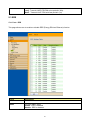
9.1.5 Neighbor
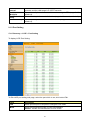
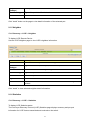
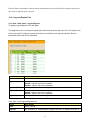
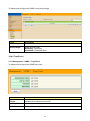
Click Discovery > LLDP > Neighbor
To display LLDP Remote Device.
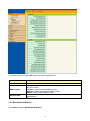
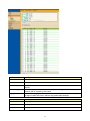
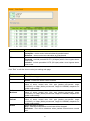
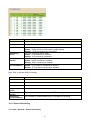
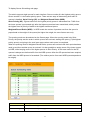
Use the LLDP Neighbor page to view LLDP neighbors information.
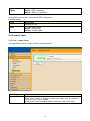
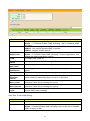
Field
Local Port
Chassis
Subtype
Chassis ID
Description
Number of the local port to which the neighbor is connected.
ID Type of chassis ID (for example, MAC address)
Identifier of the 802 LAN neighboring device’s chassis.
Port ID Subtype
Type of the port identifier that is shown.
Port ID
Identifier of port.
System Name
Published name of the switch.
Time to Live
Time interval in seconds after which the information for this neighbor is
deleted.
Click “detail” to view selected neighbor detail information.
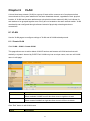
9.1.6 Statistics
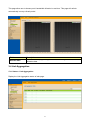
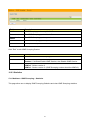
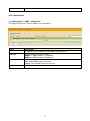
Click Discovery > LLDP > Statistics
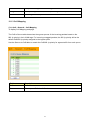
To display LLDP Statistics status.
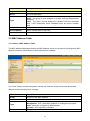
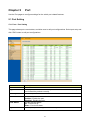
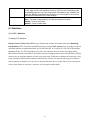
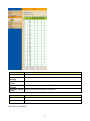
The Link Layer Discovery Protocol (LLDP) Statistics page displays summary and per-port
information for LLDP frames transmitted and received on the switch.
51