1
Tu toria ls Manu al
GlobeCaster
6.
257
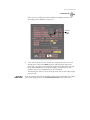
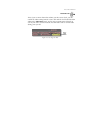
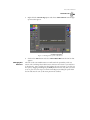
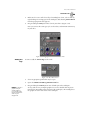
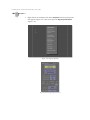
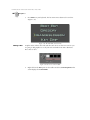
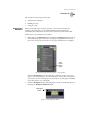
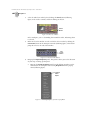
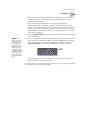
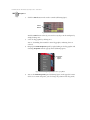
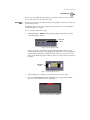
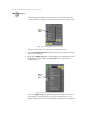
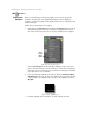
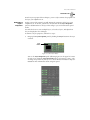
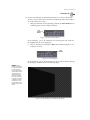
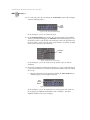
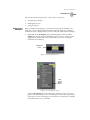
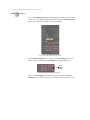
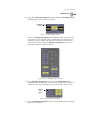
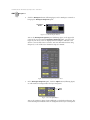
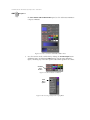
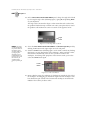
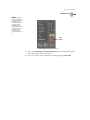
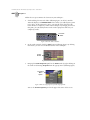
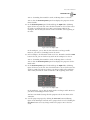
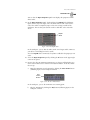
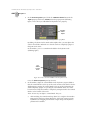
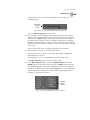
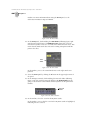
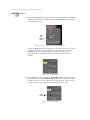
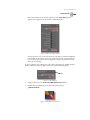
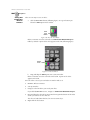
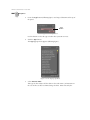
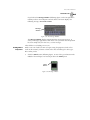
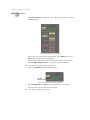
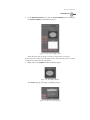
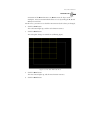
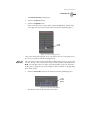
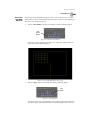
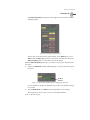
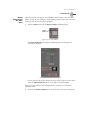
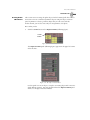
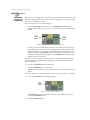
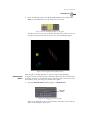
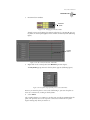
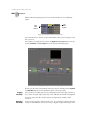
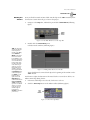
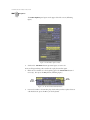
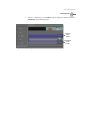
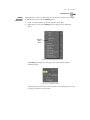
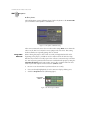
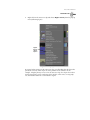
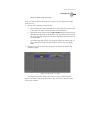
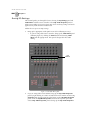
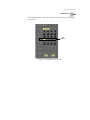
Click the Create New Object Track button (following figure) near the bottom
of the panel.
Create
New
Object
Track
Button
Figure 5.105: The Create New Object Track Button
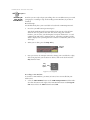
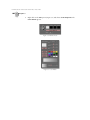
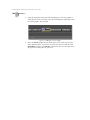
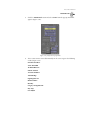
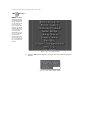
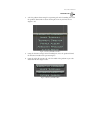
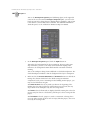
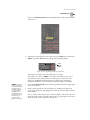
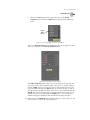
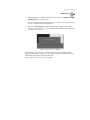
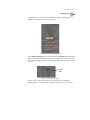
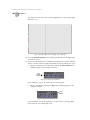
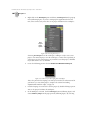
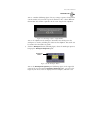
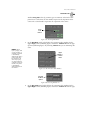
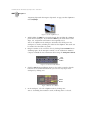
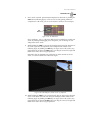
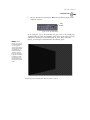
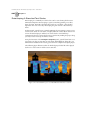
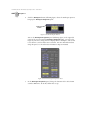
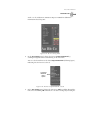
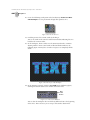
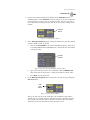
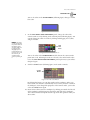
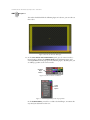
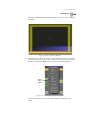
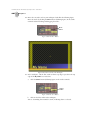
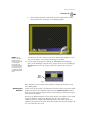
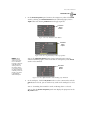
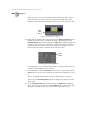
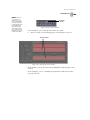
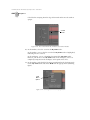
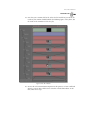
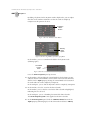
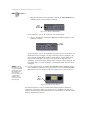
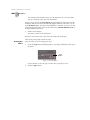
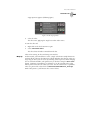
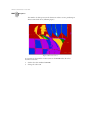
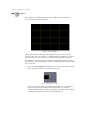
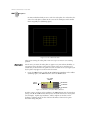
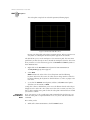
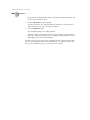
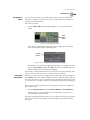
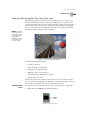
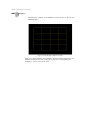
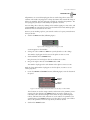
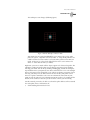
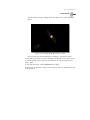
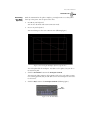
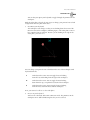
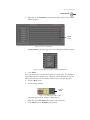
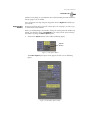
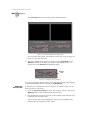
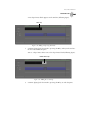
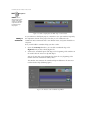
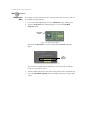
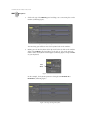
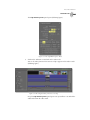
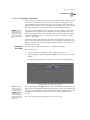
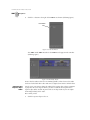
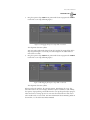
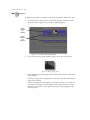
The sphere appears in the workspace (following figure).
Figure 5.106: The New Sphere Object in the Workspace
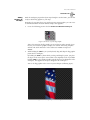
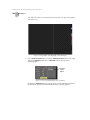
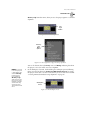
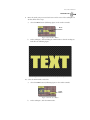
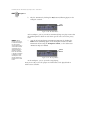
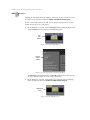
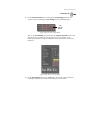
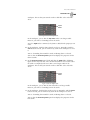
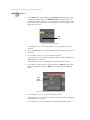
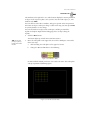
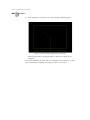
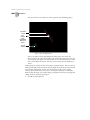
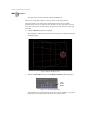
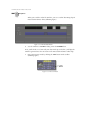
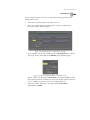
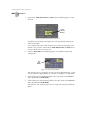
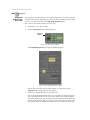
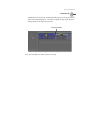
Effects Generator automatically selects it (the sphere turns yellow while the
video plane turns a dull red).
You are ready to set more properties for this sphere.
Adjusting The
Sphere
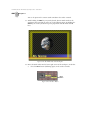
As it stands, the sphere is a basic primitive with surface reflectivity settings
applied. It has the potential for a texture to be mapped onto it. It does not have any
actual color, however. It’s also too big for this effect, so you’ll have to resize it.
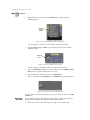
The following section shows you how to add a color texture and how to scale the
sphere. In this tutorial, you apply the texture first. However, it makes no difference
which you do first.
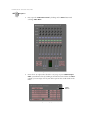
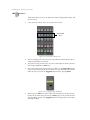
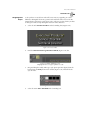
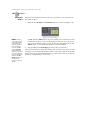
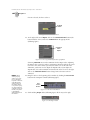
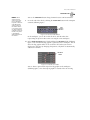
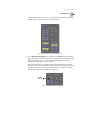
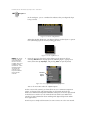
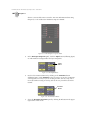
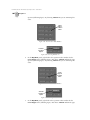
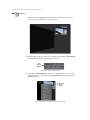
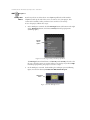
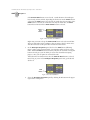
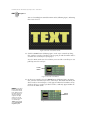
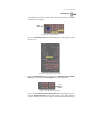
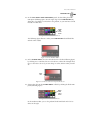
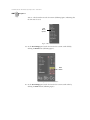
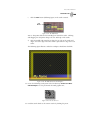
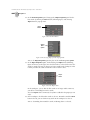
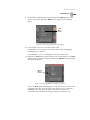
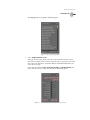
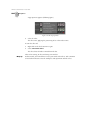
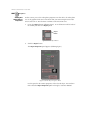
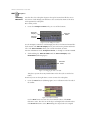
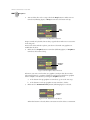
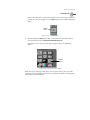
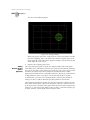
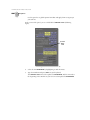
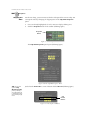
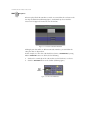
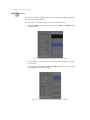
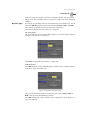
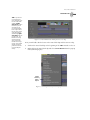
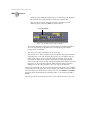
To make sure you don’t accidentally select the video plane, turn off Select.