1
Tu toria ls Manu al
GlobeCaster
73
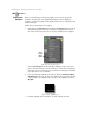
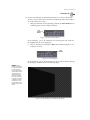
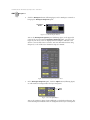
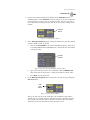
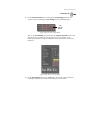
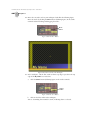
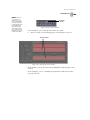
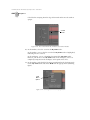
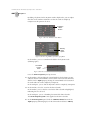
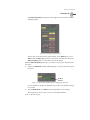
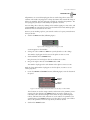
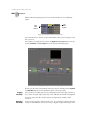
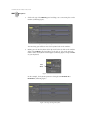
then animate it. See the GlobeCaster Animator/Compositor Manual for
additional information about using this panel.
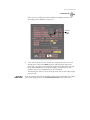
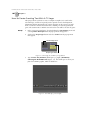
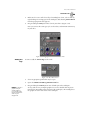
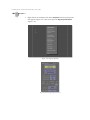
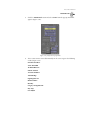
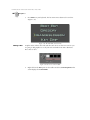
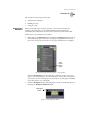
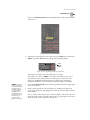
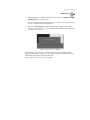
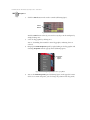
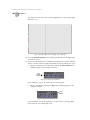
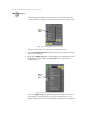
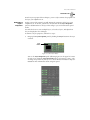
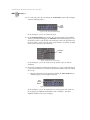
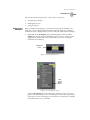
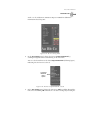
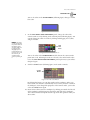
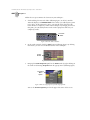
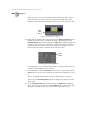
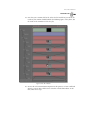
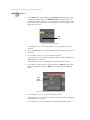
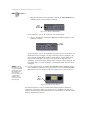
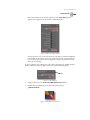
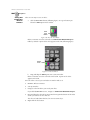
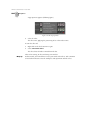
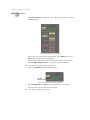
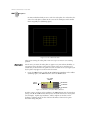
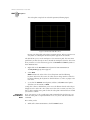
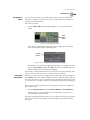
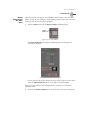
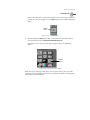
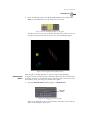
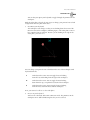
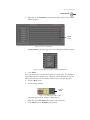
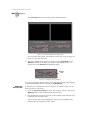
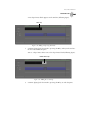
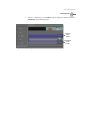
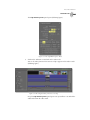
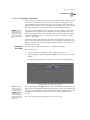
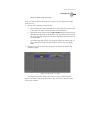
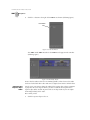
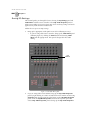
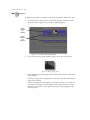
Figure 4.34: The Stroke Properties Panel
7.
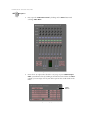
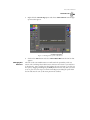
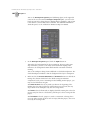
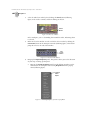
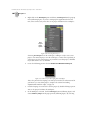
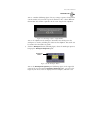
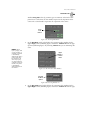
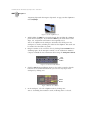
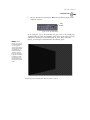
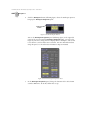
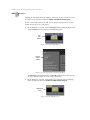
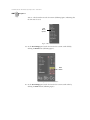
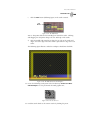
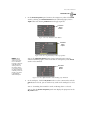
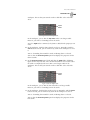
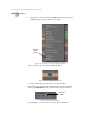
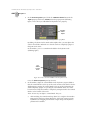
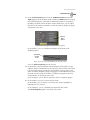
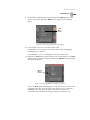
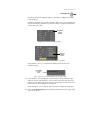
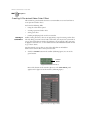
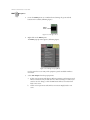
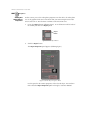
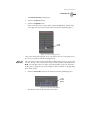
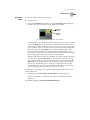
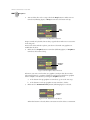
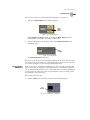
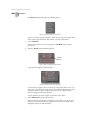
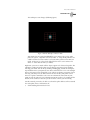
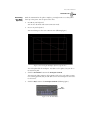
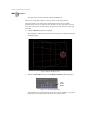
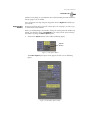
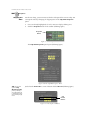
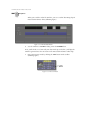
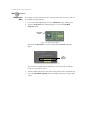
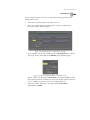
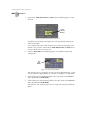
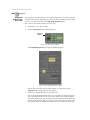
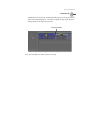
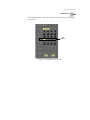
In the Stroke Properties panel, click-and-drag the XPosition slider (following
figure) to the right until the flag graphic is just barely in the workspace. This is
where the flag graphic will be at the beginning of the effect when you run it in
Switcher.
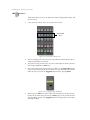
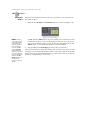
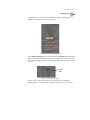
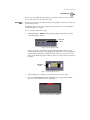
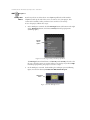
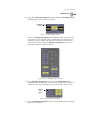
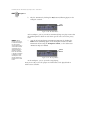
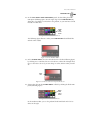
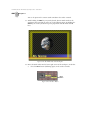
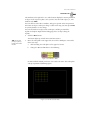
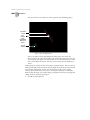
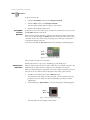
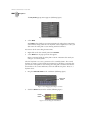
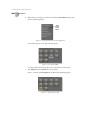
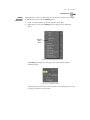
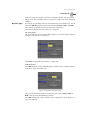
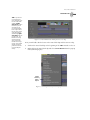
XPosition
Slider
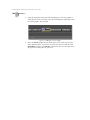
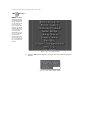
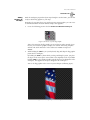
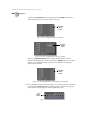
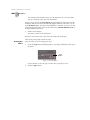
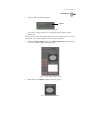
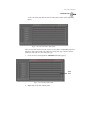
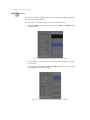
Figure 4.35: The XPosition Slider
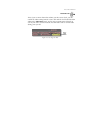
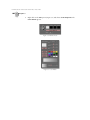
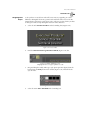
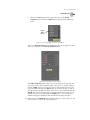
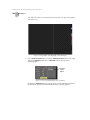
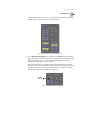
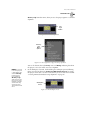
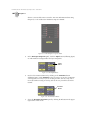
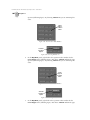
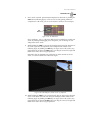
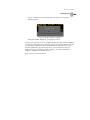
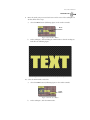
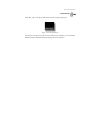
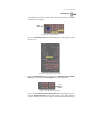
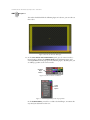
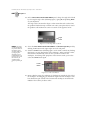
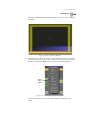
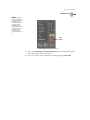
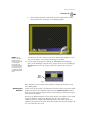
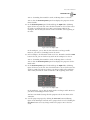
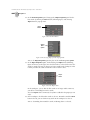
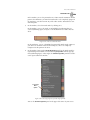
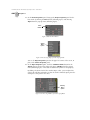
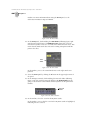
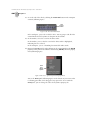
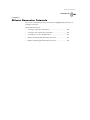
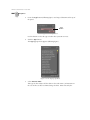
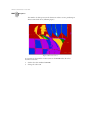
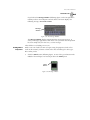
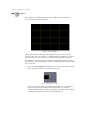
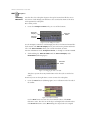
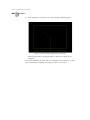
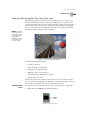
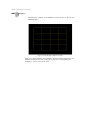
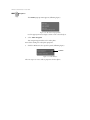
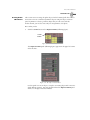
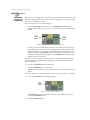
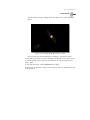
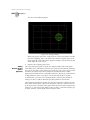
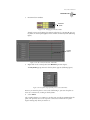
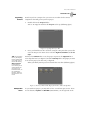
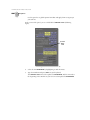
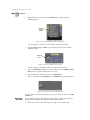
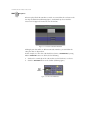
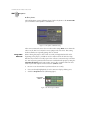
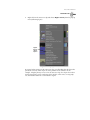
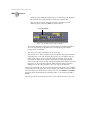
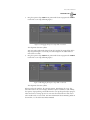
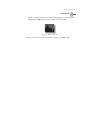
You see about a quarter-inch strip of the flag graphic in the workspace
(following figure). Since this strip of graphic is outside of the safe viewing