1
Tu toria ls Manu al
GlobeCaster
327
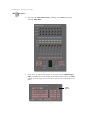
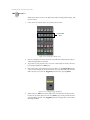
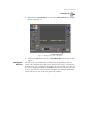
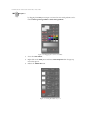
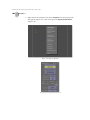
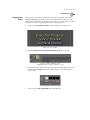
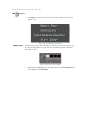
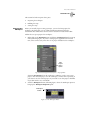
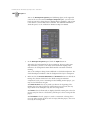
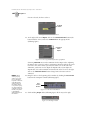
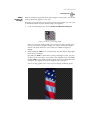
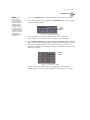
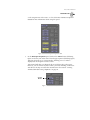
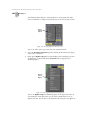
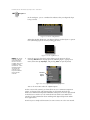
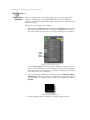
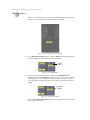
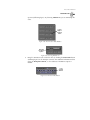
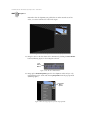
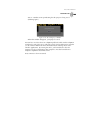
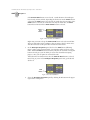
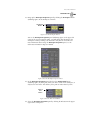
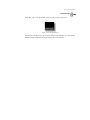
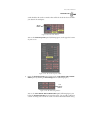
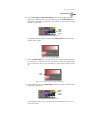
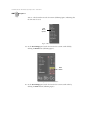
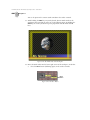
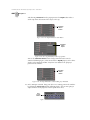
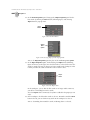
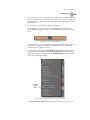
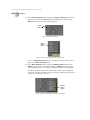
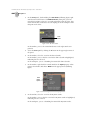
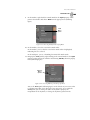
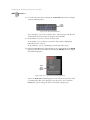
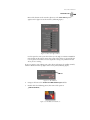
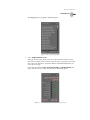
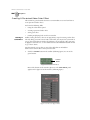
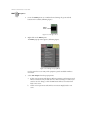
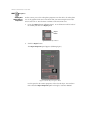
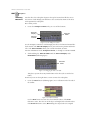
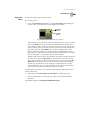
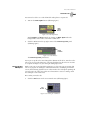
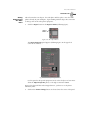
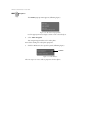
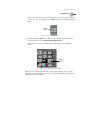
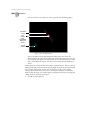
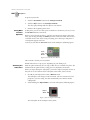
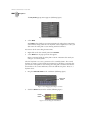
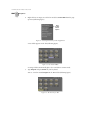
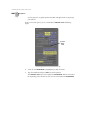
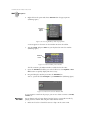
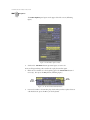
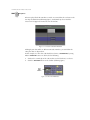
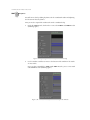
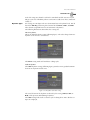
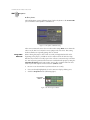
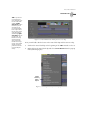
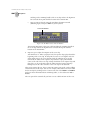
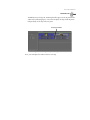
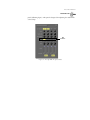
The Clip Main Properties panel opens (following figure).
Figure 6.71: The Clip Main Properties Panel
4.
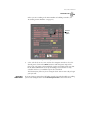
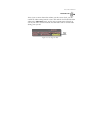
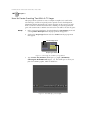
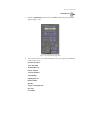
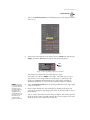
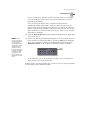
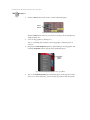
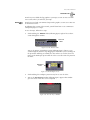
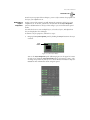
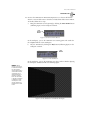
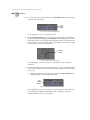
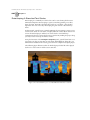
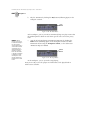
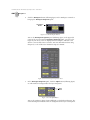
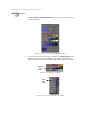
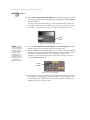
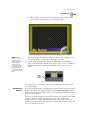
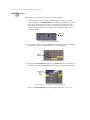
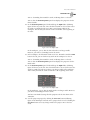
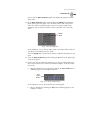
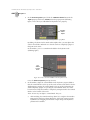
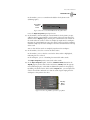
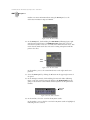
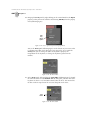
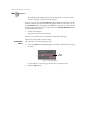
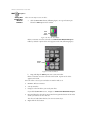
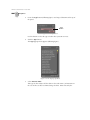
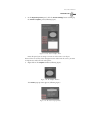
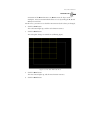
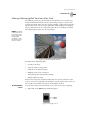
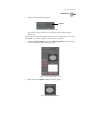
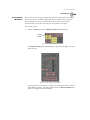
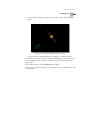
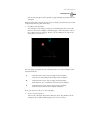
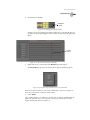
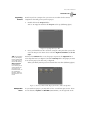
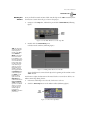
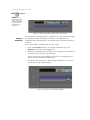
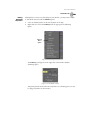
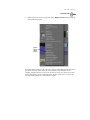
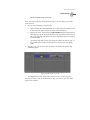
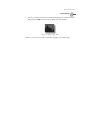
Click on the V button to turn back on the video track.
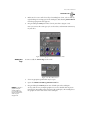
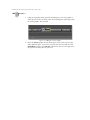
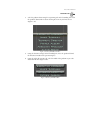
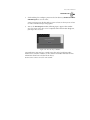
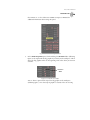
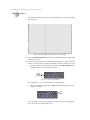
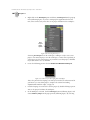
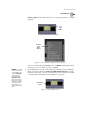
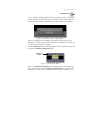
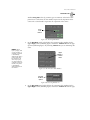
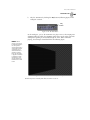
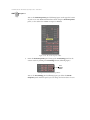
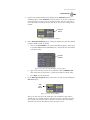
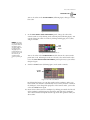
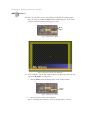
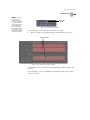
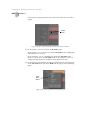
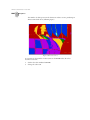
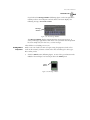
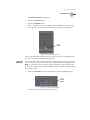
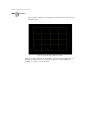
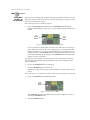
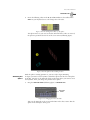
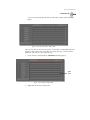
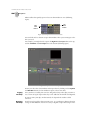
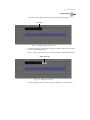
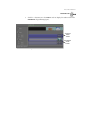
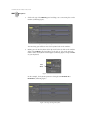
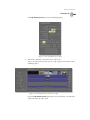
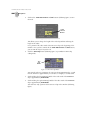
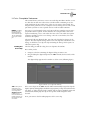
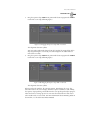
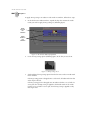
You see the video portion of the Voiceover clip re-appear in the Video 2 track
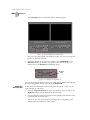
(following figure).
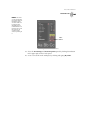
Figure 6.72: Restoring the Video for the Voiceover Clip
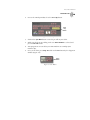
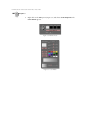
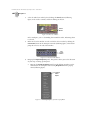
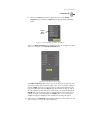
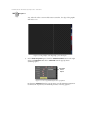
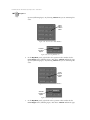
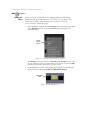
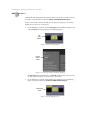
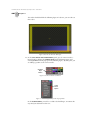
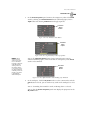
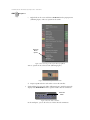
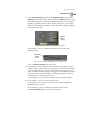
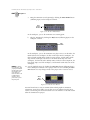
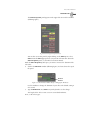
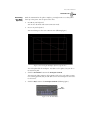
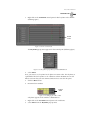
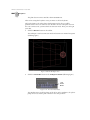
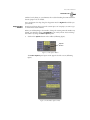
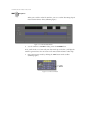
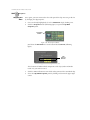
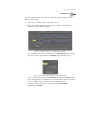
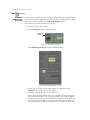
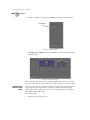
Keep the Clip Main Properties panel open. Next you will use it to unlock the
audio tracks from the video track.