1
Effec ts Gene rato r Tuto rials
278
Chapter 5
5.
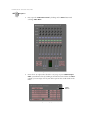
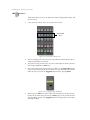
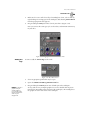
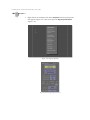
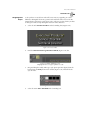
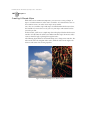
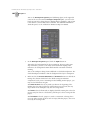
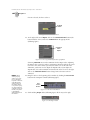
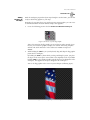
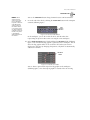
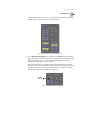
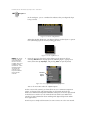
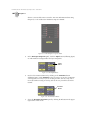
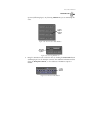
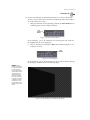
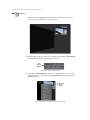
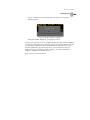
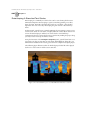
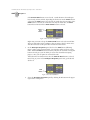
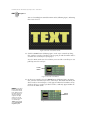
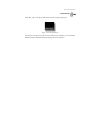
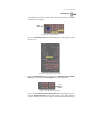
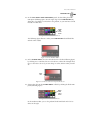
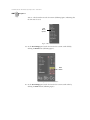
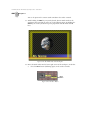
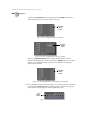
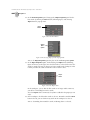
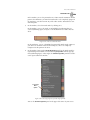
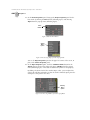
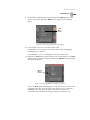
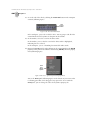
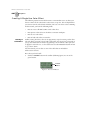
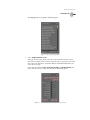
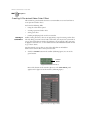
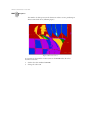
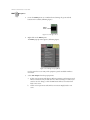
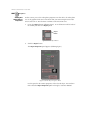
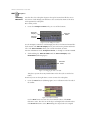
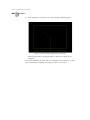
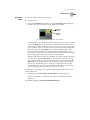
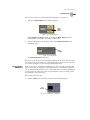
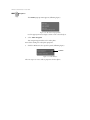
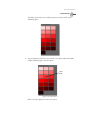
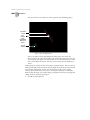
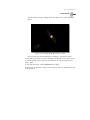
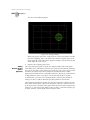
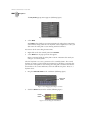
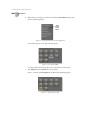
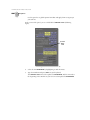
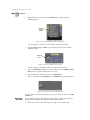
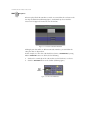
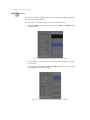
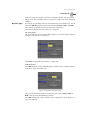
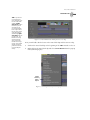
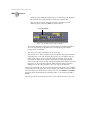
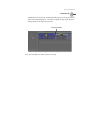
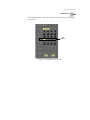
Click-and-drag upwards in the workspace until you see just a little bit of the
video plane (following figure).
Figure 5.144: Adjusted View of the Video Plane
6.
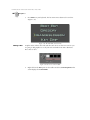
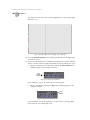
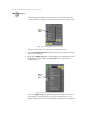
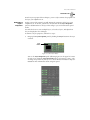
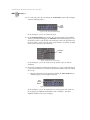
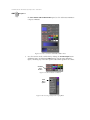
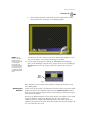
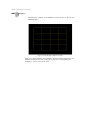
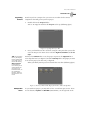
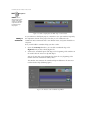
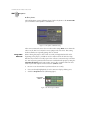
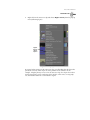
Press d again.
You return to Director mode’s editing mode.
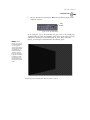
With the workspace view set for editing, it’s time to start rotating the video plane.
Animating the video involves rotating the video plane and using the timeline to set
the movement for each keyframe you create.
You need to edit the video plane’s very first keyframe.
1.
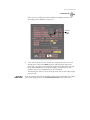
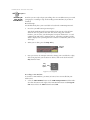
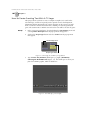
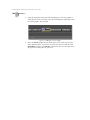
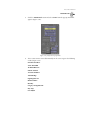
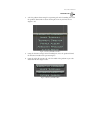
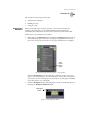
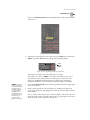
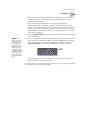
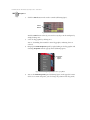
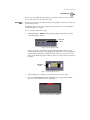
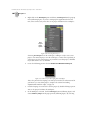
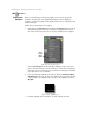
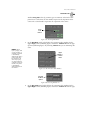
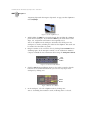
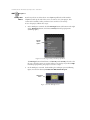
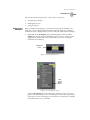
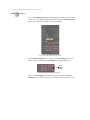
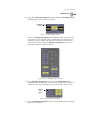
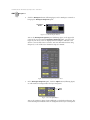
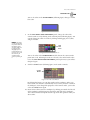
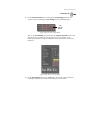
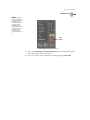
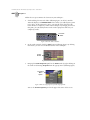
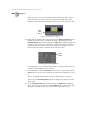
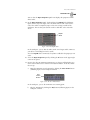
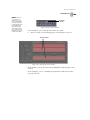
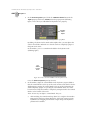
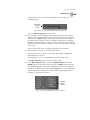
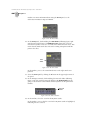
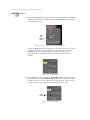
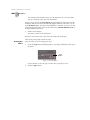
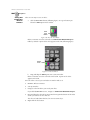
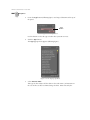
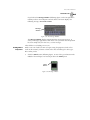
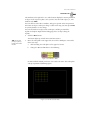
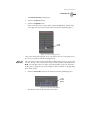
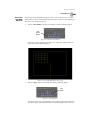
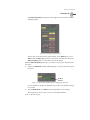
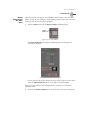
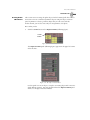
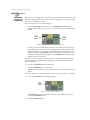
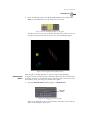
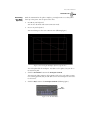
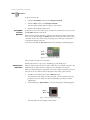
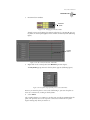
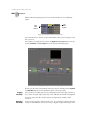
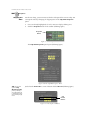
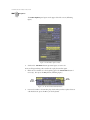
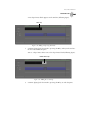
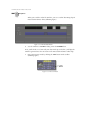
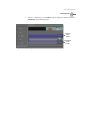
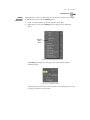
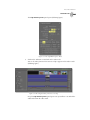
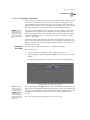
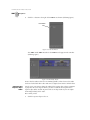
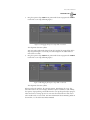
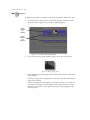
Locate the + button to the left of the video plane’s name in the timeline
(following figure).
+ Button
Figure 5.145: The + Button in the Timeline
2.
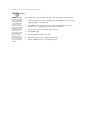
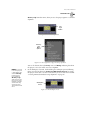
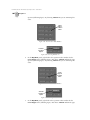
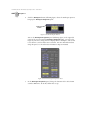
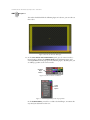
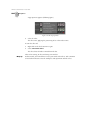
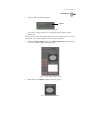
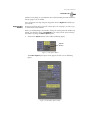
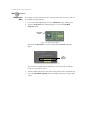
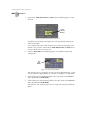
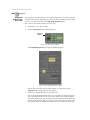
Click the + button.