1
Glo beC as ter Animator/ Comp osito r Tuto rials
138
Chapter 4
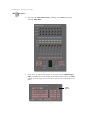
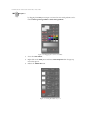
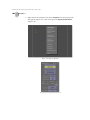
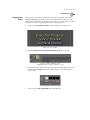
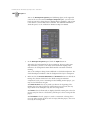
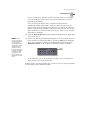
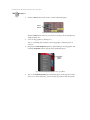
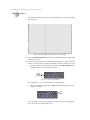
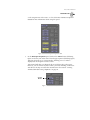
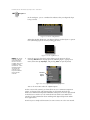
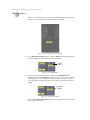
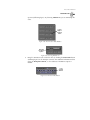
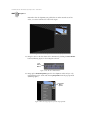
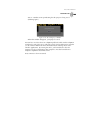
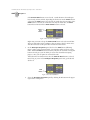
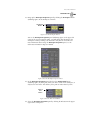
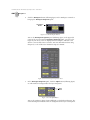
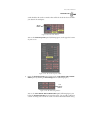
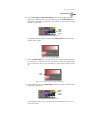
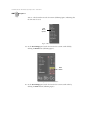
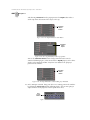
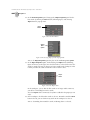
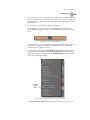
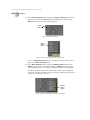
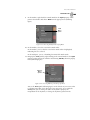
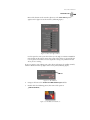
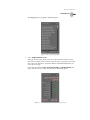
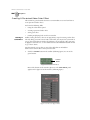
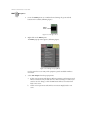
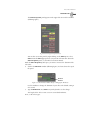
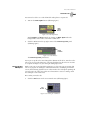
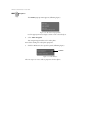
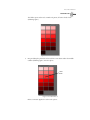
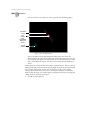
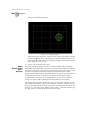
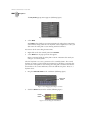
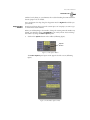
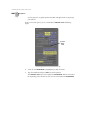
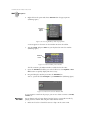
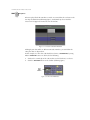
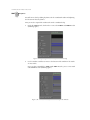
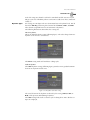
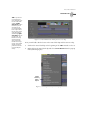
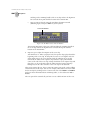
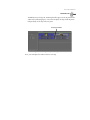
the Color Palette and Gradient Editor panel, see the GlobeCaster Animator/
Compositor Manual.
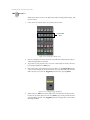
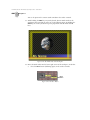
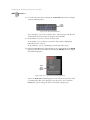
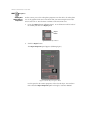
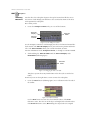
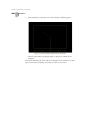
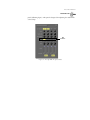
Figure 4.183: The Color Palette and Gradient Editor Panel
7.
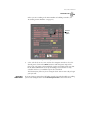
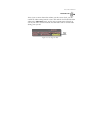
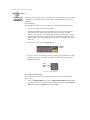
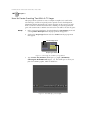
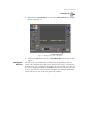
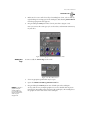
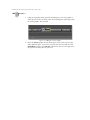
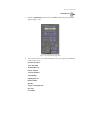
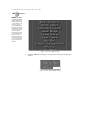
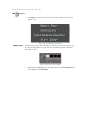
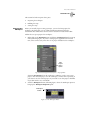
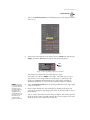
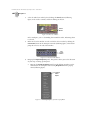
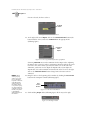
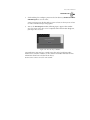
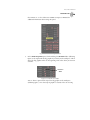
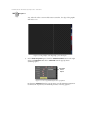
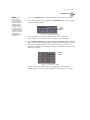
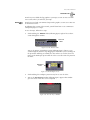
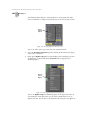
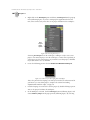
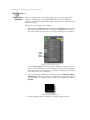
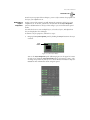
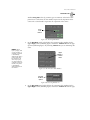
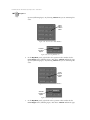
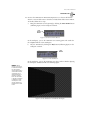
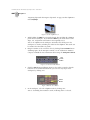
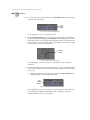
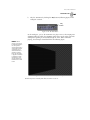
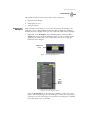
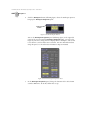
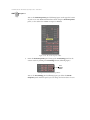
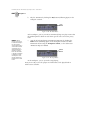
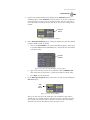
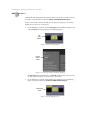
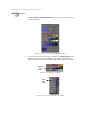
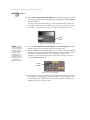
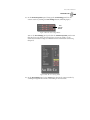
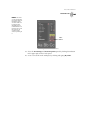
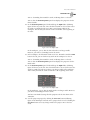
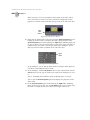
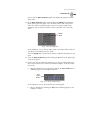
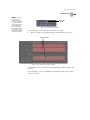
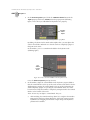
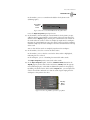
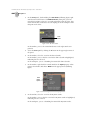
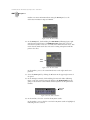
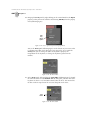
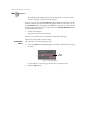
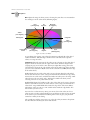
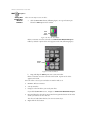
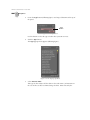
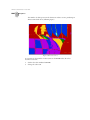
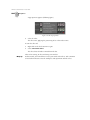
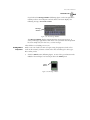
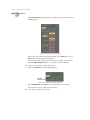
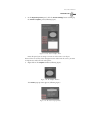
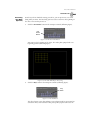
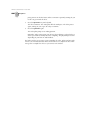
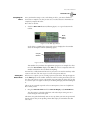
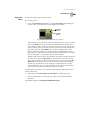
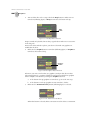
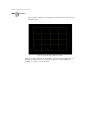
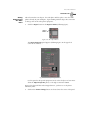
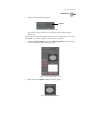
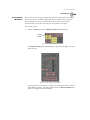
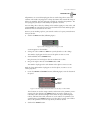
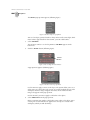
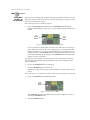
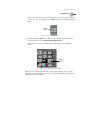
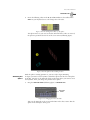
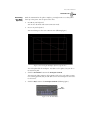
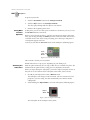
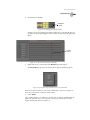
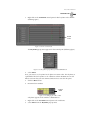
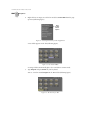
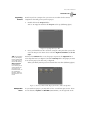
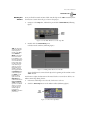
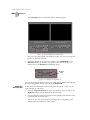
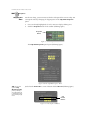
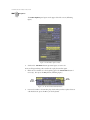
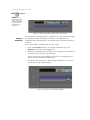
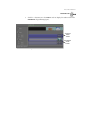
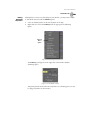
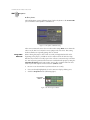
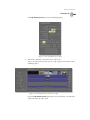
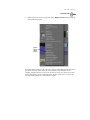
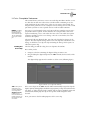
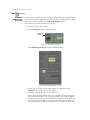
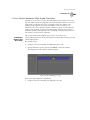
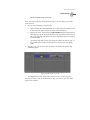
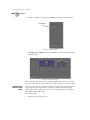
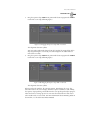
Give the Current Stroke a solid color by clicking the Gradient Style button
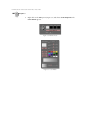
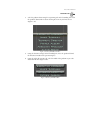
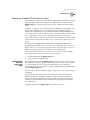
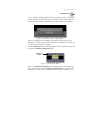
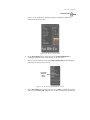
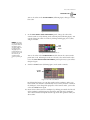
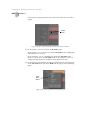
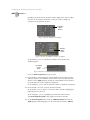
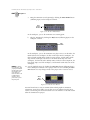
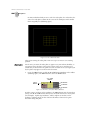
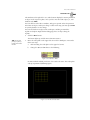
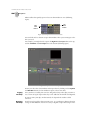
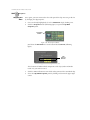
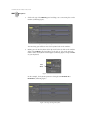
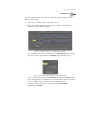
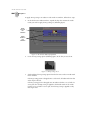
(following figure) and choosing Solid from the pop-up menu (following
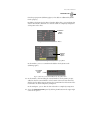
figure). Choosing any of the other options adds various gradients to a stroke.
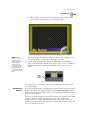
Gradient
Style
Button
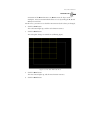
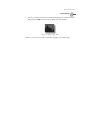
Figure 4.184: The Gradient Style Button
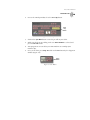
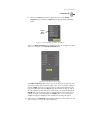
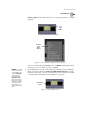
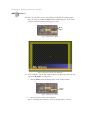
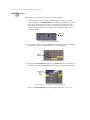
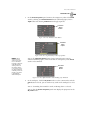
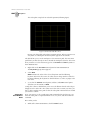
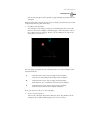
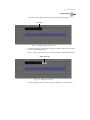
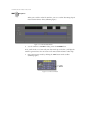
Solid
Menu
Option
Figure 4.185: Choosing Solid from the Pop-Up Menu