1
Section 5. Program Creation and Editing
•
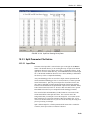
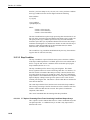
For mixed-array dataloggers, ProgramName.FSL is a text file containing
output labels (created for mixed-array dataloggers only). This file can be
used by Split or View or other software to provide column headers for the
data file.
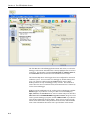
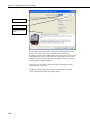
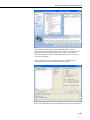
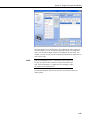
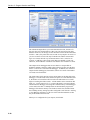
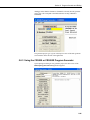
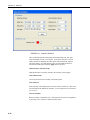
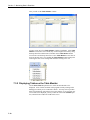
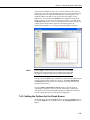
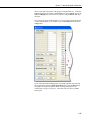
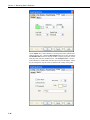
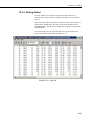
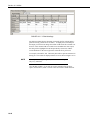
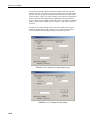
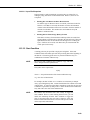
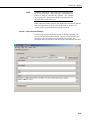
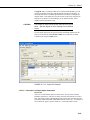
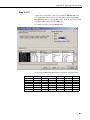
The Summary tab displays the information in the DEF file as described above.
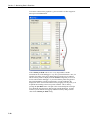
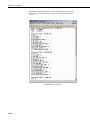
The Advanced tab (for CRBasic dataloggers) displays the CRBasic program
that was generated. It includes a CRBasic Editor button which opens the
program for editing in the CRBasic Editor. Note that any changes made to the
generated program in the CRBasic Editor will not be reflected in Short Cut or
future programs generated by Short Cut.
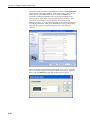
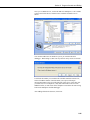
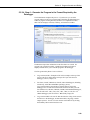
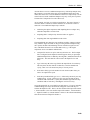
Note that, while Short Cut can generate a program file for the datalogger, you
must use datalogger communication software to transmit that program to the
datalogger. (This is true even when pressing the “Send Program” button from
Short Cut’s Finish screen. Short Cut relies on the datalogger communication
software to transmit the program.) For more information about using the
“Send” option, refer to Section 5.3.2 “Compile, Save, and Send” earlier in this
chapter.
5.5.3 Short Cut Settings
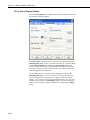
The Program and Tools menus on the Short Cut menu offers several settings
that may prove useful.
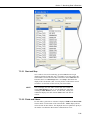
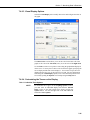
5.5.3.1 Scan Interval
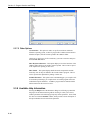
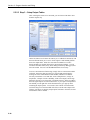
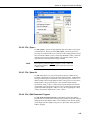
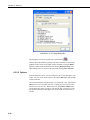
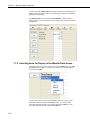
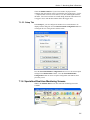
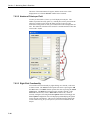
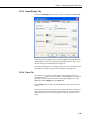
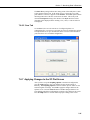
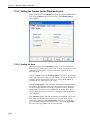
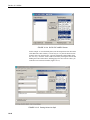
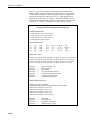
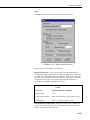
If you wish to change the scan interval after you’ve created the program, this
option provides that opportunity. It presents the same pop-up window as when
you first choose a datalogger.
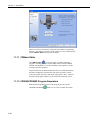
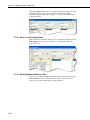
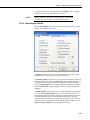
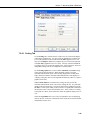
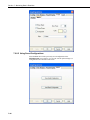
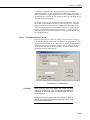
5.5.3.2 Program Security
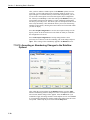
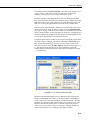
Some dataloggers allow you to set security by entering one or more numbers
into their security fields. You can allow different levels of access (e.g.; only
allow data retrieval, or also allow monitoring of values, or also allow sending a
new program or setting the clock) by entering multiple levels.
Datalogger security is not meant to be extremely tight. Rather, it is designed to
prevent honest people from making mistakes.
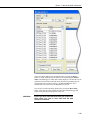
Notwithstanding its intention, one mistake you can make is to set security and
then forget the values. If you send a program with security set, you will then
need to add that security setting to LoggerNet's Setup window for that
datalogger. If you don’t, you may find that you can no longer communicate
with the datalogger. Should this happen and you forget the security code and
have lost the Short Cut program file, you may have to visit the datalogger site
and cycle power on the datalogger to be able to communicate with it. Most
dataloggers that offer security will communicate over their CS I/O port directly
with a keyboard/display or PC in the first few seconds of powering up. See the
datalogger manual for a full description of the security features.
5-40