1
Appendix B. Importing Files into Excel
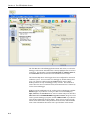
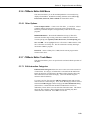
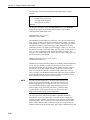
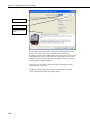
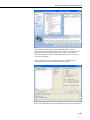
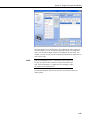
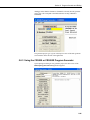
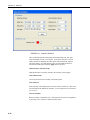
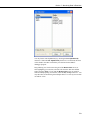
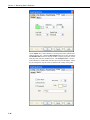
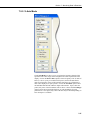
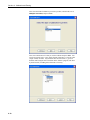
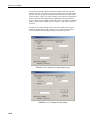
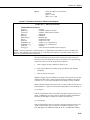
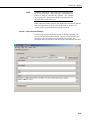
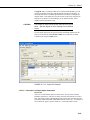
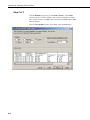
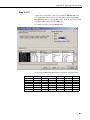
Step 3 of 3
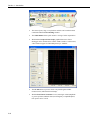
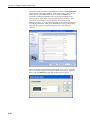
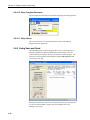
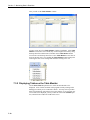
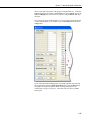
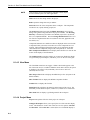
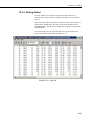
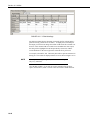
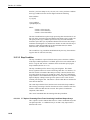
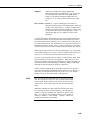
A quick look at the columns of data is provided in the Data Preview group
box. Highlight the column with the year/month/day and from the Column
Data Format group box, select the Date option. From the drop-down list box
to the right of this option select the YMD format.
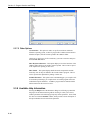
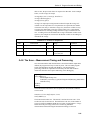
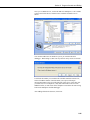
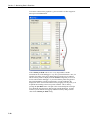
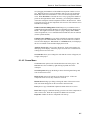
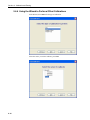
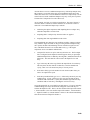
To complete the import, select the Finish button.
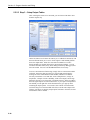
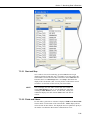
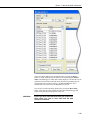
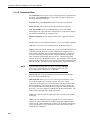
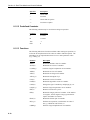
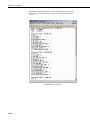
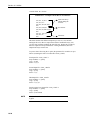
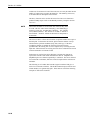
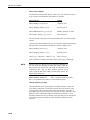
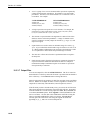
As imported, the Date and Time fields have a quotation mark in the field.
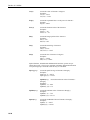
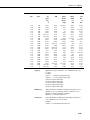
"TOACI1"
"TMSTAMP"
"2002-01-17
"2002-01-17
"2002-01-17
"2002-01-17
"2002-01-17
"2002-01-17
"CR10T" "FiveSecond"
"RECNBR" "counter" "SineOut" "IntTemp_C" "BattVolt"
16:31:45"
19787
340
-0.342
23.83
16:31:50"
19788
22
0.375
23.83
16:31:55"
19789
62
0.883
23.83
16:32:00"
19790
102
0.978
23.83
16:32:05"
19791
142
0.616
23.83
16:32:10"
19792
182
-0.035
23.83
13.96
13.97
13.97
13.97
13.96
13.97
B-3