1
3.3.- FUNCTIONS
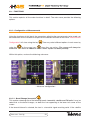
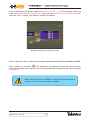
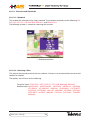
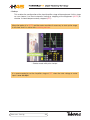
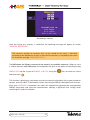
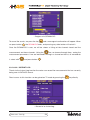
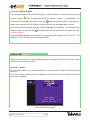
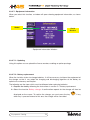
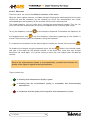
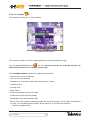
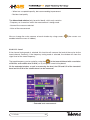
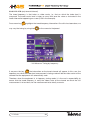
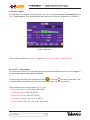
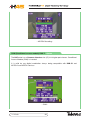
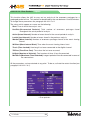
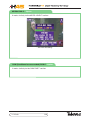
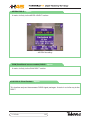
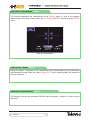
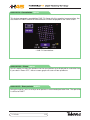
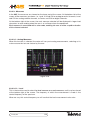
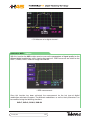
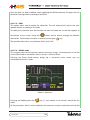
This section explains all the meter functions in detail. The main menu provides the following
options:
3.3.1.- Configuration of Measurements
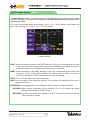
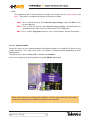
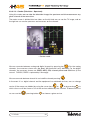
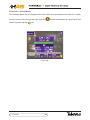
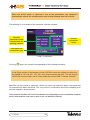
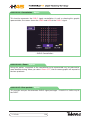
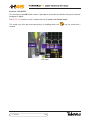
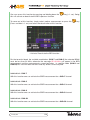
Using the functions of this block, the parameters affecting the measurements to be made can
be established. All the windows that open for the different functions of the menu "Measurement
Configuration" will close using the key
. One may select different options in each menu by
using the
or the cursor keys
when they are active. (The cursors will always be
active when the menu is hidden or when a menu option has been pressed).
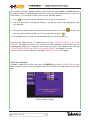
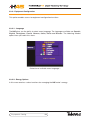
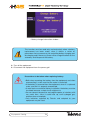
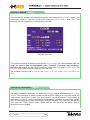
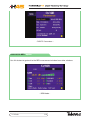
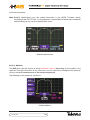
Within this option, we have the following sub-menu:
- Measures configuration -
3.3.1.1.- Band Change (terrestrial
)
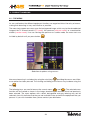
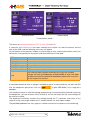
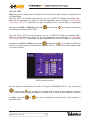
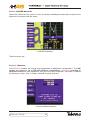
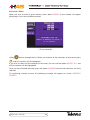
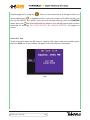
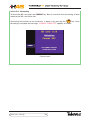
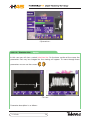
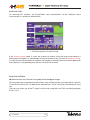
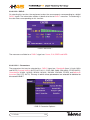
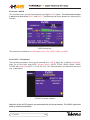
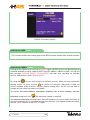
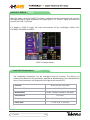
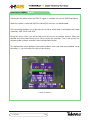
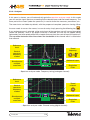
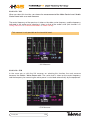
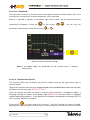
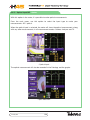
This enables choosing one of the following bands: terrestrial, satellite and FM radio. It may be
noted that as the band changes, so does the icon appearing at the lower left corner of the
screen.
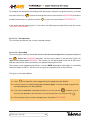
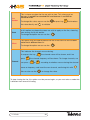
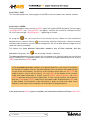
If the terrestrial band is selected, the icon is a terrestrial signal receiving aerial. If the satellite
Measures Config.
31