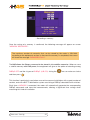
1
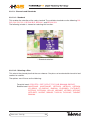
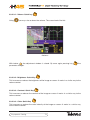
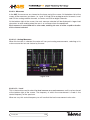
3.3.2.3.1.- Volume. Quick key
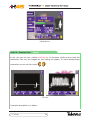
Using
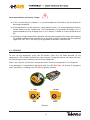
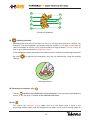
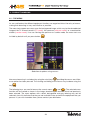
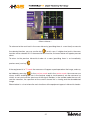
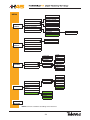
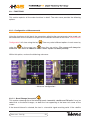
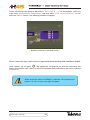
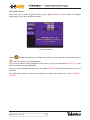
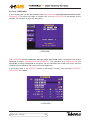
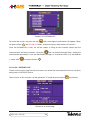
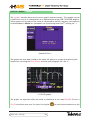
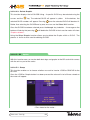
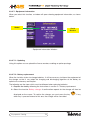
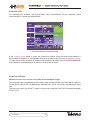
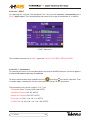
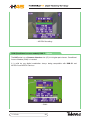
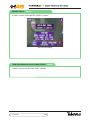
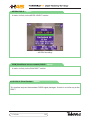
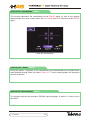
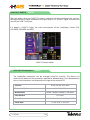
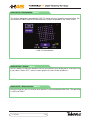
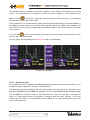
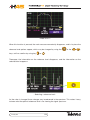
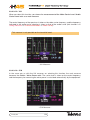
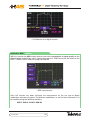
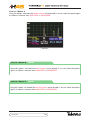
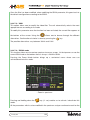
you may raise or lower the volume. The screen looks like this:
- Volume -
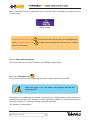
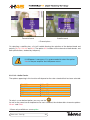
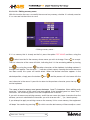
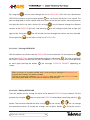
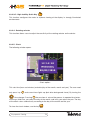
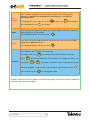
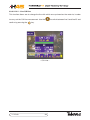
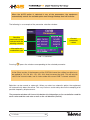
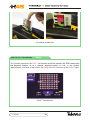
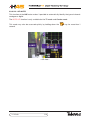
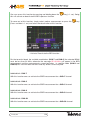
With button
the adjustment window is closed. By once again pressing key
parameter changes.
the
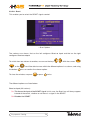
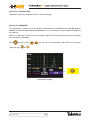
3.3.2.3.2.- Brightness. Quick Key
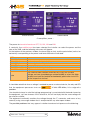
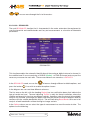
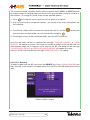
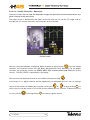
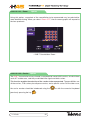
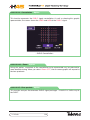
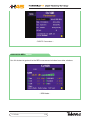
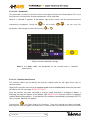
This increases or reduces the brightness of the image on screen. It works in a similar way to the
volume control.
3.3.2.3.3.- Contrast. Quick Key
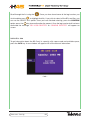
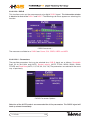
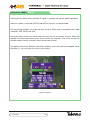
This increases or reduces the contrast of the image on screen. It works in a similar way to the
volume control.
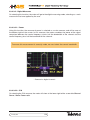
3.3.2.3.4.- Color. Quick Key
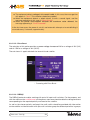
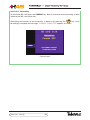
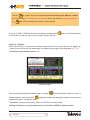
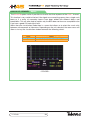
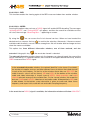
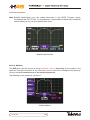
This increases or reduces the color intensity of the image on screen. It works in a similar way
to the volume control.
Equipment Config.
71