1
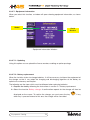
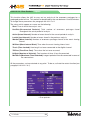
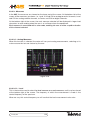
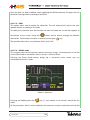
3.3.4.4.4.- Search for Peaks
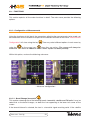
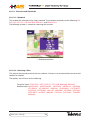
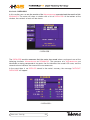
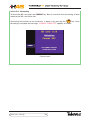
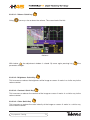
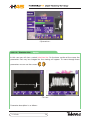
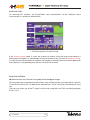
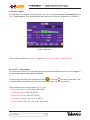
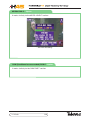
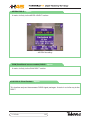
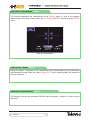
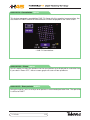
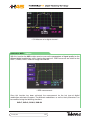
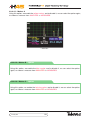
This option locates the selected marker on the highest level frequency of all those displayed
on screen.
3.3.4.4.4.1.- Maximum Peak
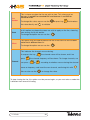
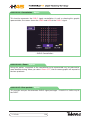
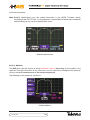
This option positions the selected indicator at the frequency with the highest level from those
shown on the screen.
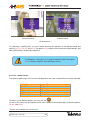
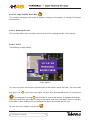
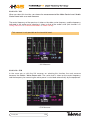
3.3.4.4.4.2.- Next Peak
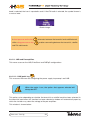
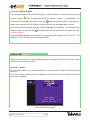
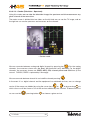
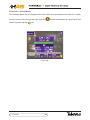
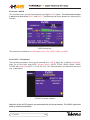
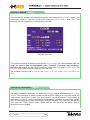
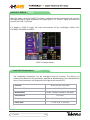
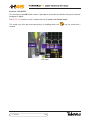
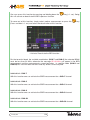
From the current marker, it searches for the next peak frequency, using the current position
of the marker. Or select using key
, when the menus are hidden.
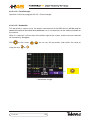
3.3.4.4.4.3.- Previous Peak
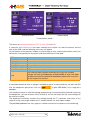
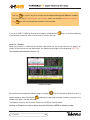
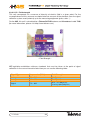
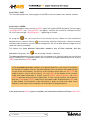
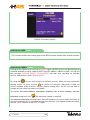
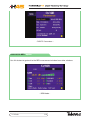
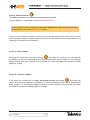
From the current marker, it searches for the previous maximum frequency, using the current
position of the marker. Or select using key
, when the menus are hidden.
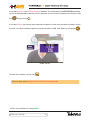
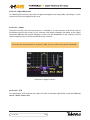
3.3.4.4.4.4.- Upper Peak
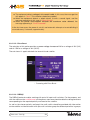
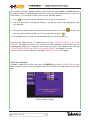
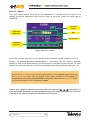
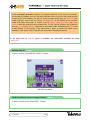
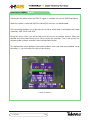
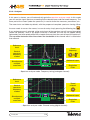
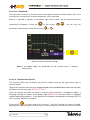
From the current marker, it searches for the upper maximum frequency, using the current
position of the marker. Or select using key
, when the menus are hidden.
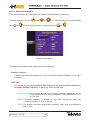
3.3.4.4.4.5.- Lower Peak
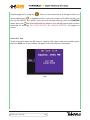
From the current marker, cit searches for the lower maximum frequency, using the current
position of the marker. Or select using key
Analyzer
, when the menus are hidden.
132