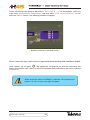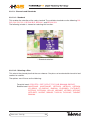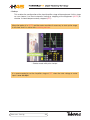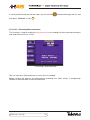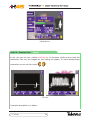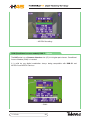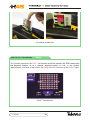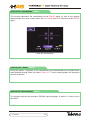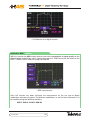
1
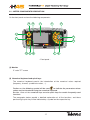
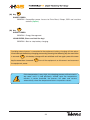
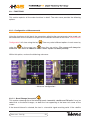
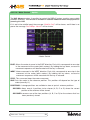
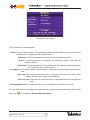
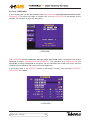
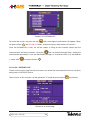
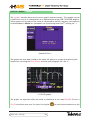
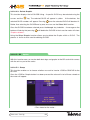
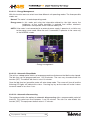
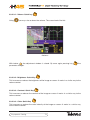
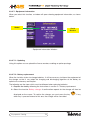
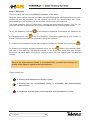
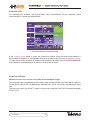
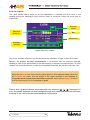
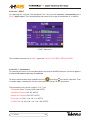
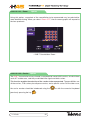
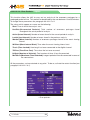
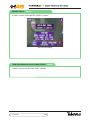
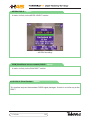
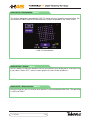
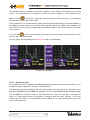
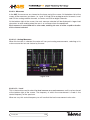
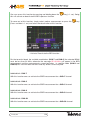
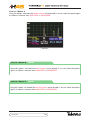
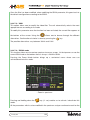
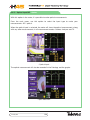
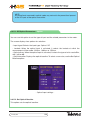
Line
Number
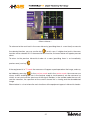
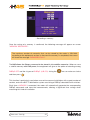
This is where we show the line we wish to view. This value must be
between 1 and 625 for standard PAL and between 1 and 525 for
standard NTSC.
To change this value, we can use the
the value directly and
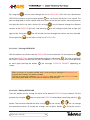
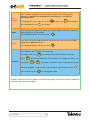
Zoom
to introduce
to validate.
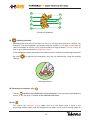
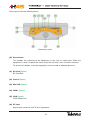
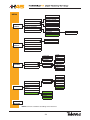
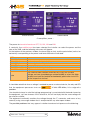
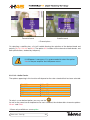
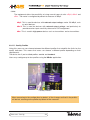
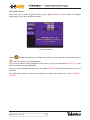
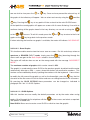
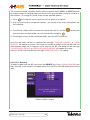
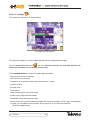
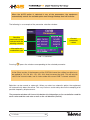
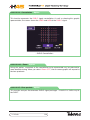
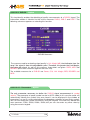
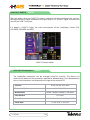
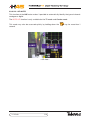
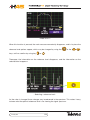
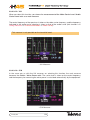
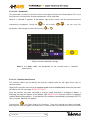
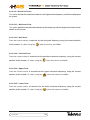
In this option we choose the zoom we wish to apply on the line, choosing
from among 1x, 2x, 4x and 8x.
To change the option we can use the
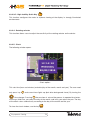
Offset
or press key
.
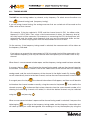
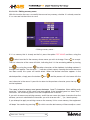
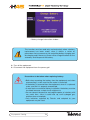
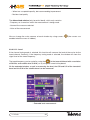
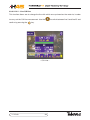
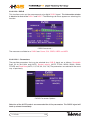
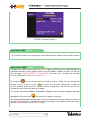
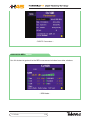
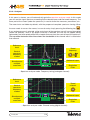
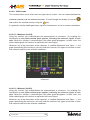
This option may be used to browse the line in the event we have a zoom
value that is different from 1x.
To change the option we can use the
.
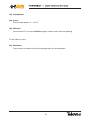
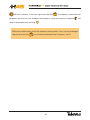
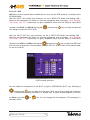
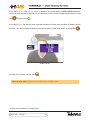
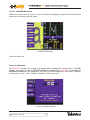
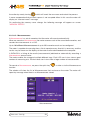
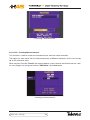
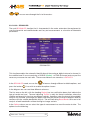
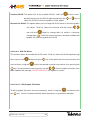
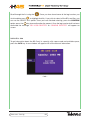
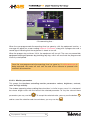
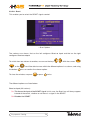
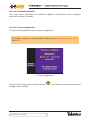
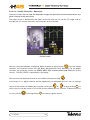
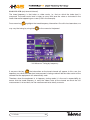
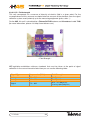
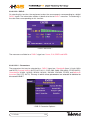
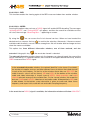
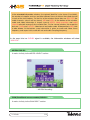
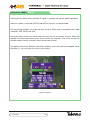
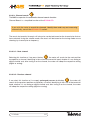
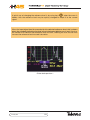
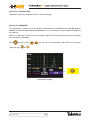
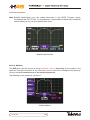
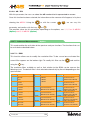
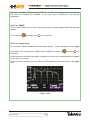
This indicates the channel we are viewing.
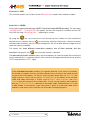
If we press the key
press
Channel
can press
the channel name will be shown, and if we
the channel frequency will be shown. To change channels, we
or
, according to whether we are viewing the channel
name or frequency, and insert the new channel, confirming this with
We can also use the
.
to change the value.
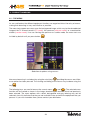
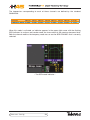
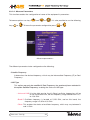
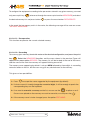
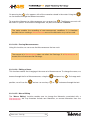
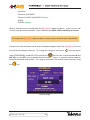
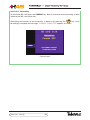
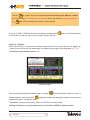
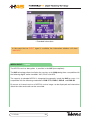
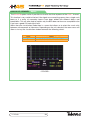
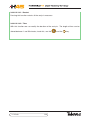
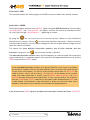
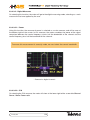
To stop viewing the line, this option must be pressed again, or you must enter a mode that
is different from terrestrial Analog.
TV Mode
80