1
Archiving
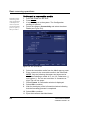
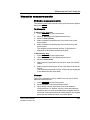
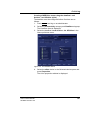
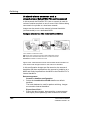
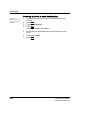
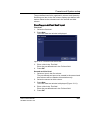
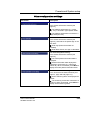
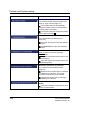
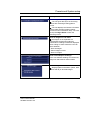
Creating a MPEGVue exam using the dataflow Local
Archive - Int. HD/eVue (eVue)
The dataflow must be configured before first time use as
follows:
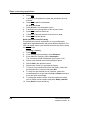
1. Press CONFIG and log on as administrator.
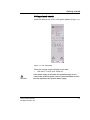
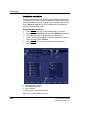
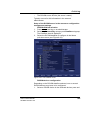
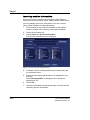
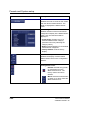
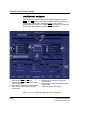
2. Select the Connectivity category and Dataflow subgroup.
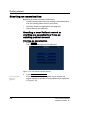
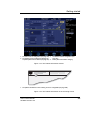
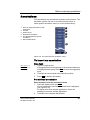
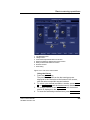
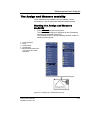
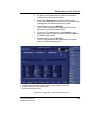
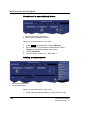
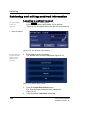
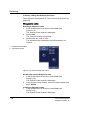
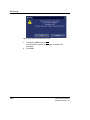
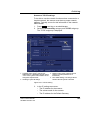
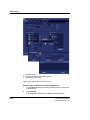
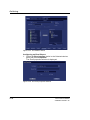
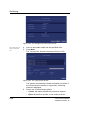
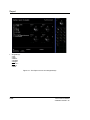
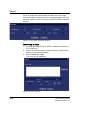
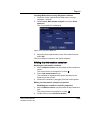
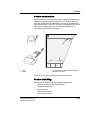
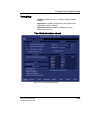
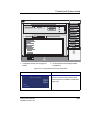
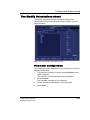
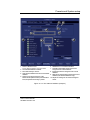
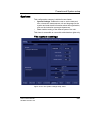
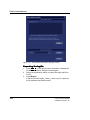
The Dataflow sheet is displayed.
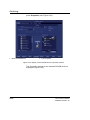
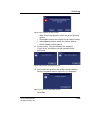
3. Select the dataflow Local Archive - Int. HD/eVue in the
Name pull-down menu.
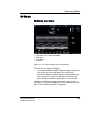
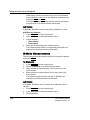
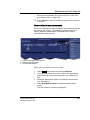
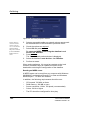
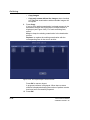
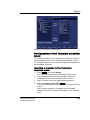
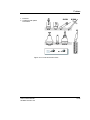
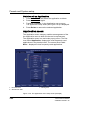
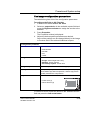
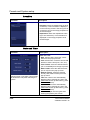
Figure 8-3: The Dataflow Sheet
4.
Vivid i User’s Manual
2378958-100 Rev. 02
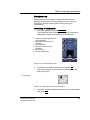
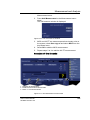
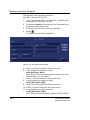
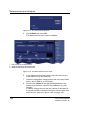
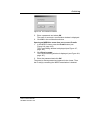
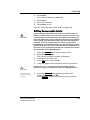
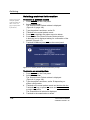
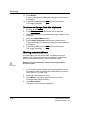
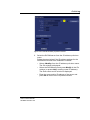
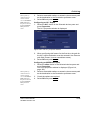
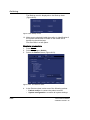
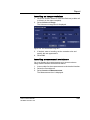
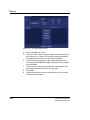
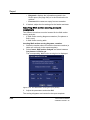
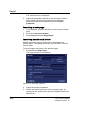
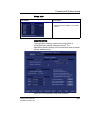
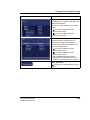
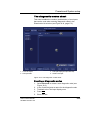
Select the eVue device in the Selected devices pane and
press Properties.
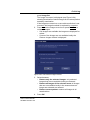
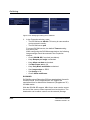
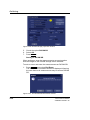
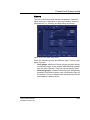
The eVue properties window is displayed.
161